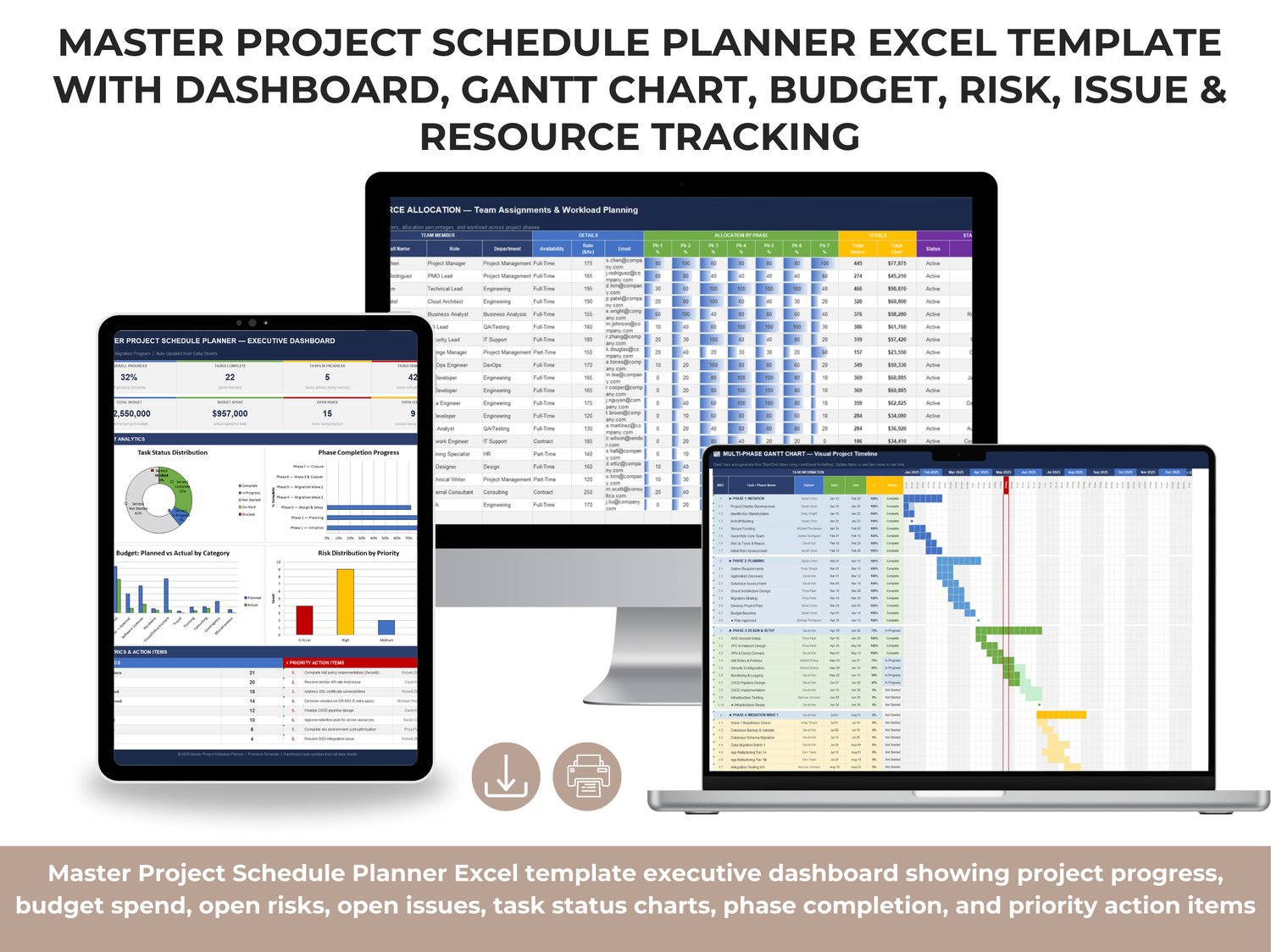
Master Project Schedule Planner (Excel)
Premium 17-Sheet Project Planning, Tracking & Reporting System (No Macros)
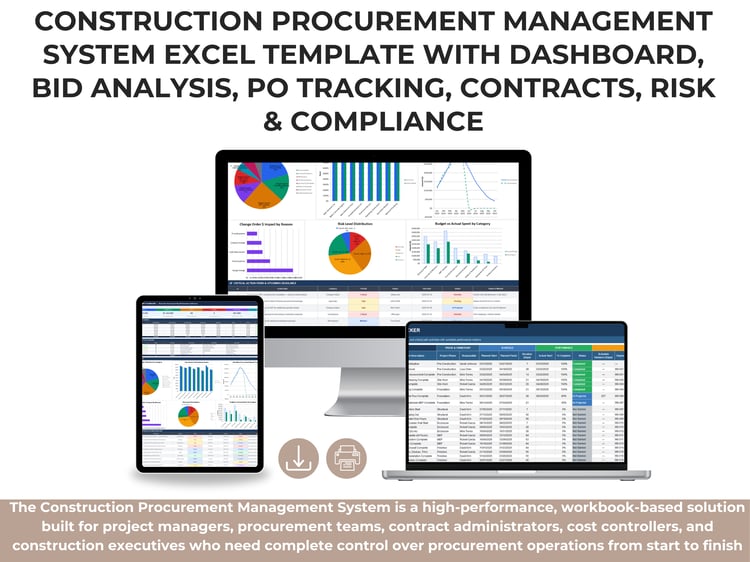
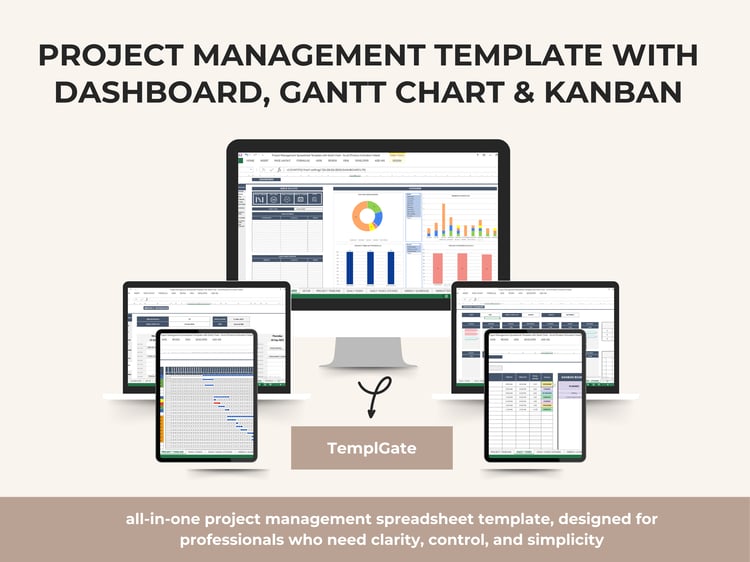
Take full control of complex, multi-phase projects with the Master Project Schedule Planner — a premium, all-in-one Excel workbook built for Project Managers, PMO leaders, program teams, and delivery organizations that need structure, visibility, and executive-level reporting.
This template is designed to manage the complete lifecycle of a project, from kickoff through closure, using a connected system of 17 integrated sheets. Every core tracker is linked, and key metrics auto-flow to the Executive Dashboard for real-time project oversight.
No VBA. No macros. No complicated setup.
Just professional project control powered by robust Excel formulas, structured tables, and visual reporting.
Why This Template Stands Out
Most project files are fragmented: one sheet for tasks, another for risks, separate notes for meetings, and disconnected reports for leadership. That creates delays, missed dependencies, and weak decision-making.
The Master Project Schedule Planner solves this by centralizing everything in one connected environment:
✅ Unified schedule, cost, risk, issue, and change tracking
✅ Live multi-phase Gantt visualization for timeline control
✅ Executive dashboard auto-updated from all data sheets
✅ Clear ownership, dependencies, and accountability across workstreams
✅ Weekly reporting + lessons learned for governance and continuous improvement
What’s Included (17 Integrated Sheets)
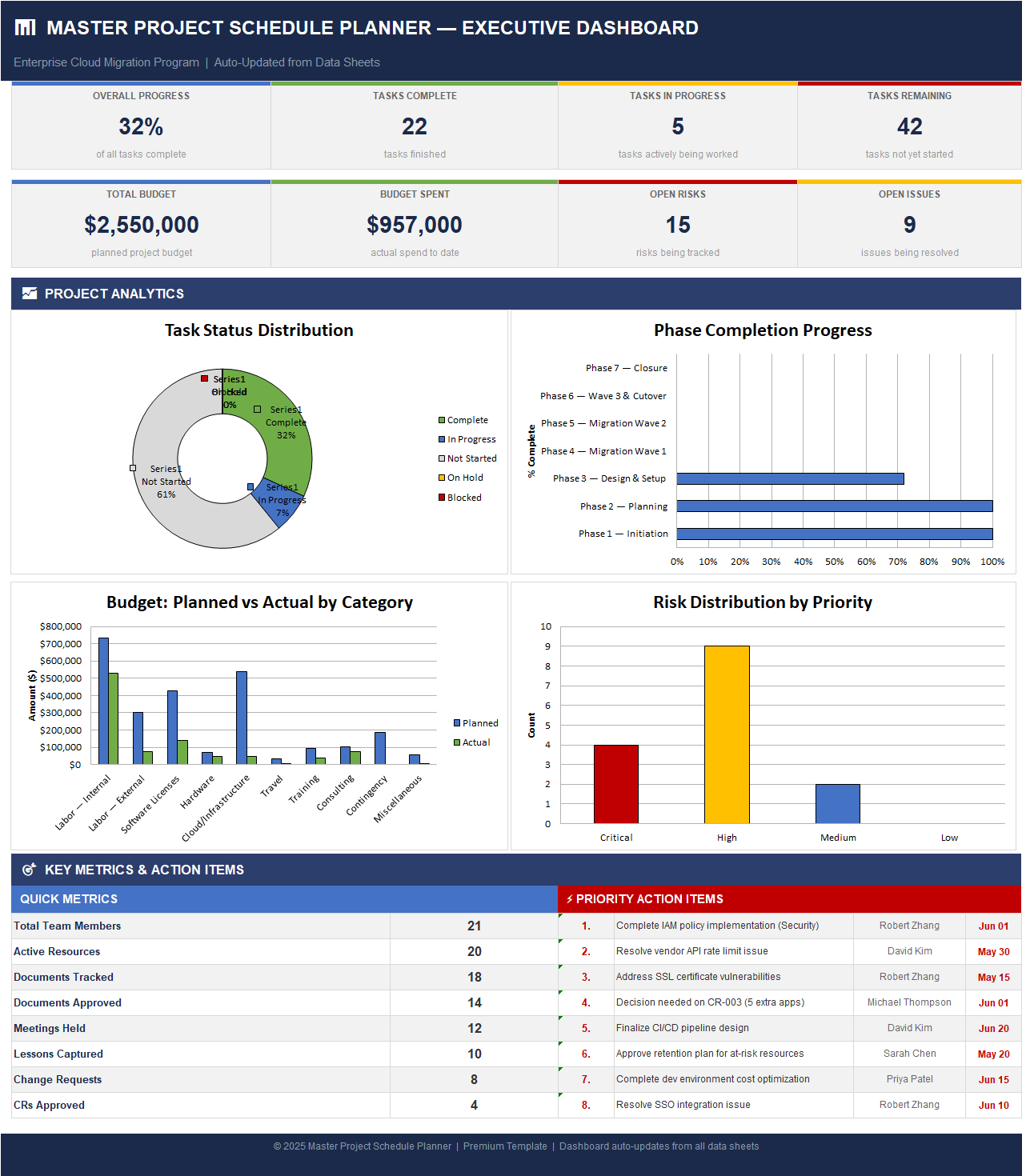
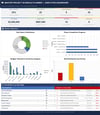
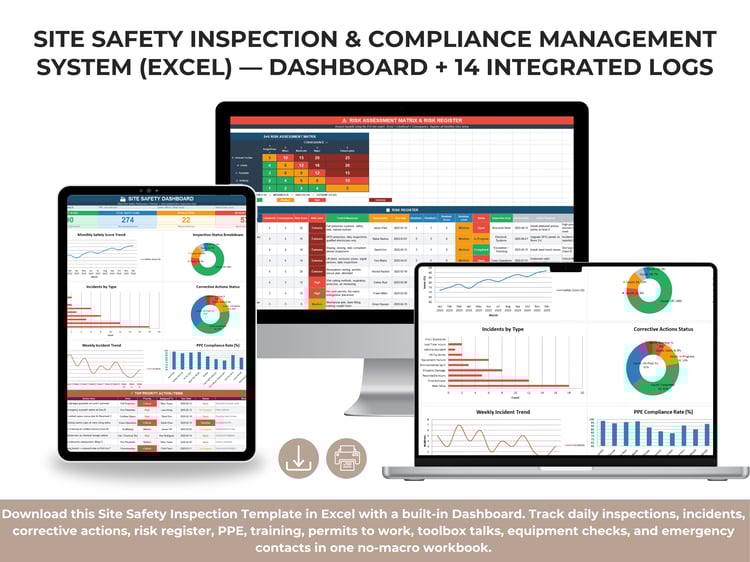
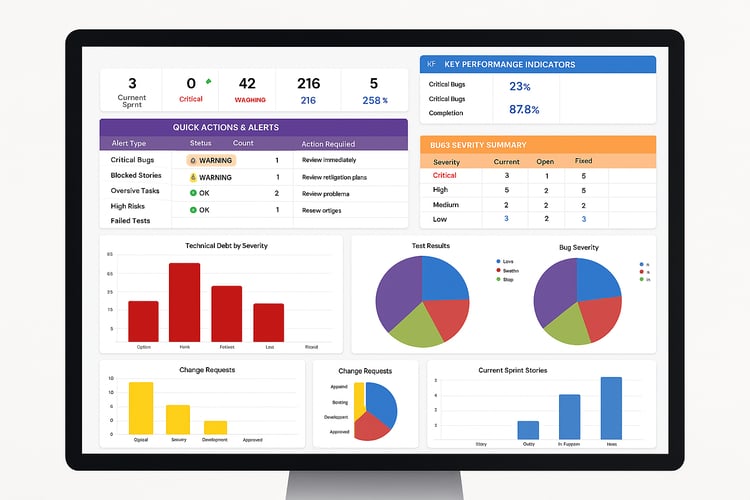
1) Executive Dashboard
A high-level command center for leadership and PMO reporting.
Displays project-wide KPIs such as:
- Overall progress %
- Tasks complete / in progress / remaining
- Total budget vs budget spent
- Open risks and open issues
- Task status distribution chart
- Phase completion chart
- Planned vs actual budget chart
- Risk distribution by priority
- Quick metrics and prioritized action items
Perfect for weekly steering meetings, sponsor updates, and executive snapshots.
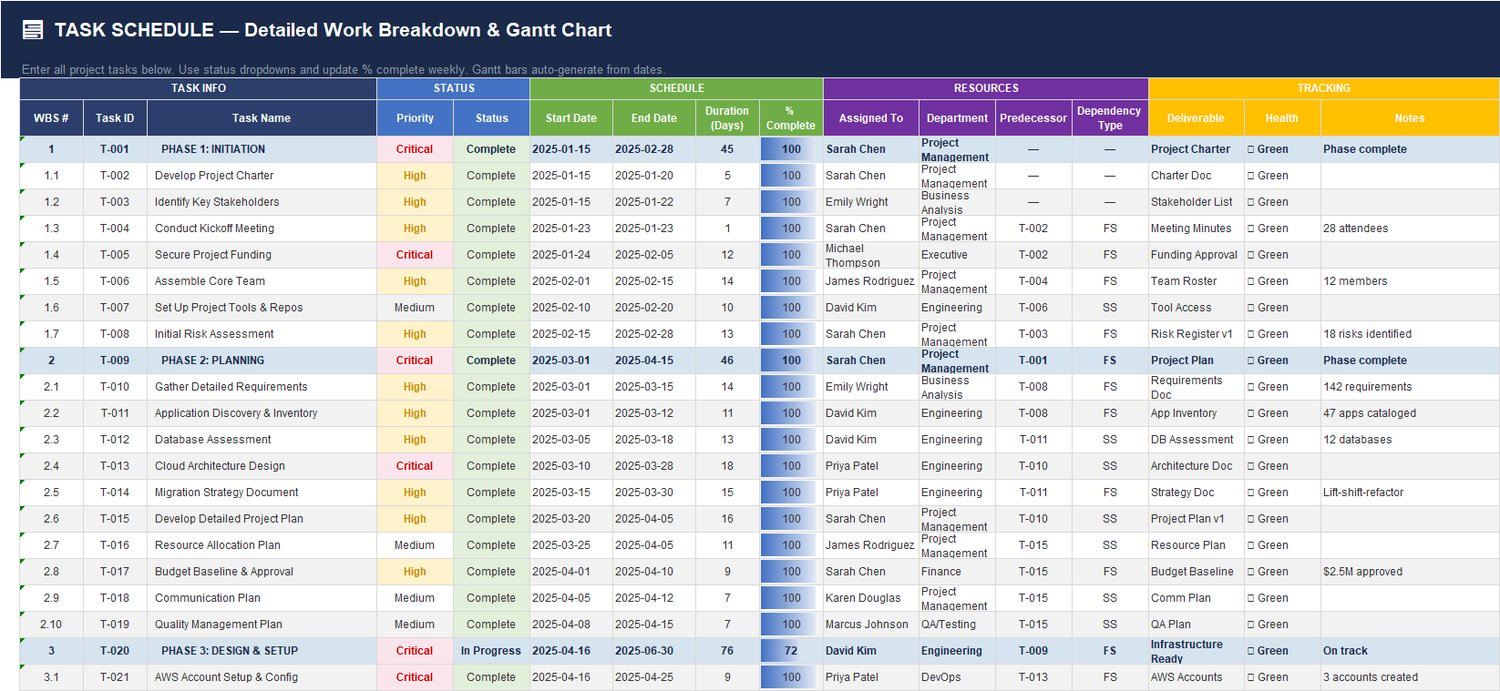
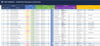
2) Task Schedule — Detailed WBS & Task Control
Your detailed execution sheet with full work breakdown and timeline tracking.
Includes:
- WBS and Task IDs
- Task names and priorities
- Start/end dates, duration, % complete
- Assigned owner and department
- Predecessors / dependency type
- Deliverables, health status, and notes
This is the operational engine for day-to-day delivery tracking.
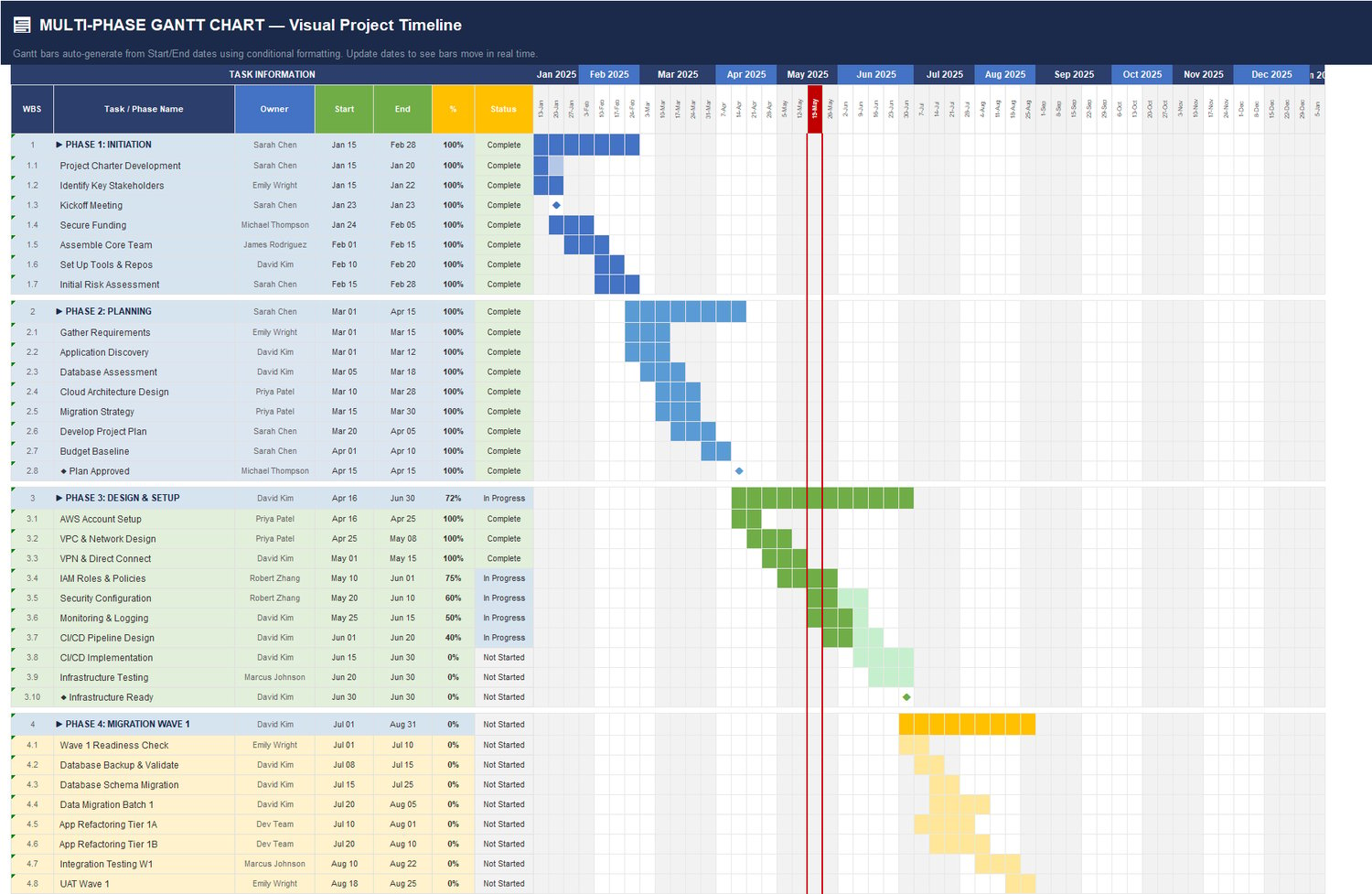
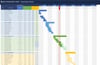
3) Multi-Phase Gantt Chart — Visual Timeline
A fully visual project timeline that spans multiple phases and task layers.
Features:
- Auto-generated timeline bars from task dates
- Phase-level and task-level visibility
- Color differentiation by phase/status
- Dependency-driven planning support
- “Current date” visual marker for schedule control
Ideal for planning workshops, timeline reviews, and stakeholder presentations.
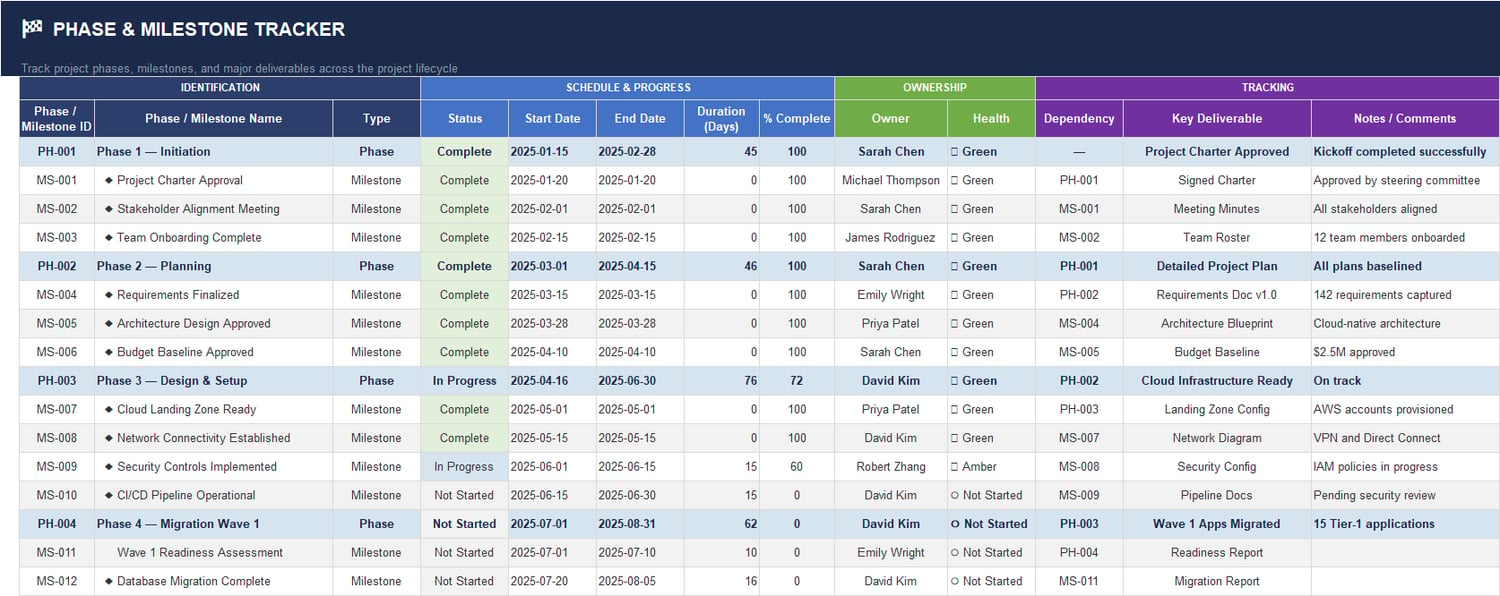
4) Phase & Milestone Tracker
Track major phases, milestone gates, and key deliverables across the entire lifecycle.
Covers:
- Phase/milestone IDs
- Owner and health status
- Start/end dates and duration
- % completion
- Dependencies and milestone outputs
- Notes and completion comments
Helps teams maintain delivery discipline at key checkpoints.
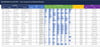
5) Stakeholder Register — Influence, Interest & Engagement Mapping
Manage stakeholder engagement strategically, not reactively.
Fields include:
- Stakeholder role and department
- Influence and interest levels
- Support level and engagement level
- Preferred communication channels
- Communication frequency
- Engagement strategy notes
Great for governance planning and sponsor alignment.
6) Meeting & Decision Log
Capture key governance activity and action follow-through.
Track:
- Meeting dates, titles, and types
- Attendees and key decisions
- Action items with owners and due dates
- Status and supporting notes
Keeps decisions auditable and avoids repeated discussion loops.
7) Change Request Register
Structured change control for scope, schedule, and budget impacts.
Includes:
- Change request ID and description
- Priority and impact area
- Approval status workflow
- Requestor and approver
- Schedule impact (days) and budget impact ($)
- Date submitted and notes
Supports strong PMO governance and controlled scope growth.
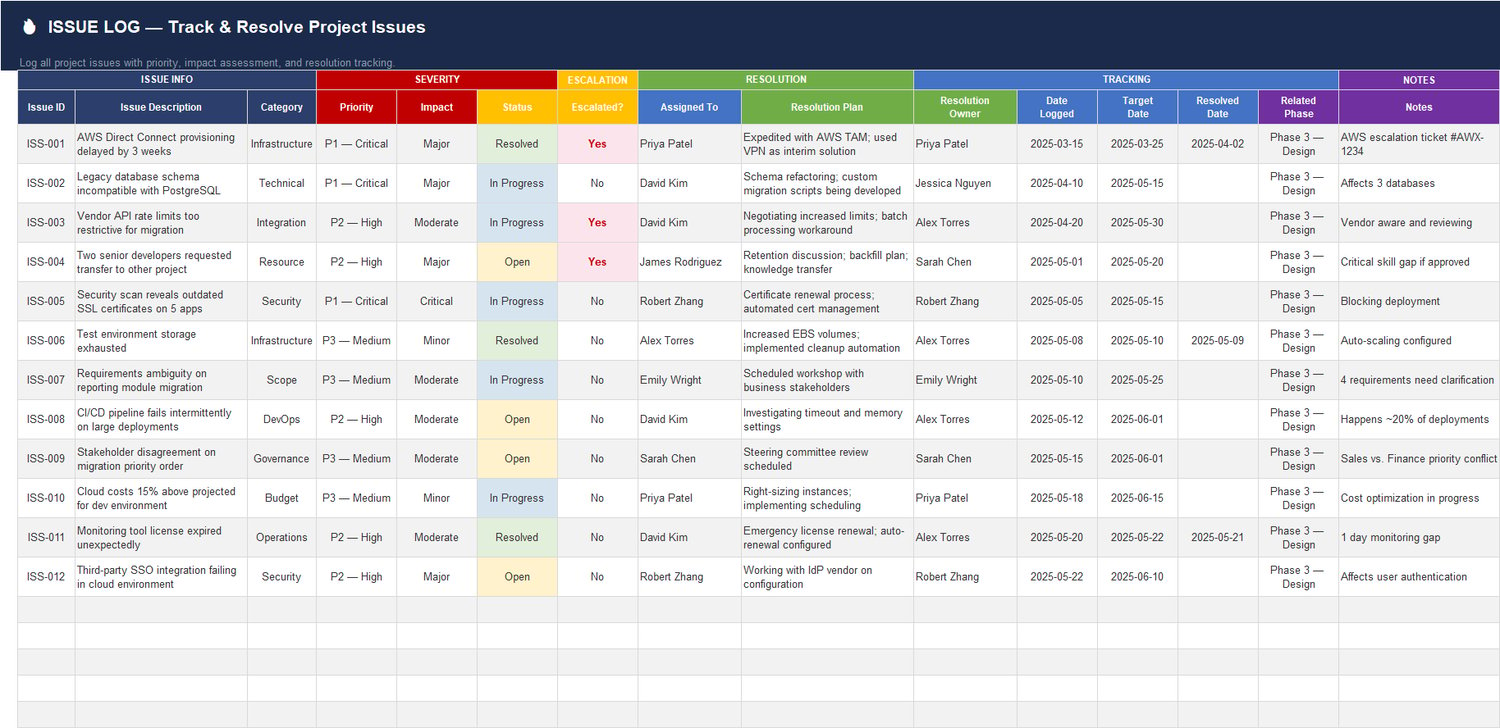
8) Issue Log — Resolution Tracking
Capture and resolve delivery blockers before they impact milestones.
Tracks:
- Issue category and severity
- Priority and escalation status
- Resolution owner and plan
- Logged date, target date, resolved date
- Related phase and notes
Helps teams prioritize high-impact execution issues.
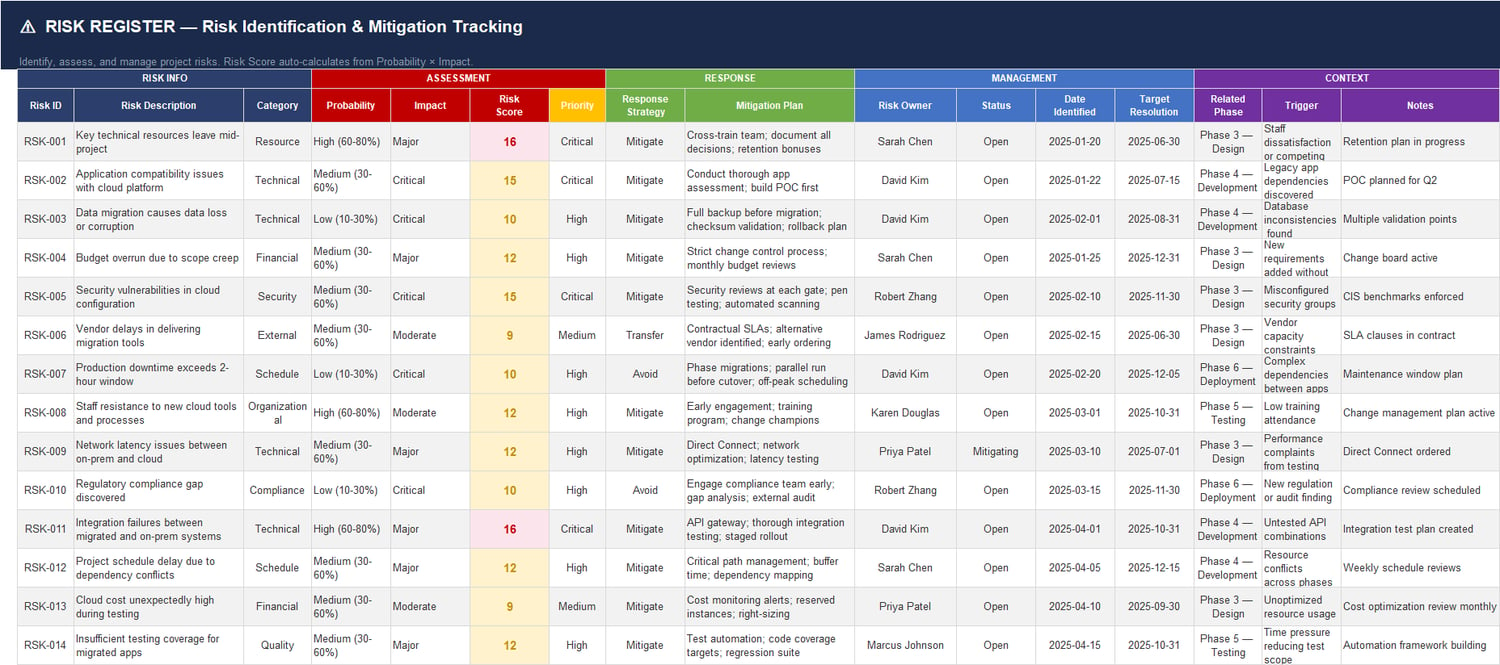
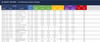
9) Risk Register — Identification & Mitigation
Comprehensive risk management with structured scoring and ownership.
Includes:
- Risk categories and descriptions
- Probability and impact
- Auto-calculated risk score
- Priority classification (e.g., Critical / High / Medium)
- Response strategy (Mitigate / Avoid / Transfer)
- Mitigation actions and risk owner
- Target resolution and trigger notes
Built for proactive risk control, not just risk documentation.
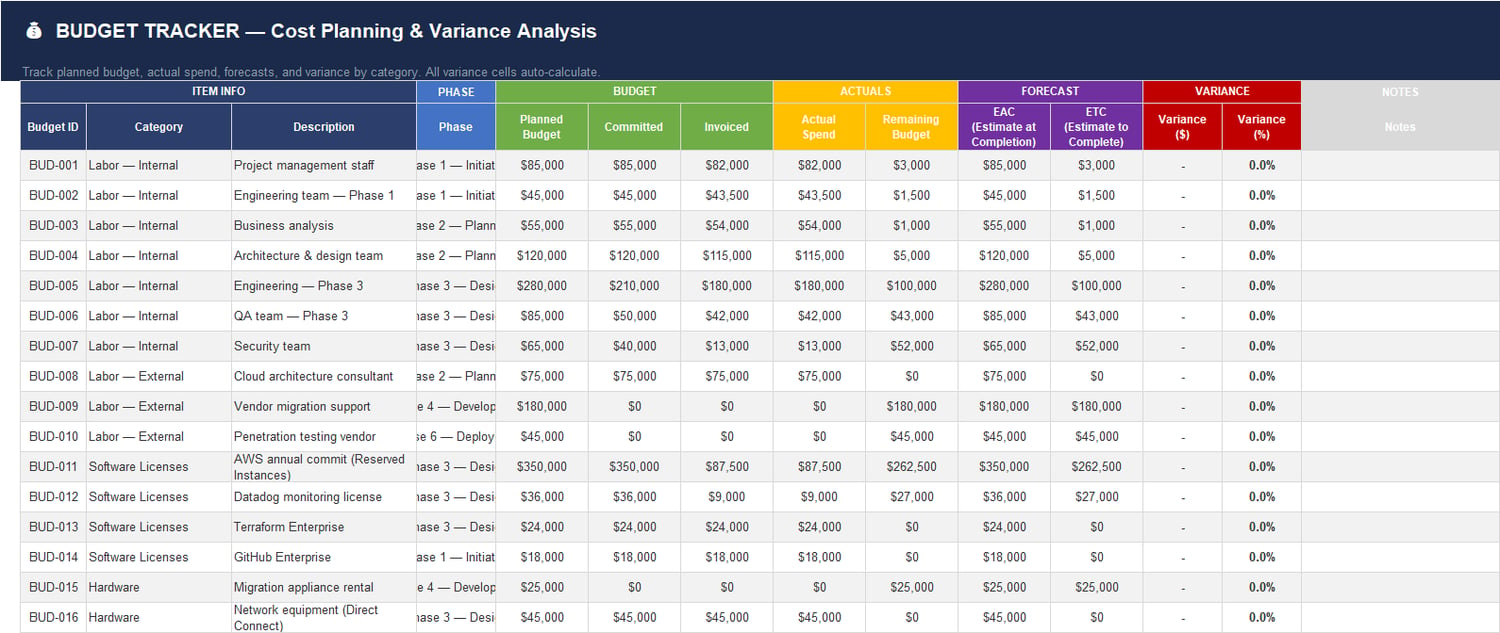
10) Budget Tracker — Planned vs Actual Cost Control
Monitor financial health by category and phase.
Track:
- Planned budget
- Committed amount
- Invoiced amount
- Actual spend
- Remaining budget
- EAC and ETC
- Variance ($ and %)
Delivers clear cost visibility for PMs, finance, and executive teams.
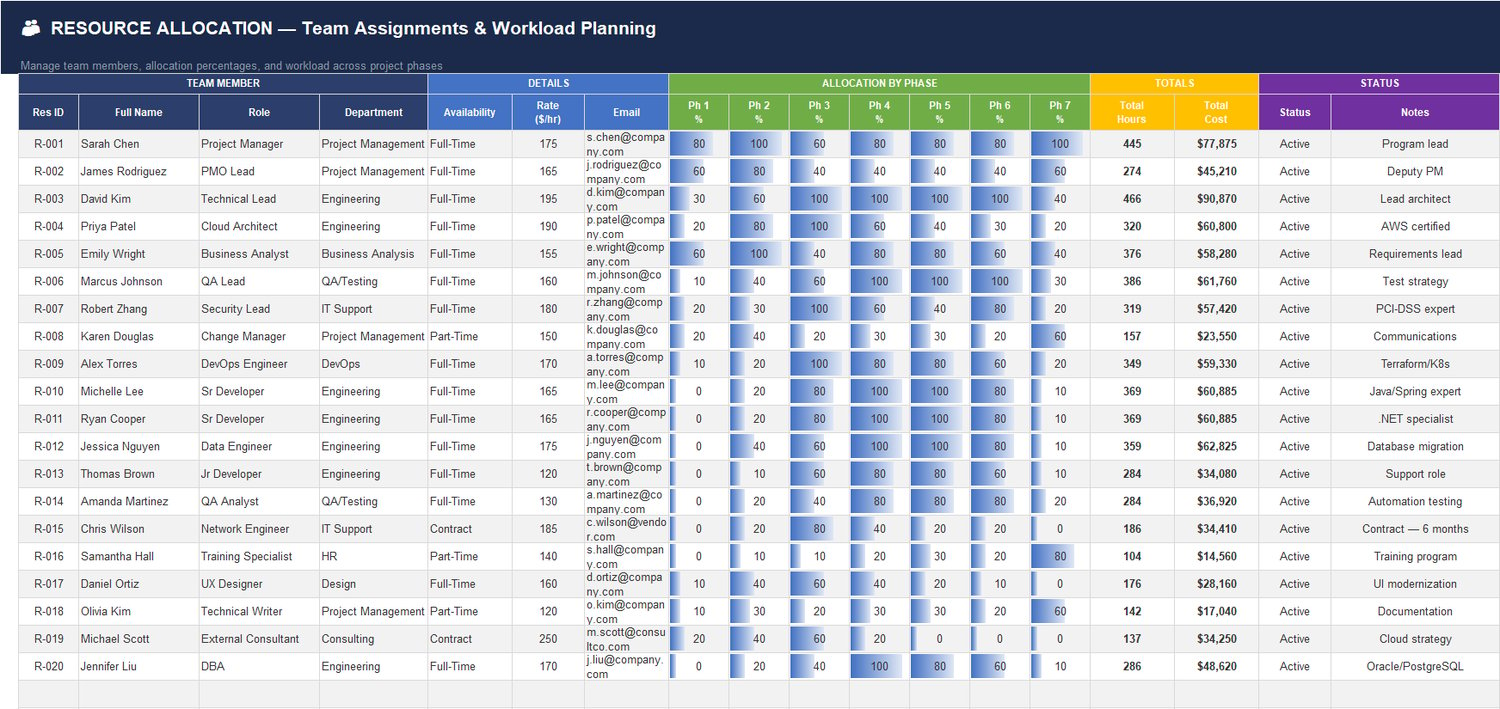
11) Resource Allocation Planner
Plan workforce loading across phases and manage utilization capacity.
Includes:
- Resource IDs, role, department
- Availability and billing rates
- Allocation % by phase
- Total hours and total cost
- Status and skill notes
Ideal for balancing workload, forecasting demand, and preventing bottlenecks.
12) Weekly Status Report
A structured PM reporting sheet for recurring project updates.
Covers:
- Weekly reporting cycle
- RAG status by area (schedule, budget, scope, resources)
- Key accomplishments
- Planned next-week activities
- Blockers/risks and decisions needed
- PM notes
Makes stakeholder updates faster and consistent.
13) Document Tracker — Version & Approval Control
Centralize document governance and approval history.
Tracks:
- Document ID, type, category, version
- Author/owner and reviewer
- Approval status
- Created and last-updated dates
- Repository location / link
Ensures project documentation is controlled and auditable.
14) Lessons Learned Register
Capture practical insights throughout the project, not only at closure.
Includes:
- What happened
- What went well
- What should improve
- Impact rating and status
- Recommended corrective/preventive actions
Supports organizational learning and maturity improvement.
15–17) Supporting Linked Data & Setup Sheets
Background integrated sheets power dropdown lists, status logic, category mappings, and dashboard calculations for smooth operation and cleaner data entry.
Key Benefits for Teams
✅ Single source of truth for schedule, cost, risk, issues, and governance
✅ Faster reporting cycles with an auto-updating dashboard
✅ Better executive communication using visual KPIs and charts
✅ Improved accountability with clear owners, due dates, and action tracking
✅ Scalable structure for enterprise migration, transformation, IT rollout, or PMO programs
✅ No macro security risks — built with standard Excel formulas only
Best For
- Project Managers handling multi-phase delivery
- PMO offices standardizing governance and reporting
- Program managers coordinating cross-functional initiatives
- IT / cloud migration teams with high dependency complexity
- Consulting teams delivering structured client projects
- Organizations needing executive-ready project transparency
What Makes It “Premium”
- Professional, boardroom-ready design across all sheets
- Consistent formatting and navigation for easy adoption
- Linked trackers that reduce manual duplication
- Data structure aligned with real-world PM governance
- Ready-to-use immediately with minimal customization
Technical Notes
- Format: Microsoft Excel workbook (.xlsx)
- Macros/VBA: Not required
- Compatibility: Excel 2016/2019/2021/365 (Windows/Mac)
- Setup: Plug in your project data and start tracking immediately
Final Value Statement
The Master Project Schedule Planner is more than a task list.
It’s a complete project control system that helps you plan better, execute faster, report smarter, and lead with confidence.
If your projects involve multiple phases, stakeholders, risks, changes, and deadlines, this template gives you the structure and visibility needed to deliver successfully — with one professional workbook.