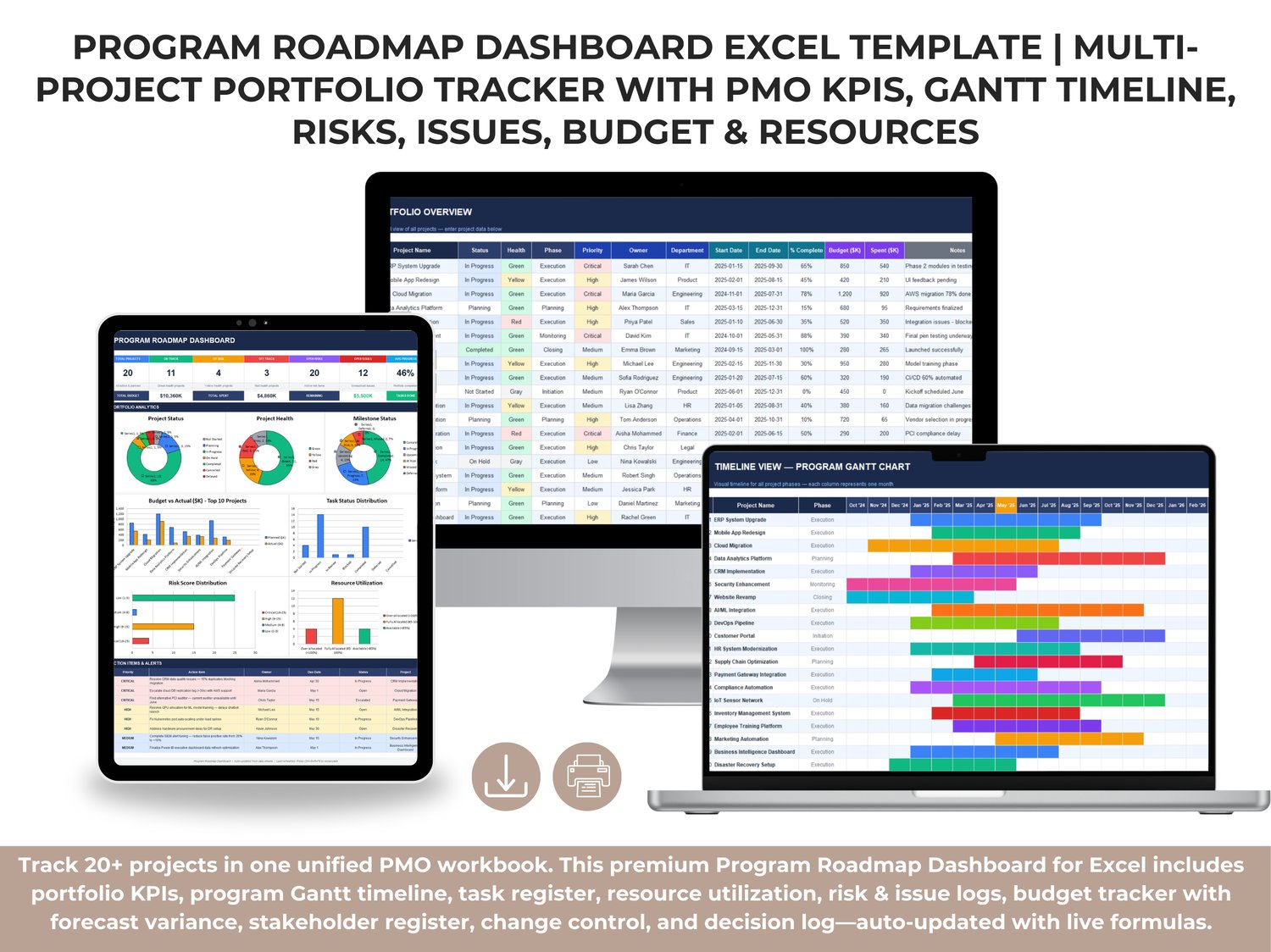
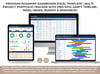
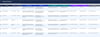
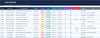
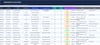
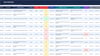
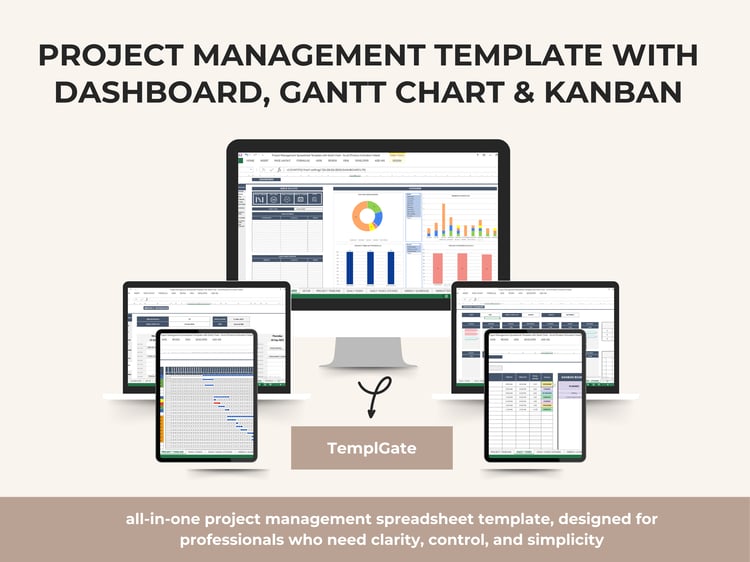
The Program Roadmap Dashboard is a premium Excel template built for Program Managers, PMO leads, and executives who need a single, unified view to manage multiple projects at once—with structured data entry, governance registers, and an executive dashboard that updates from the underlying sheets.
Instead of tracking projects across scattered files and disconnected reports, this workbook centralizes your program into a connected system. You enter and maintain information in the dedicated registers (projects, tasks, risks, issues, resources, budget, stakeholders, changes, decisions), and the dashboard consolidates everything into an executive-ready performance overview using live formulas, structured tables, dropdowns, conditional formatting, and chart-driven analytics.
What Makes This Template Premium
✅ One workbook for full program control (portfolio + governance + execution tracking)
✅ Interactive portfolio dashboard with KPIs, charts, and action alerts
✅ Standard PMO registers that enforce consistency across all projects
✅ Built for reporting: leadership views, steering committee updates, weekly program reviews
✅ No heavy setup: sheets are pre-formatted and ready to use
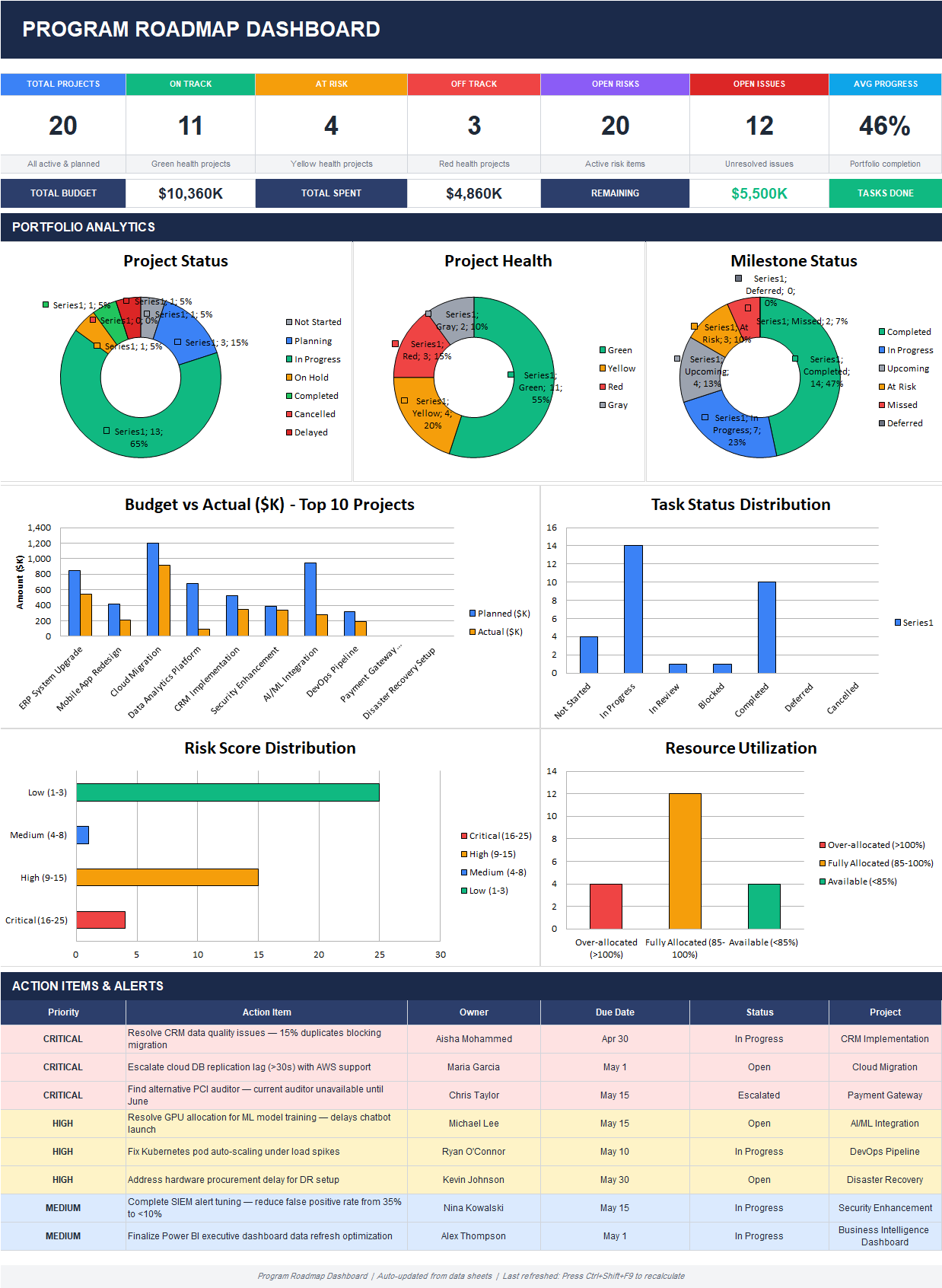
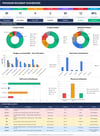
Executive Dashboard (Program Roadmap Dashboard)
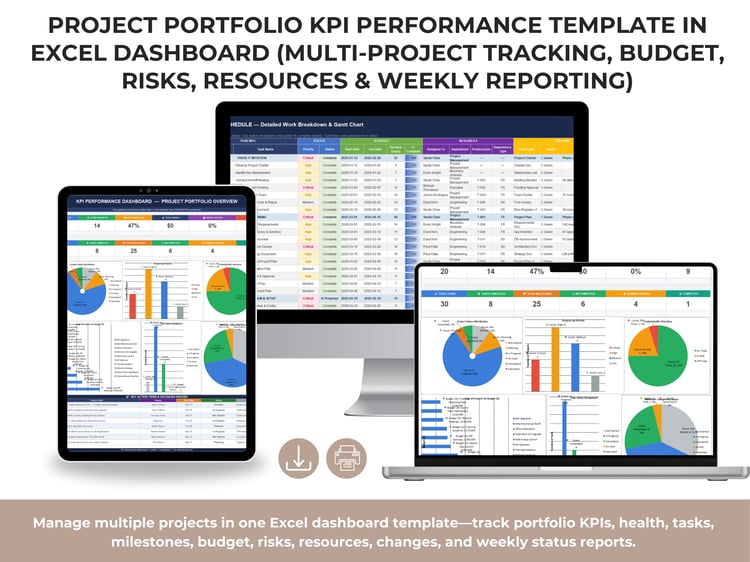
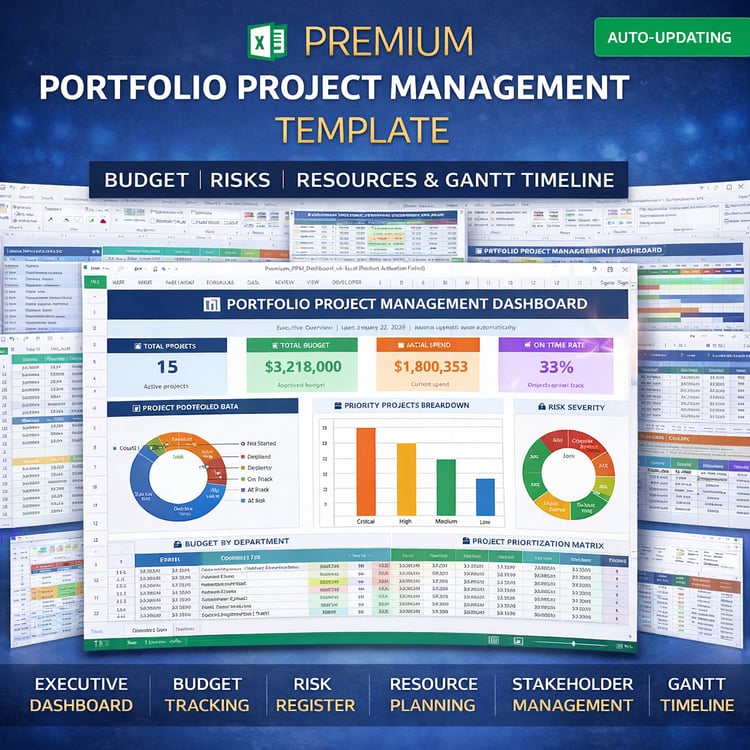
The dashboard is designed for leadership reporting and quick decision-making. It provides a high-level snapshot of the entire portfolio, combining schedule progress, delivery status, risk/issue exposure, budget performance, and capacity signals in one page.
✅ Top KPI Summary (Portfolio Snapshot)
At the top of the dashboard, you get instant visibility into portfolio health and delivery:
- Total Projects (active + planned)
- On Track / At Risk / Off Track project counts
- Open Risks and Open Issues
- Average Progress (%) across the portfolio
- Financial headline metrics: Total Budget, Total Spent, and Remaining
- A quick view of Tasks Done to reflect execution momentum
✅ Portfolio Analytics (Charts & Distributions)
The dashboard includes multiple visuals that make portfolio reporting simple and professional:
✅ Project Status distribution (Not Started, Planning, In Progress, On Hold, Completed, Cancelled, Delayed)
✅ Project Health distribution (Green / Yellow / Red / Gray)
✅ Milestone Status distribution (Completed, In Progress, Upcoming, At Risk, Missed, Deferred)
✅ Budget vs Actual ($K) — Top 10 Projects (planned vs actual spending comparison)
✅ Task Status Distribution (workload and delivery progress across task states)
✅ Risk Score Distribution (Low / Medium / High / Critical bands)
✅ Resource Utilization view showing:
- Over-allocated (>100%)
- Fully allocated (85–100%)
- Available (<85%)
✅ Action Items & Alerts (Management Control Panel)
At the bottom, the dashboard includes a decision-ready table that consolidates the most urgent items across the program:
- Priority (Critical / High / Medium)
- Action item
- Owner
- Due date
- Status (Open / In Progress / Escalated)
- Related project
This section turns the dashboard into a practical leadership tool for weekly program reviews and executive steering meetings—not just a visual report.
Portfolio & Governance Sheets Included (Based on Your Screenshots)
This template includes a complete set of PMO-grade registers that cover all core program control areas:
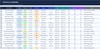
✅ Portfolio Overview (Unified Program Table)
Track all projects in one structured table with:
- Project status, health, phase, priority
- Owner and department
- Start/end dates
- % complete
- Budget and spent values
- Notes for executive context
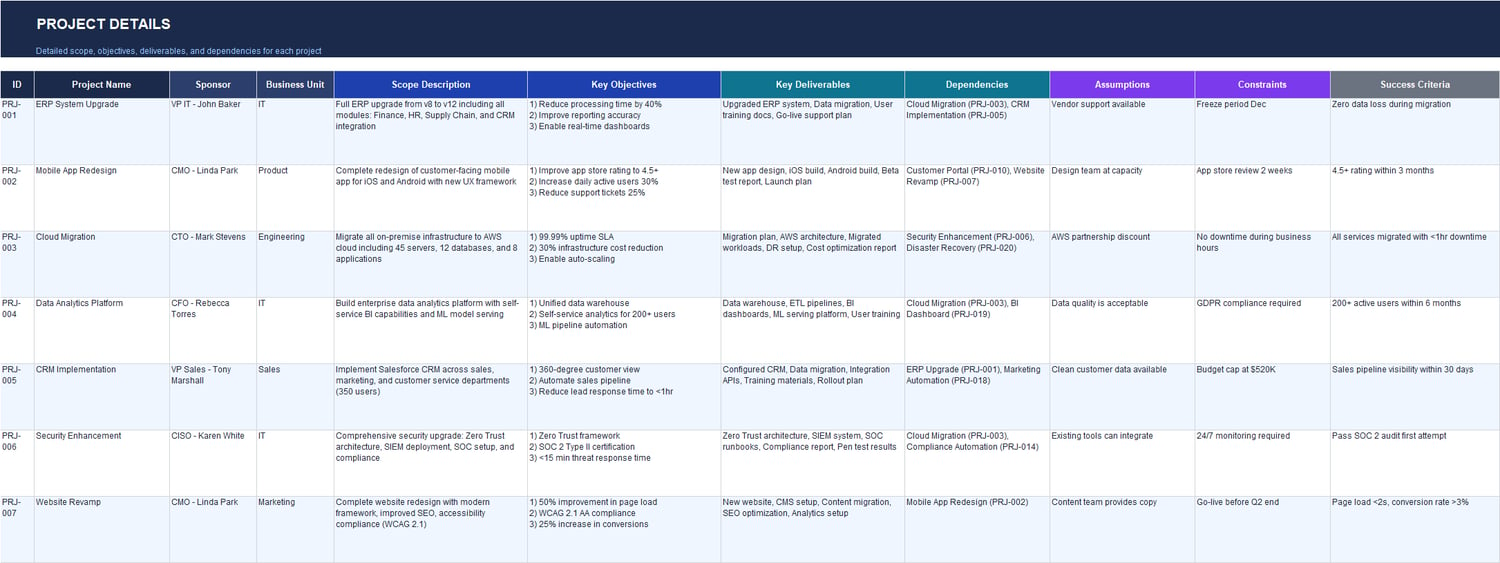
✅ Project Details (Scope + Delivery Definition)
Document each project in a consistent format:
- Sponsor, business unit
- Scope description
- Objectives and key deliverables
- Dependencies
- Assumptions, constraints
- Success criteria
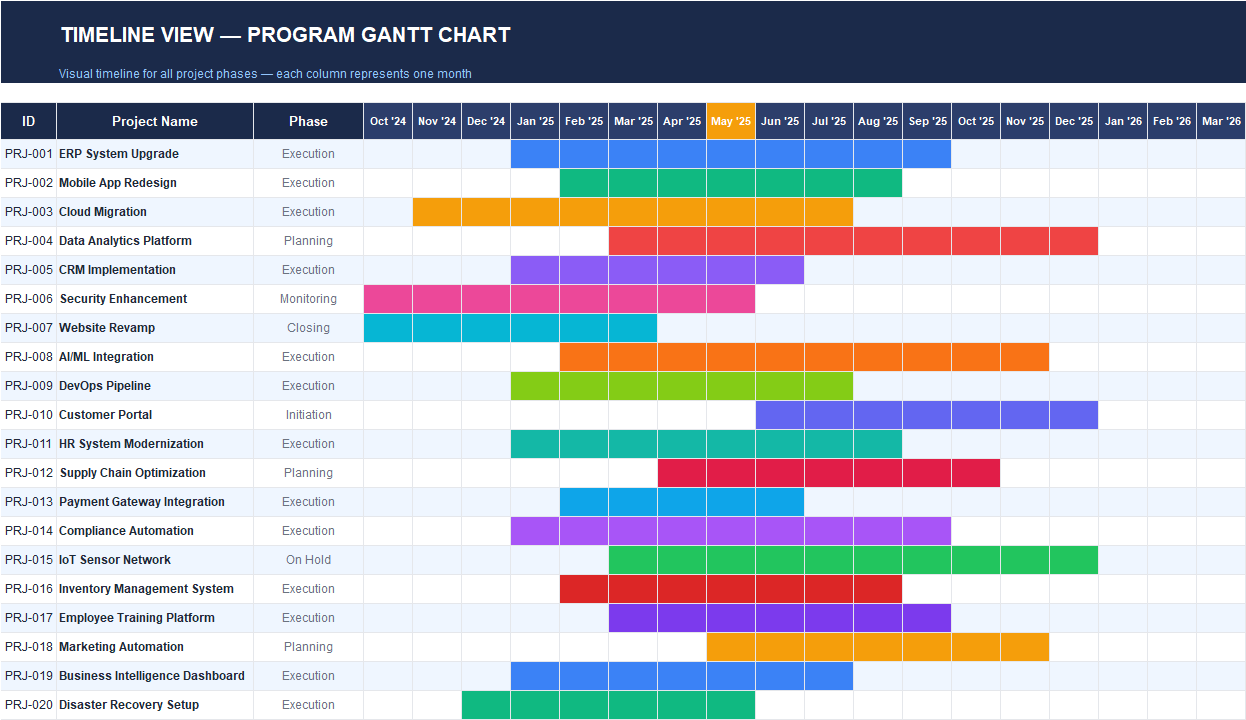
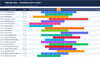
✅ Timeline View — Program Gantt Chart
A visual program roadmap that maps projects across months, making it easy to see:
- scheduling overlaps
- delivery windows
- phase timing
- portfolio timing at a glance
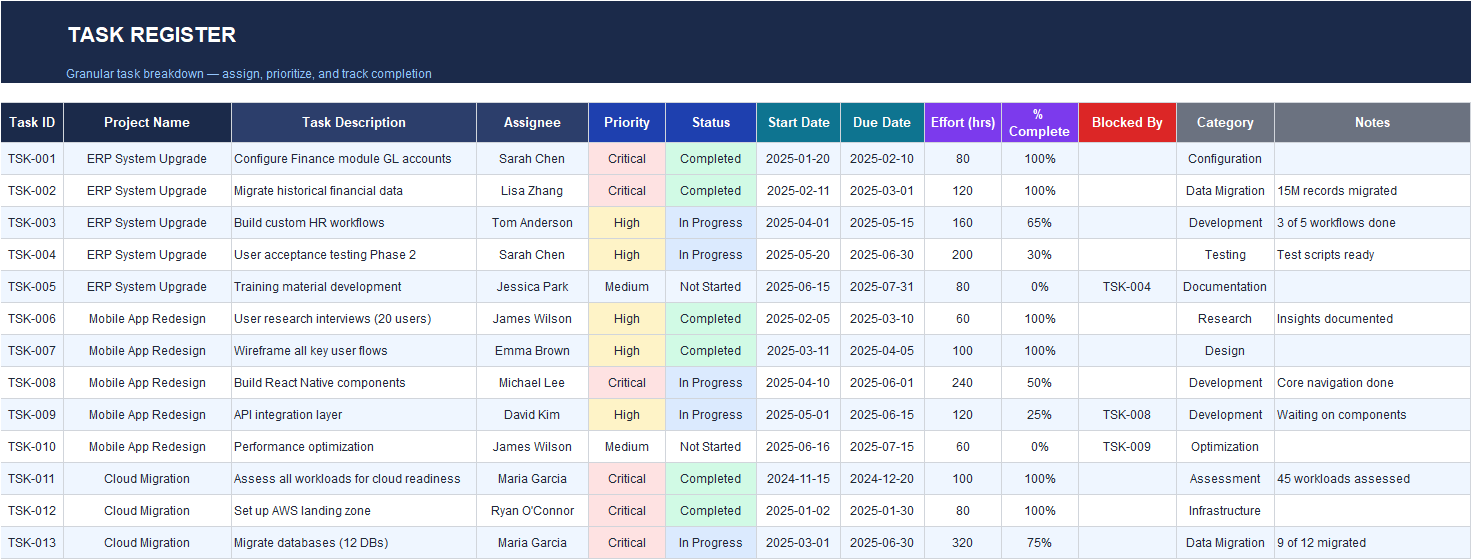
✅ Task Register (Execution Tracking)
A detailed task register designed to manage delivery across multiple projects:
- task IDs tied to projects
- assignees, priorities, and statuses
- start/due dates
- effort hours + % complete
- blocked-by references and notes
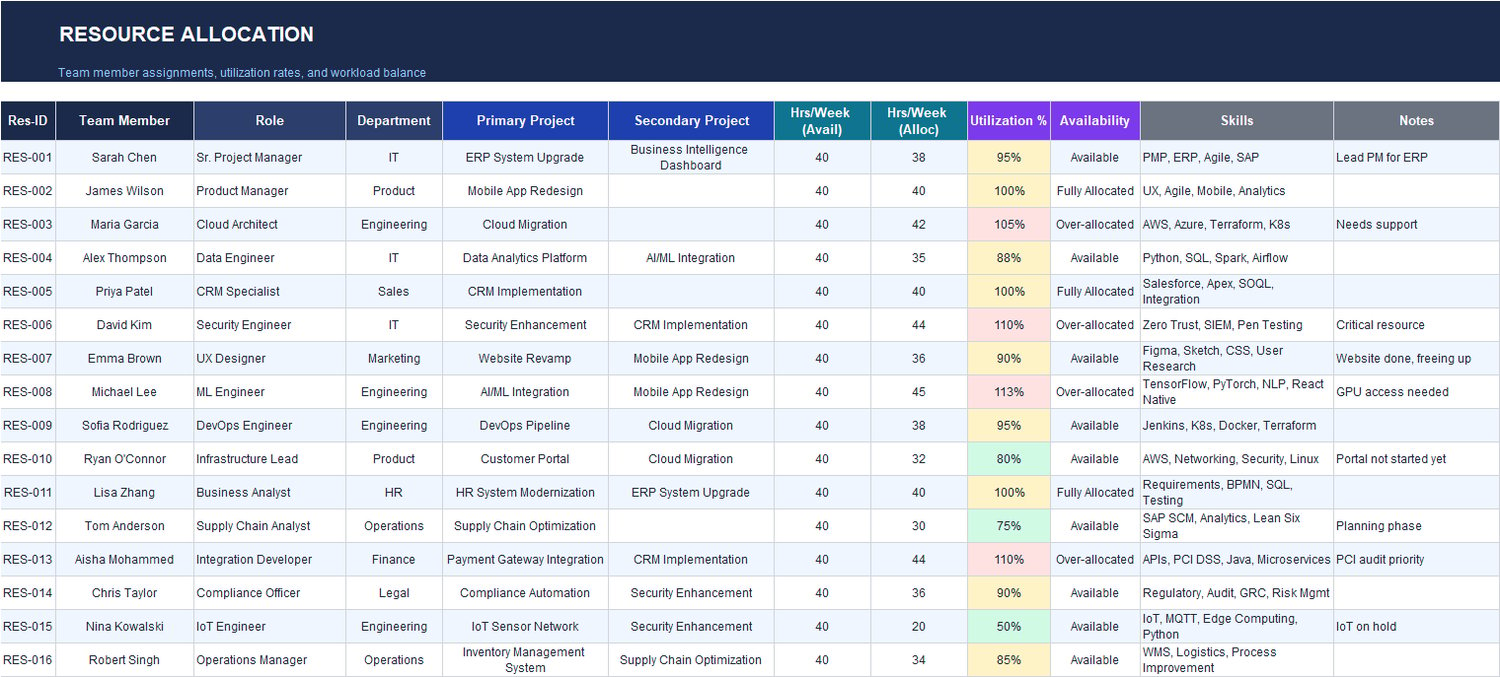
✅ Resource Allocation (Capacity & Utilization)
A program-level resourcing view that shows:
- team member role and department
- primary + secondary project assignments
- available vs allocated hours per week
- utilization % + availability status
- skills and notes for staffing decisions
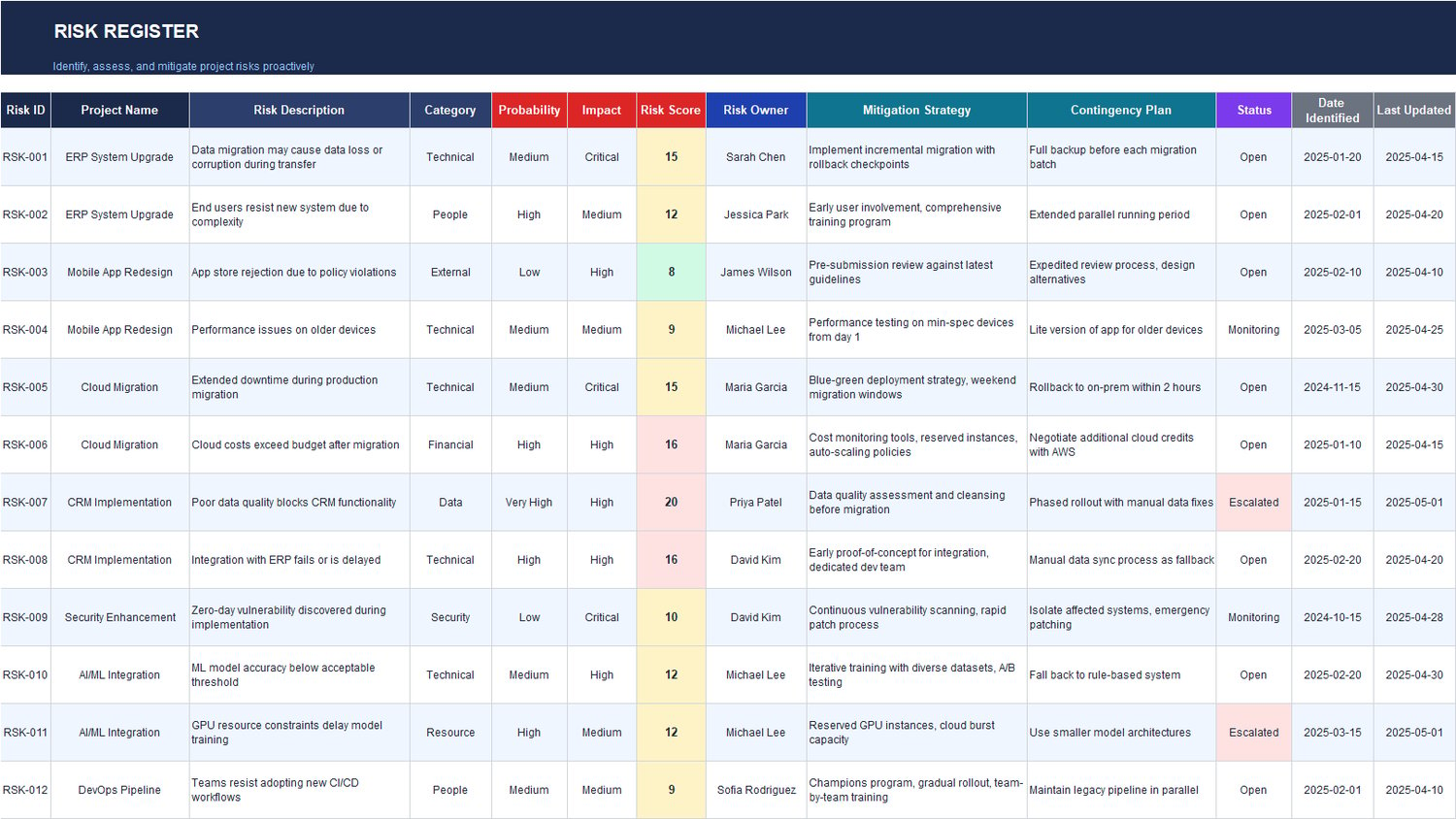
✅ Risk Register (Risk Management System)
A complete risk log with:
- category, probability, impact, risk score
- risk owner
- mitigation strategy + contingency plan
- status, date identified, and last updated
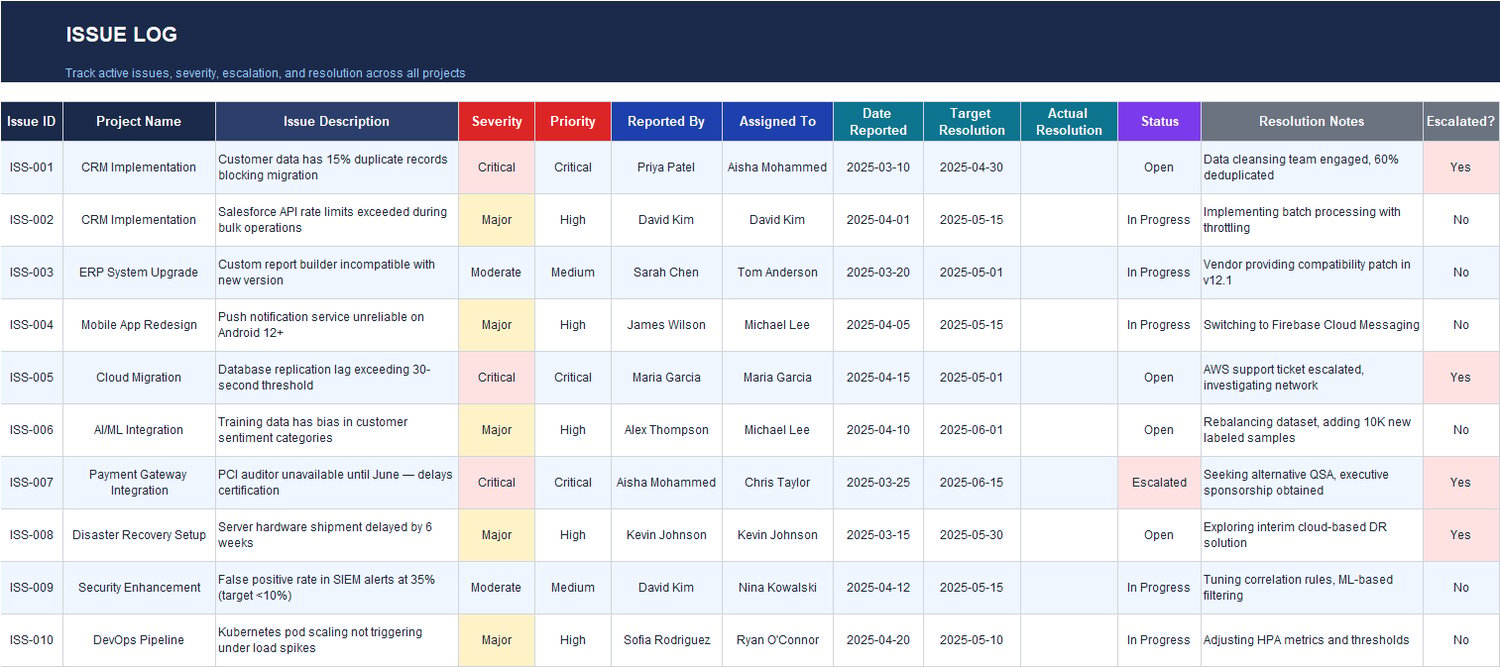
✅ Issue Log (Issue Control + Escalation)
Track issues across all projects with:
- severity and priority
- reported by / assigned to
- reported date + target resolution
- status and resolution notes
- escalation flag for governance visibility
✅ Budget Tracker (Planned vs Actual + Forecasting)
Track program finances by project and category:
- planned budget vs actual spend
- variance ($ and %)
- forecast values and forecast variance
- status and reporting period
- notes for finance and cost control
✅ Stakeholder Register (Stakeholder & Communication Control)
Maintain a structured stakeholder view including:
- influence and interest levels
- engagement approach (manage closely / keep satisfied / keep informed / monitor)
- communication method and frequency
- key concerns and notes
✅ Change Log (Change Control)
Track change requests with:
- impact area (scope/schedule/technical/budget/vendor)
- impact level
- schedule impact and cost impact
- status and approval tracking
- approver and notes
✅ Decision Log (Governance Trail)
Record key program decisions with:
- decision statement + rationale
- decision maker and decision date
- status and impact
- resulting actions and deadlines
- notes that can reference related change requests
Best Use Cases
This workbook is ideal if you need to manage:
✅ Multi-project programs (IT, transformation, digital, operations)
✅ PMO portfolio reporting (weekly/monthly reporting cycles)
✅ Executive oversight dashboards (status, budget, risk exposure)
✅ Capacity planning across shared resources
✅ Governance traceability (changes, decisions, stakeholders)
How You Use It (Simple Workflow)
➡️ Update the Portfolio Overview and Project Details
➡️ Maintain your live logs: Tasks, Resources, Risks, Issues, Budget, Changes, Decisions, Stakeholders
➡️ The Program Roadmap Dashboard automatically consolidates the portfolio into KPIs, charts, and action alerts for leadership reviews