Complete Construction Planning, Tracking & Reporting System
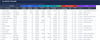
The Construction Master Schedule Template is a premium, end-to-end Excel system built for professionals who need full control over project planning, execution, and reporting in one connected workbook.
It is designed to eliminate scattered trackers and manual reporting by combining schedule control, budget visibility, field logs, risk tracking, and closeout workflows into a single integrated solution.
All worksheets are linked with live formulas, so updates entered once flow automatically to summaries, KPI blocks, and visual dashboards.
Whether you manage one complex build or multiple stakeholders on a high-pressure timeline, this template provides the structure needed to make faster, smarter decisions.
What This Template Helps You Do
✅ Build and manage a full construction master schedule
✅ Track milestones, dependencies, and phase-level progress
✅ Monitor budget vs actual spending with variance visibility
✅ Control RFIs, submittals, inspections, and punch items
✅ Capture field activity with detailed daily logs
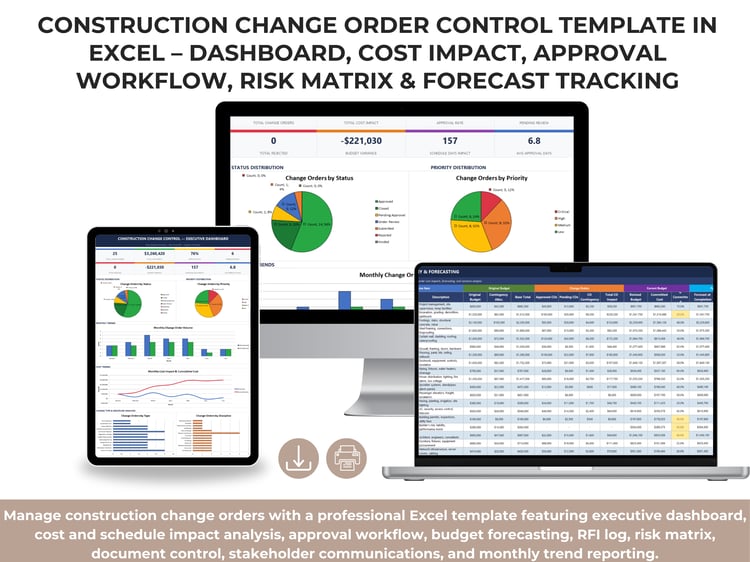
✅ Track change orders and understand cost/schedule impact
✅ Allocate workforce and trade resources by phase
✅ Maintain a live risk register with mitigation planning
✅ Generate executive-ready visual reports instantly
Core Sheets Included (Integrated Workflow)
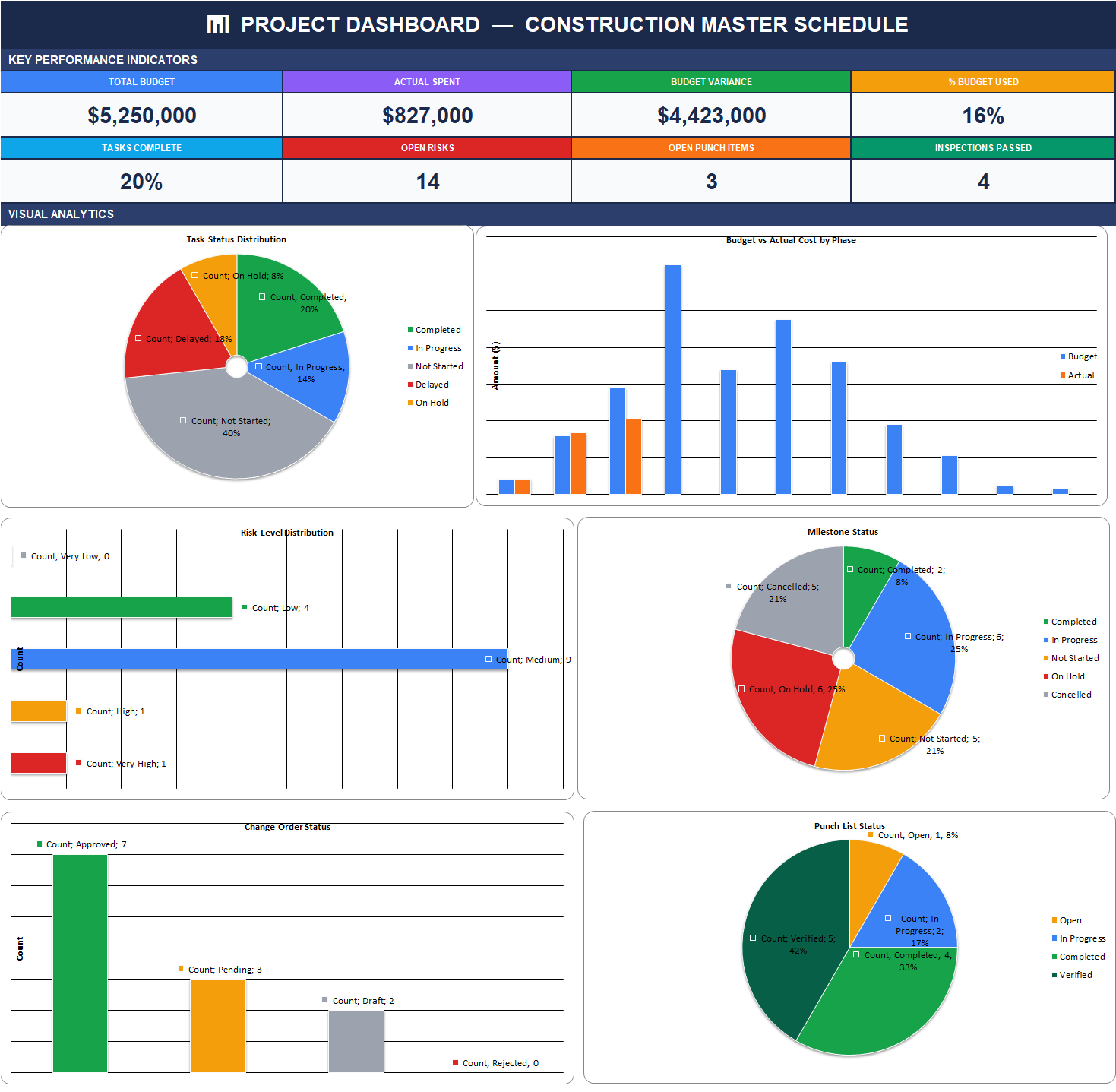
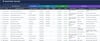
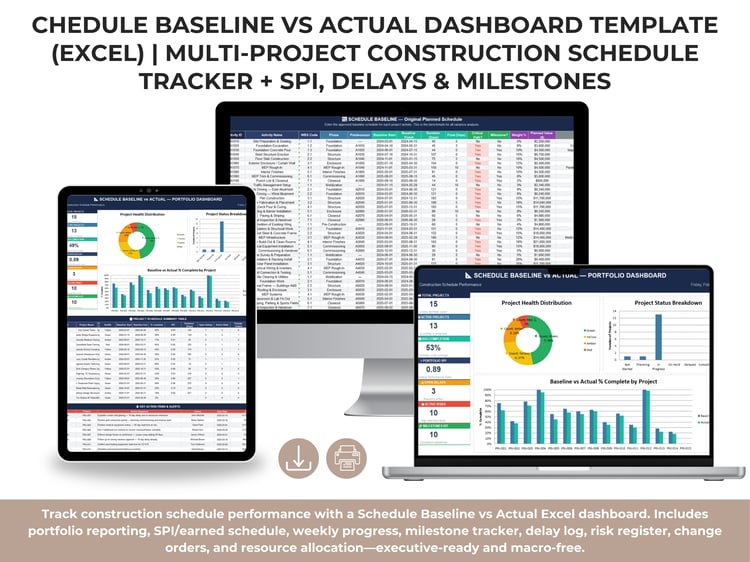
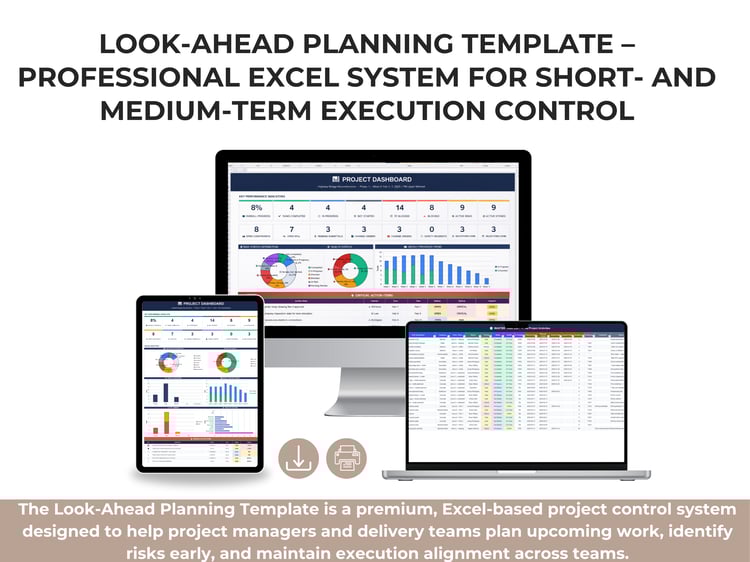
1) Project Dashboard — Construction Master Schedule
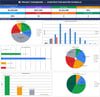
Your executive command center for real-time performance monitoring.
It displays high-value KPIs such as:
- Total budget
- Actual spent
- Budget variance
- % budget used
- Tasks complete
- Open risks
- Open punch items
- Inspections passed
The dashboard also includes visual analytics:
- Task status distribution
- Budget vs actual by phase
- Risk level distribution
- Milestone status
- Change order status
- Punch list status
Because dashboard visuals pull directly from underlying logs, leadership always sees the latest project picture without manual chart rebuilding.
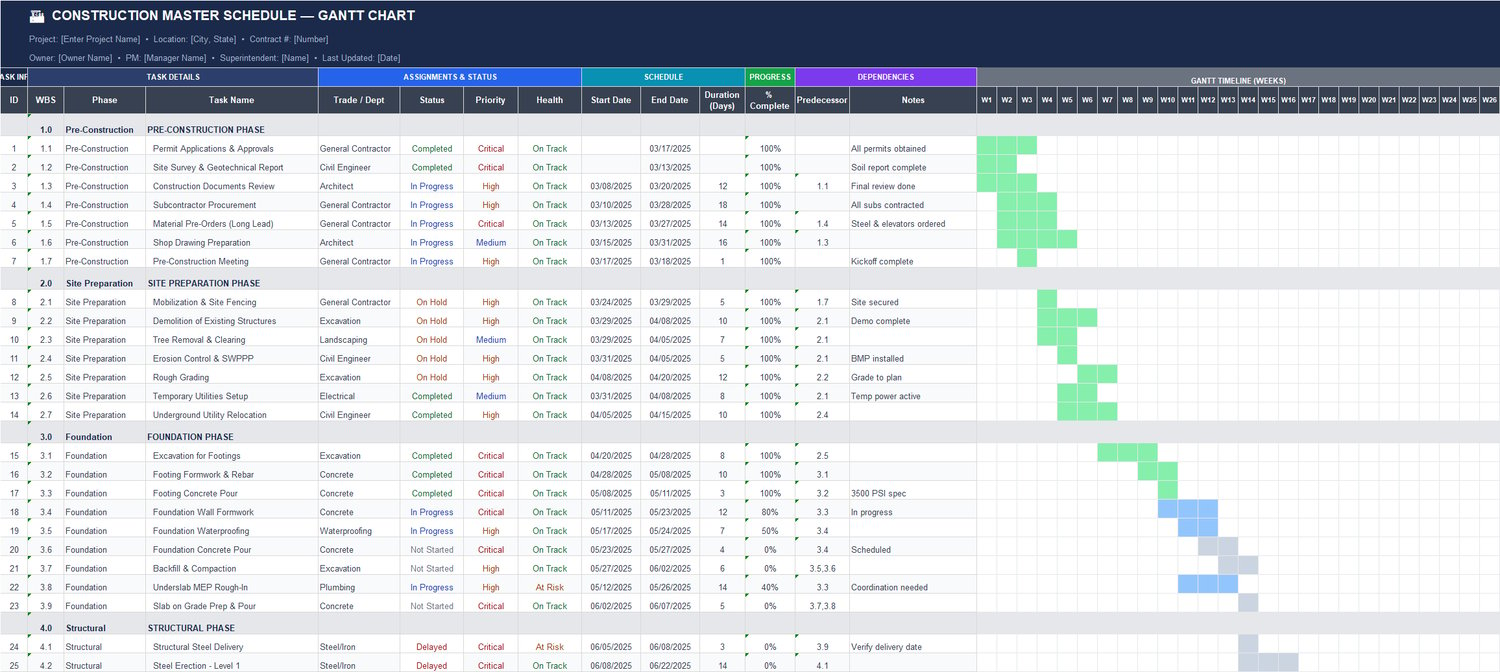
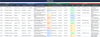
2) Construction Master Schedule (Gantt Sheet)
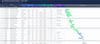
The primary planning engine for project sequencing and execution.
Track:
- WBS structure
- Phase and task names
- Trade/department assignments
- Priority and health status
- Start/end dates
- Duration
- % completion
- Predecessors/dependencies
- Notes
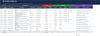
This sheet supports detailed schedule control from pre-construction through closeout and helps PMs identify critical coordination points early.
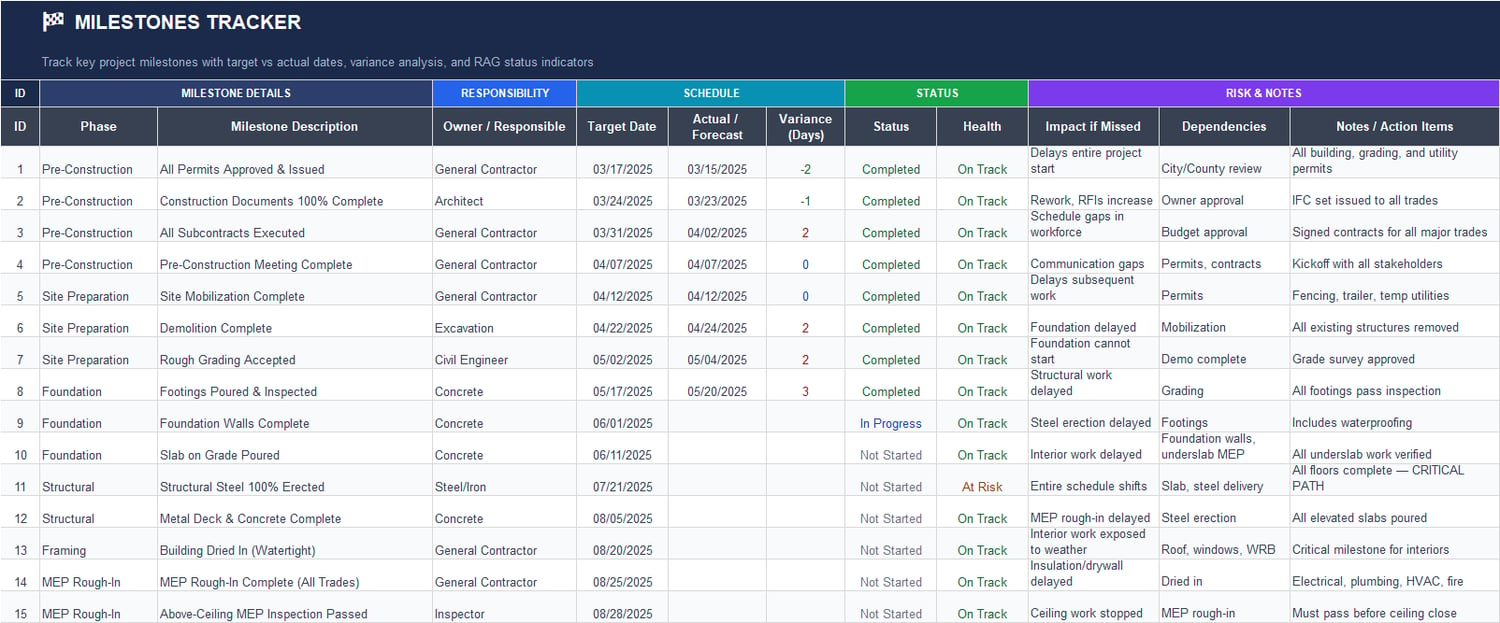
3) Milestones Tracker
A focused tracker for strategic checkpoints and contractual deliverables.
Includes:
- Milestone owner/responsible party
- Target date vs actual/forecast date
- Variance (days)
- Status and health indicator
- Dependency mapping
- “Impact if missed” notes
- Action items
Use it to keep stakeholders aligned on must-hit dates and to flag schedule risk before it turns into delay claims or recovery plans.
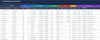
4) Phase Summary
High-level phase-by-phase performance table for schedule, progress, and budget control.
Covers:
- Planned vs actual phase windows
- Schedule variance
- % complete and current status
- Health indicator (On Track / At Risk)
- Budget, actual cost, and variance by phase
- Key risk notes
This is ideal for owner updates, executive reports, and steering meetings where concise but reliable phase insights are required.
5) Daily Construction Log
A site operations history for day-to-day progress documentation.
Track daily:
- Site conditions (weather, temperature, wind, ground conditions)
- Workforce count
- Equipment on-site
- Work performed and active phase
- Materials received
- Productivity %
- Delays/issues and delay hours
- Visitors/meetings
- Superintendent notes
This sheet improves accountability and creates clean records for productivity analysis, delay discussions, and weekly reporting.
6) Inspection Schedule
Complete inspection planning and follow-up control.
Manage:
- Inspection type and phase
- Scheduled date and inspector
- Authority/agency
- Status and result
- Score/grade
- Deficiencies found
- Corrective actions
- Re-inspection dates/results
- Notes
Great for quality assurance and compliance readiness throughout the project lifecycle.
7) Submittal Log
Structured submittal management from submission to approval and delivery.
Track:
- Spec section and submittal type
- Revision number
- Submitted/returned dates
- Approval status
- Reviewer
- Lead time
- Required-on-site date
- Actual delivery
- Delivery variance
Helps teams protect long-lead procurement timelines and reduce schedule slippage due to delayed approvals.
8) RFI Log
Centralized RFI workflow with accountability and impact tracking.
Includes:
- Submission and required response dates
- Assigned discipline
- Days open
- RFI status and priority
- Response summary
- Cost impact
- Schedule impact
- Notes
Use it to monitor response performance and quickly identify unresolved technical issues affecting progress.
9) Risk Register
A practical risk control sheet with built-in assessment and mitigation planning.
Track:
- Risk category and description
- Phase affected
- Probability and impact scoring
- Risk score and level
- Mitigation strategy
- Risk owner
- Target resolution date
- Contingency plan
- Status and notes
It creates proactive visibility so teams can act early instead of reacting late.
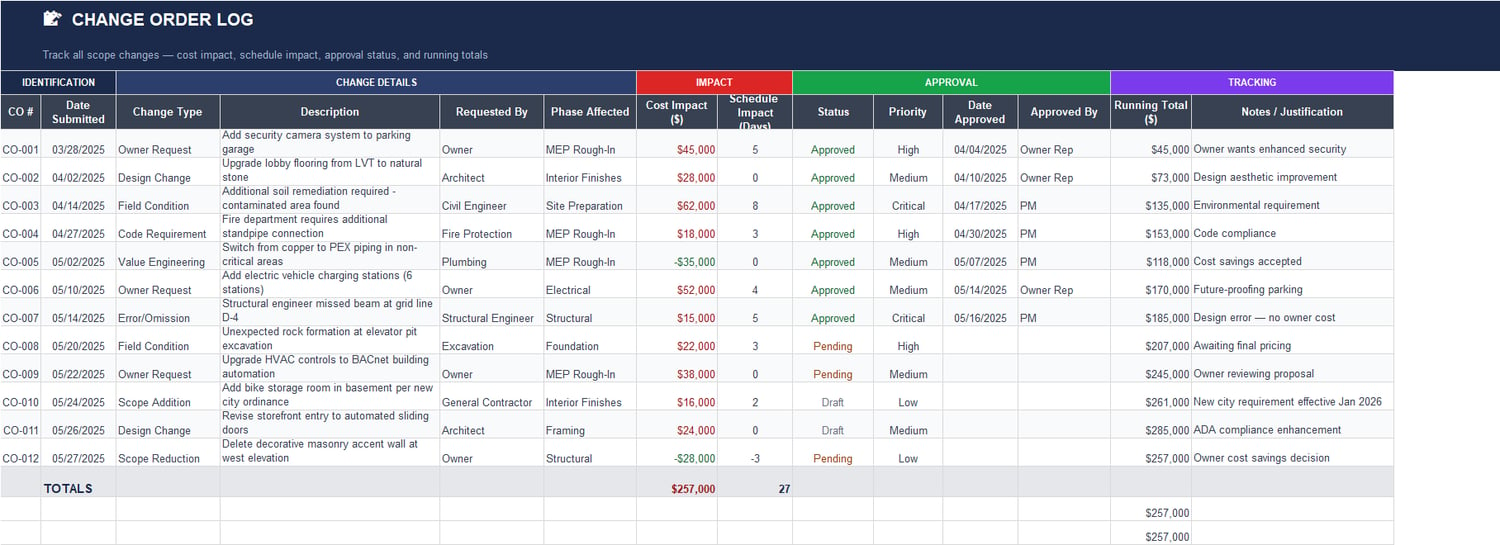
10) Change Order Log
Financial and schedule impact control for scope changes.
Capture:
- Change type and description
- Requestor
- Phase affected
- Cost impact
- Schedule impact
- Status and approval details
- Priority
- Running total
- Justification notes
This sheet helps maintain transparent change governance and supports accurate executive forecasting.
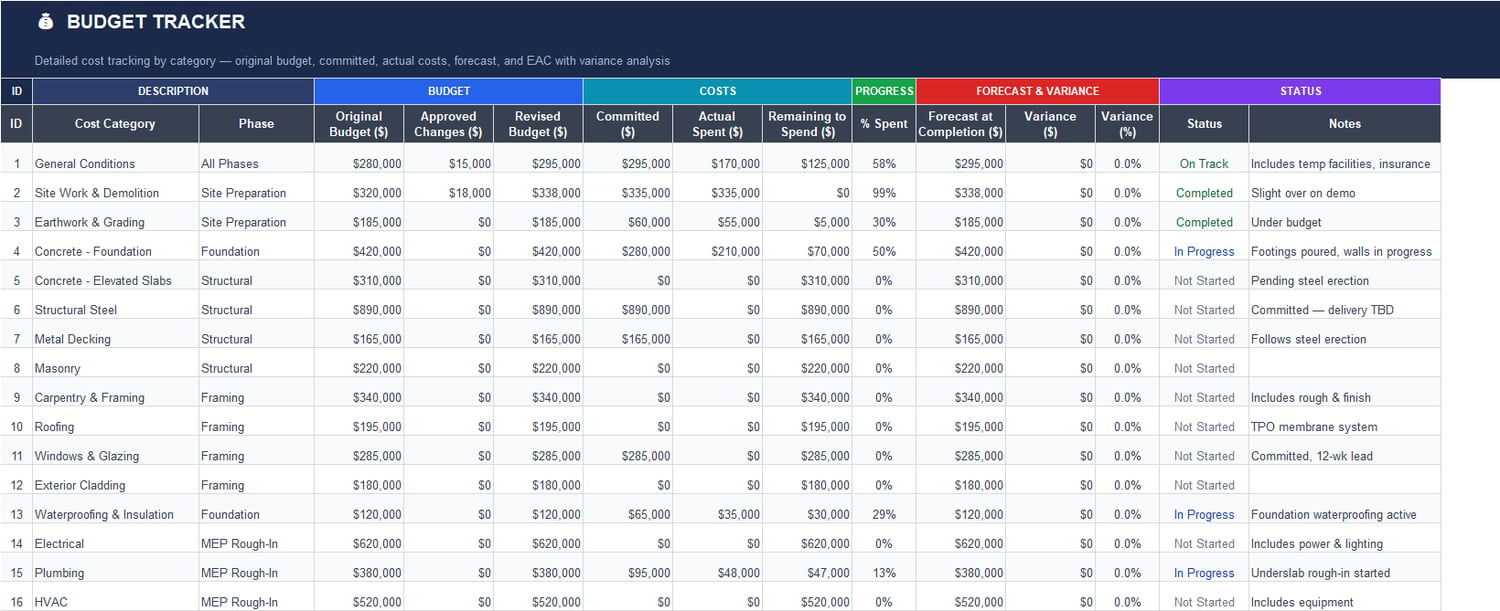
11) Budget Tracker
Detailed cost management by category and phase.
Includes:
- Original budget
- Approved changes
- Revised budget
- Committed cost
- Actual spent
- Remaining to spend
- % spent
- Forecast at completion
- Variance and status
Useful for cost controllers and PMs who need fast visibility into budget health and spending progress.
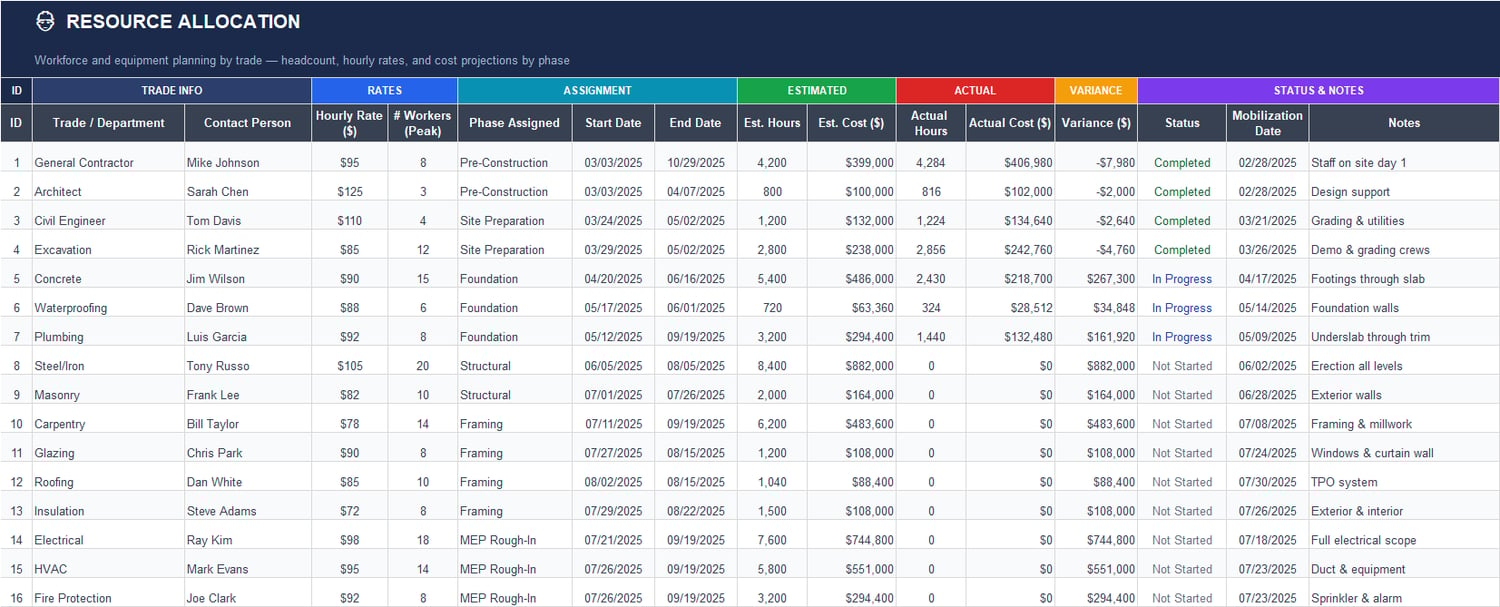
12) Resource Allocation
Workforce and equipment planning with cost implications.
Track:
- Trade/department
- Contact person
- Hourly rates
- Peak workforce levels
- Phase assignment
- Start/end dates
- Estimated hours/cost
- Actual hours/cost
- Variance
- Mobilization date
- Status notes
Perfect for balancing manpower plans with budget expectations and schedule timing.
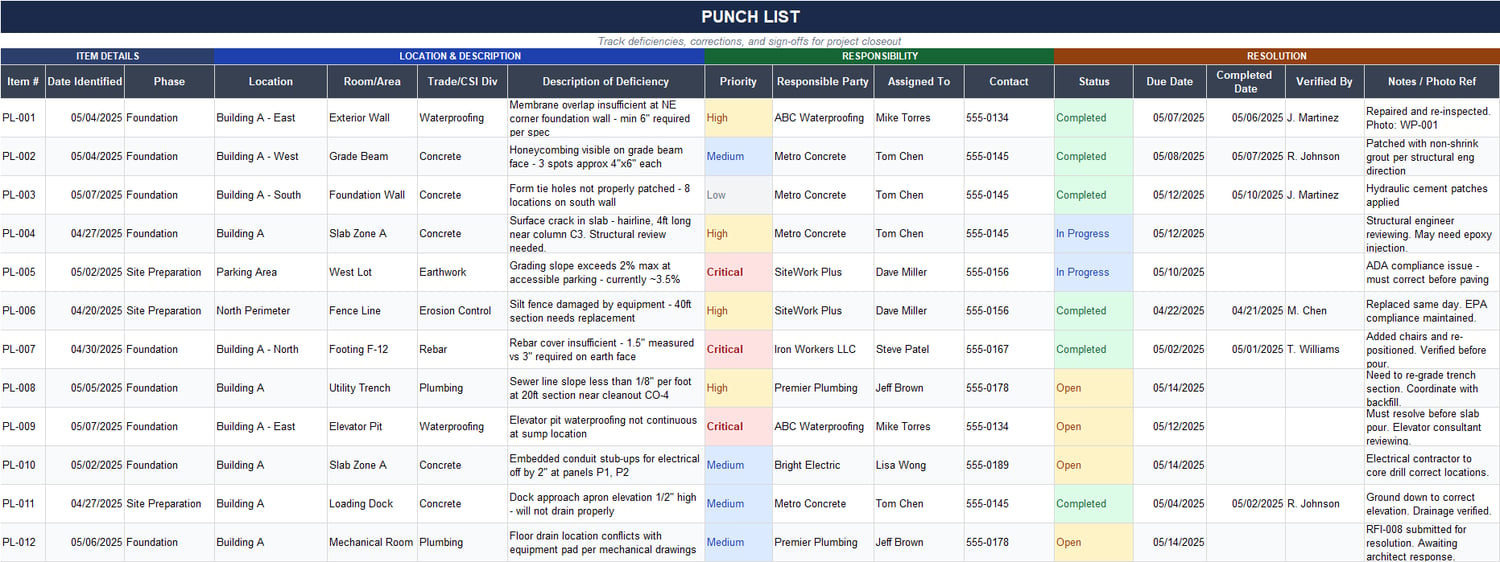
13) Punch List
Closeout and quality correction workflow.
Manage:
- Deficiency item details
- Location/room area
- Priority
- Responsible party
- Assigned contact
- Status
- Due date and completion date
- Verification sign-off
- Notes/photo references
Helps close issues systematically and keep turnover activities organized and auditable.
Why This Template Stands Out
✔️ All-in-one system instead of disconnected files
✔️ Formula-driven automation for faster updates and fewer errors
✔️ Executive-ready visuals for reporting without extra formatting work
✔️ Field-to-boardroom visibility from daily logs to KPI dashboards
✔️ Scalable structure suitable for commercial, residential, and multi-trade builds
✔️ Decision-focused design built for real project control, not just data entry
Best For
- General Contractors
- Construction Project Managers
- Site Superintendents
- PMO and Project Controls Teams
- Cost Controllers / Quantity Surveyors
- Owners’ Representatives
- Design-Build and EPC teams
Suggested Listing Summary (Short Version)
Construction Master Schedule Template is a fully integrated Excel project management system for construction teams. It combines a live dashboard, Gantt-based schedule control, milestones, phase reporting, budget tracking, RFIs, submittals, inspections, change orders, risk register, resource allocation, daily logs, and punch list management — all connected through automated formulas for real-time reporting and better project decisions.