Subcontractor Performance Dashboard – Excel Template
Track, evaluate, and improve subcontractor performance across quality, schedule, safety, cost, and communication in one integrated construction control system.
If you’re managing multiple subcontractors and struggling to keep performance, risks, costs, and field execution aligned, this template gives you a complete command center inside Excel.
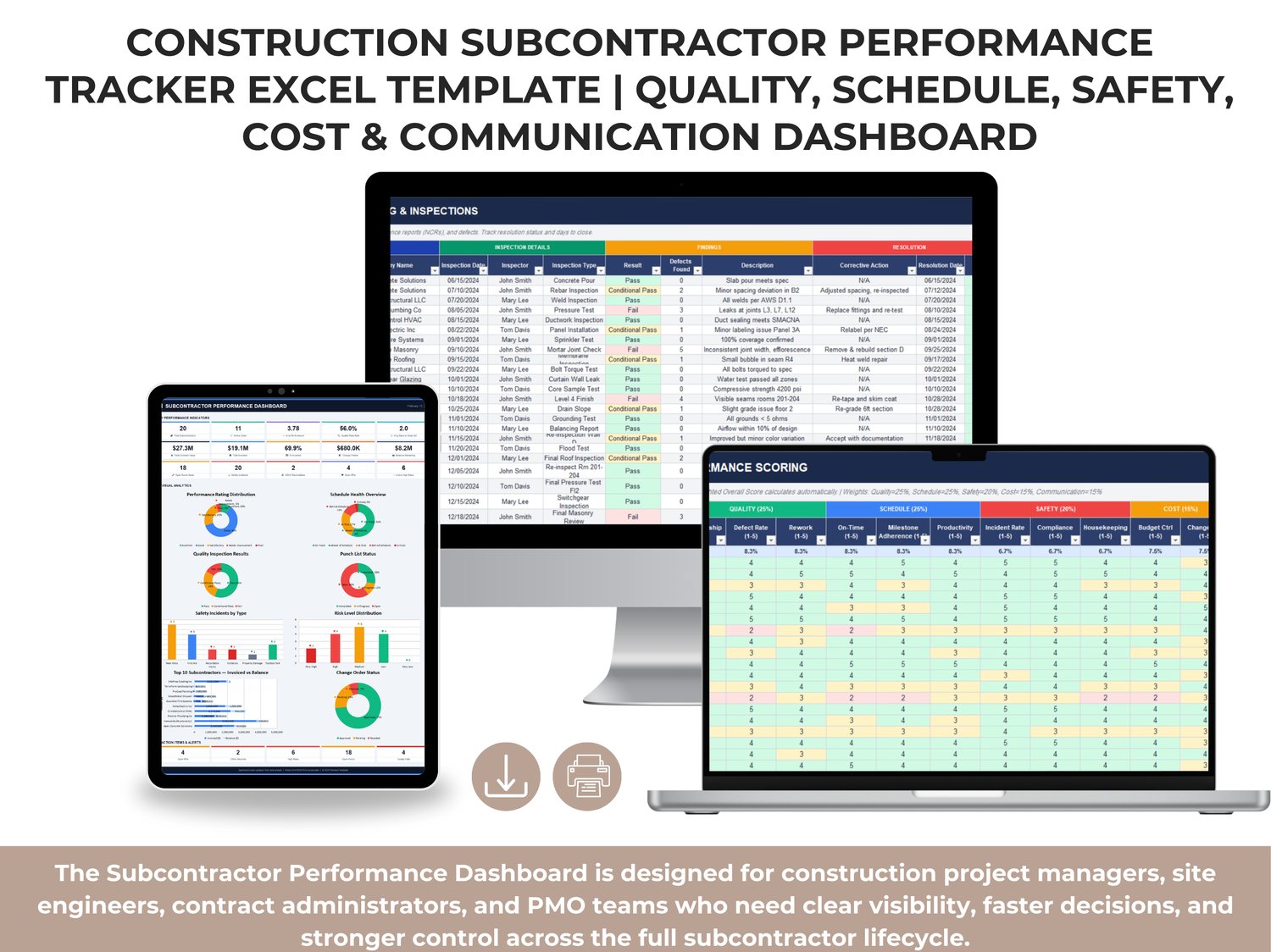
The Subcontractor Performance Dashboard is designed for construction project managers, site engineers, contract administrators, and PMO teams who need clear visibility, faster decisions, and stronger control across the full subcontractor lifecycle.
From KPI monitoring and punch list aging to quality results, safety incidents, RFIs, change orders, schedule health, and invoicing performance — this workbook connects everything in one professional framework.
What This Template Helps You Achieve
✅ Centralize subcontractor data into one executive dashboard
✅ Monitor performance trends with clear KPI cards and visual analytics
✅ Evaluate subcontractors using weighted scoring (quality, schedule, safety, cost, communication)
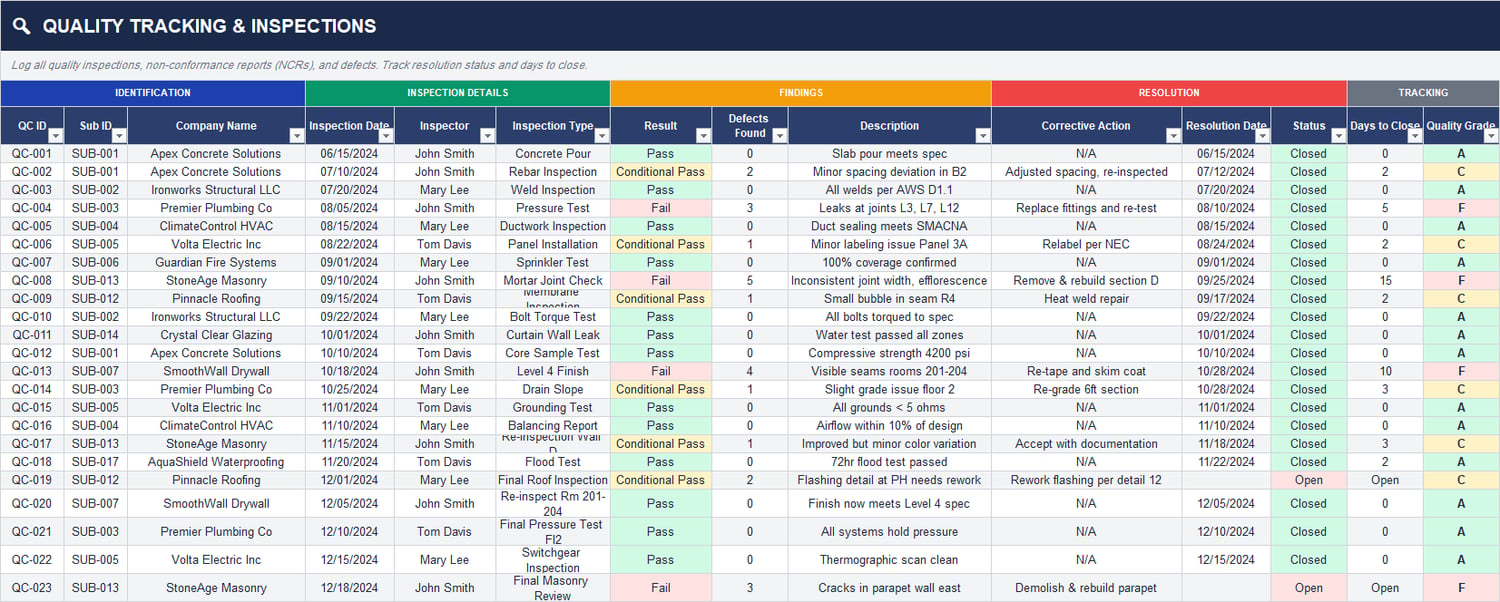
✅ Track quality inspections, defects, corrective actions, and pass rates
✅ Monitor schedule health, milestone variance, and critical delays
✅ Control cost exposure with contract, invoiced, paid, retainage, and balance tracking
✅ Track RFIs, submittals, notices, and response turnaround times
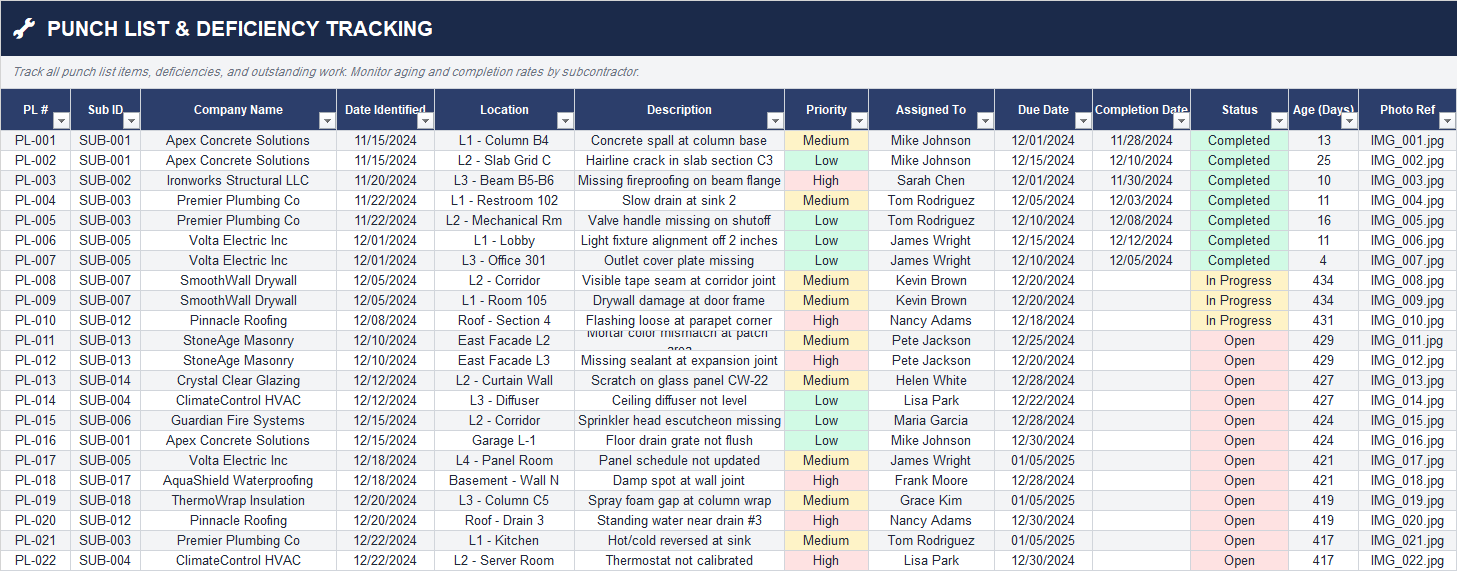
✅ Manage punch list items with status, aging, and accountability
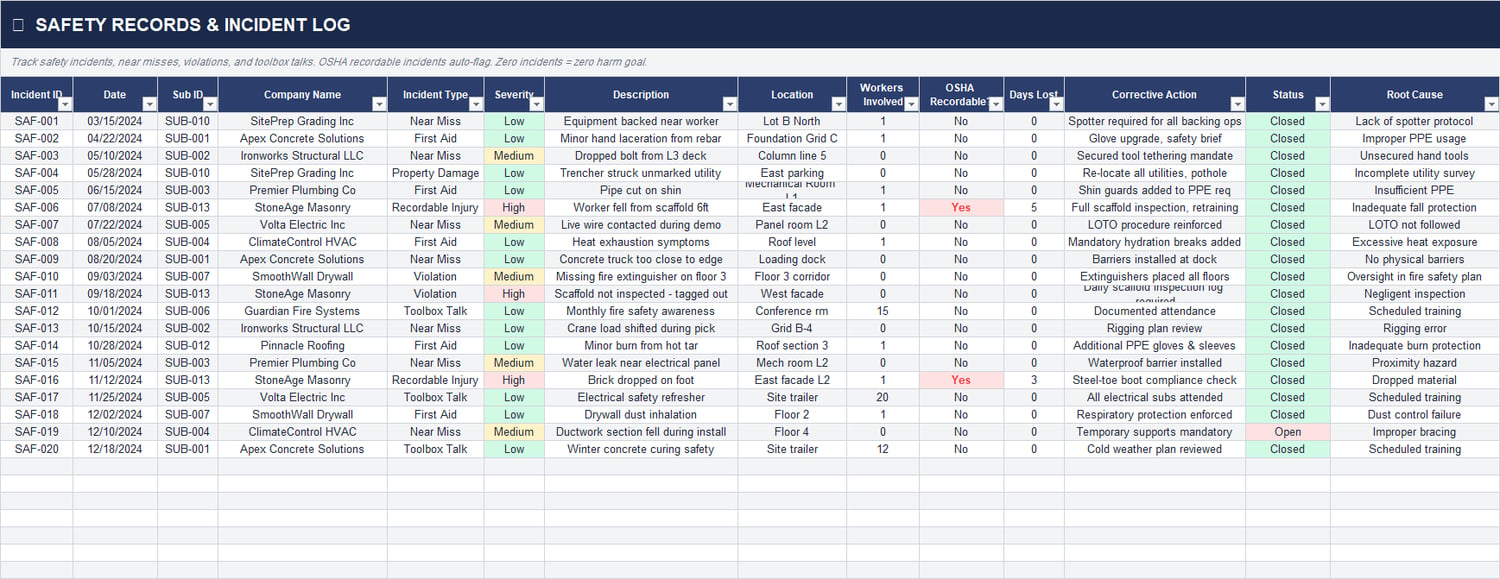
✅ Analyze safety records, OSHA indicators, and incident root causes
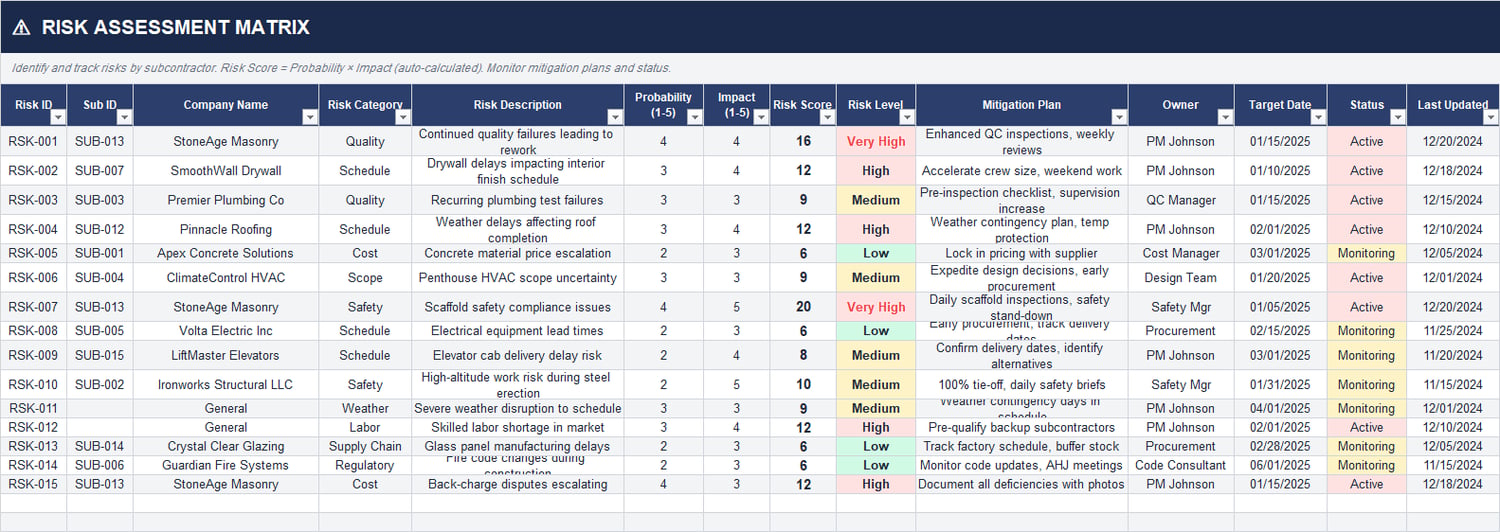
✅ Maintain risk registers by subcontractor with score, level, mitigation plan, and ownership
✅ Prioritize action items and open alerts from one screen
✅ Improve subcontractor governance, performance reviews, and audit readiness
Executive Dashboard Overview (What You See at a Glance)
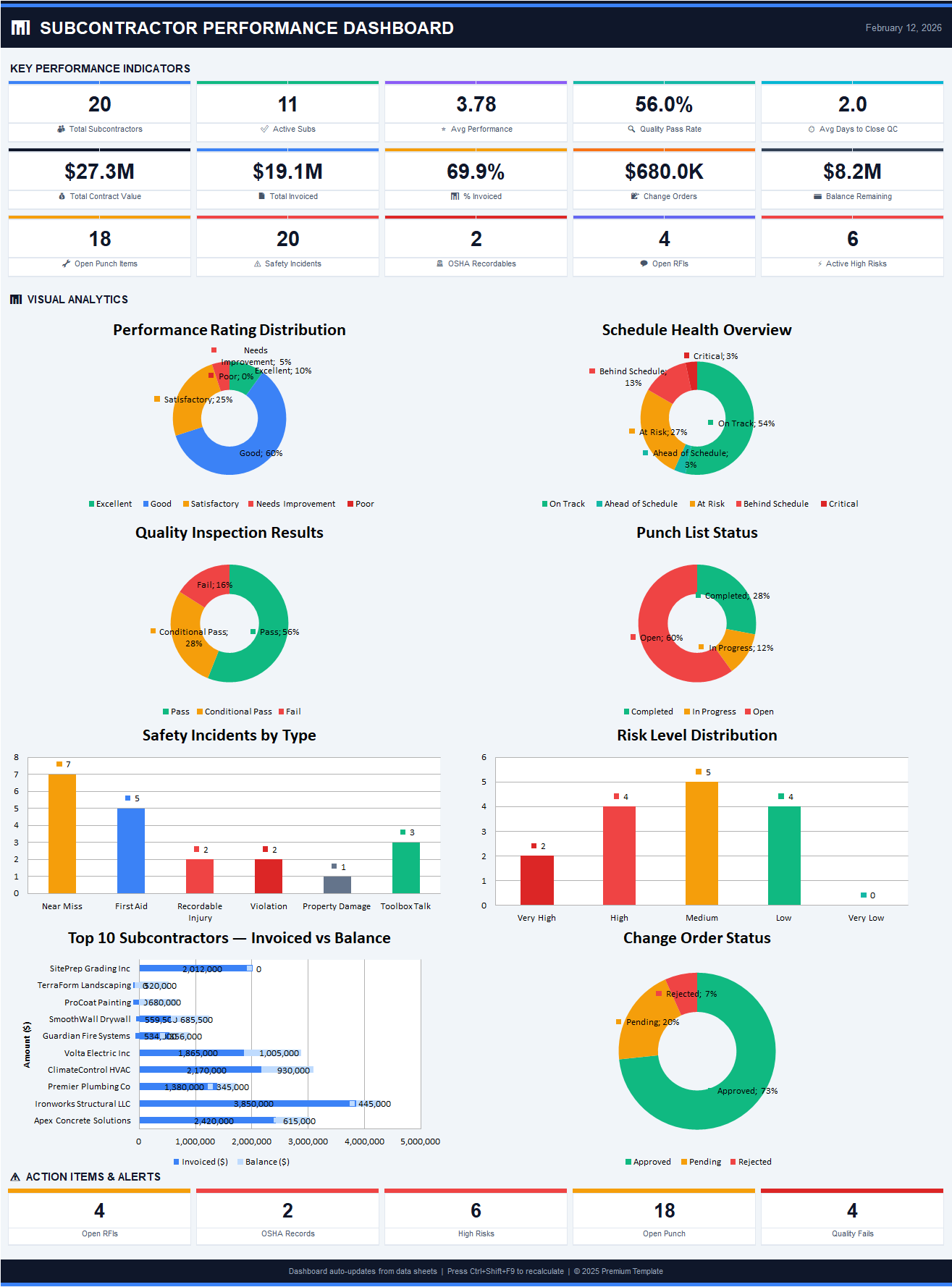
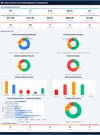
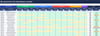
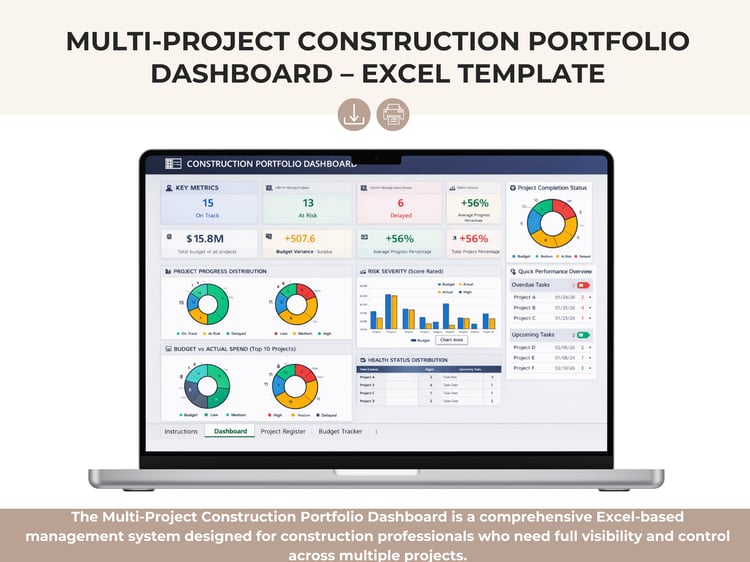
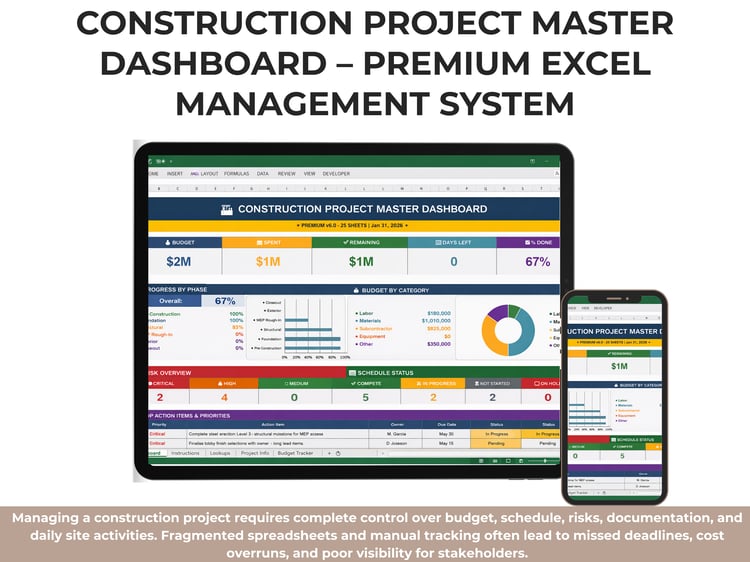
The main dashboard provides instant visibility into project and subcontractor performance, including:
✔️ Total subcontractors and active subcontractors
✔️ Average performance score
✔️ Quality pass rate and average QC close time
✔️ Total contract value, total invoiced, invoice percentage, and balance remaining
✔️ Open punch items, safety incidents, OSHA recordables, open RFIs, and active high risks
It also includes dynamic visual analytics such as:
➡️ Performance rating distribution
➡️ Schedule health overview
➡️ Quality inspection outcomes (Pass / Conditional / Fail)
➡️ Punch list status (Open / In Progress / Completed)
➡️ Safety incidents by type
➡️ Risk level distribution
➡️ Top subcontractors by invoiced value vs remaining balance
➡️ Change order status (Approved / Pending / Rejected)
➡️ Action items and alert cards for urgent follow-up
Integrated Sheets Included
This workbook is built as an end-to-end system with interconnected logs and trackers:
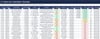
1) Subcontractor Registry
Master list of subcontractors, trade specialization, contract details, contacts, insurance, and compliance information.
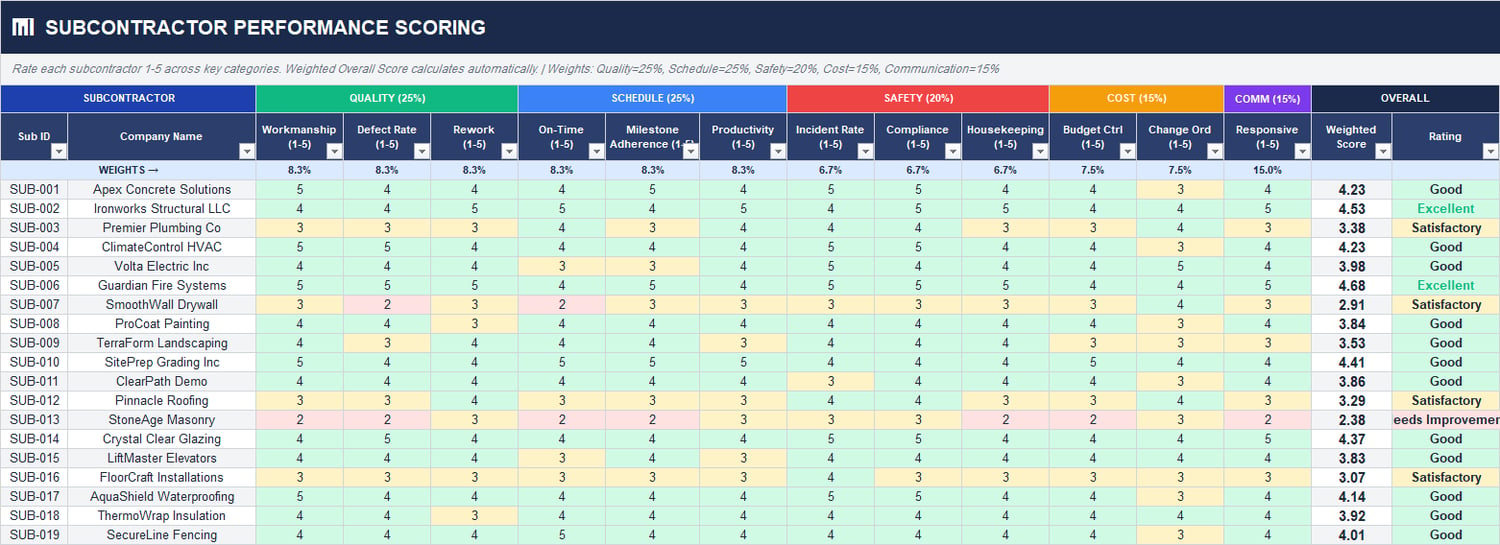
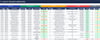
2) Subcontractor Performance Scoring
Weighted scorecard across critical dimensions:
- Quality
- Schedule
- Safety
- Cost control
- Communication responsiveness
- Automatically calculates weighted score and overall rating.
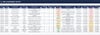
3) Quality Tracking & Inspections
Track inspection type, result, defects, corrective actions, status, and quality grades by subcontractor.
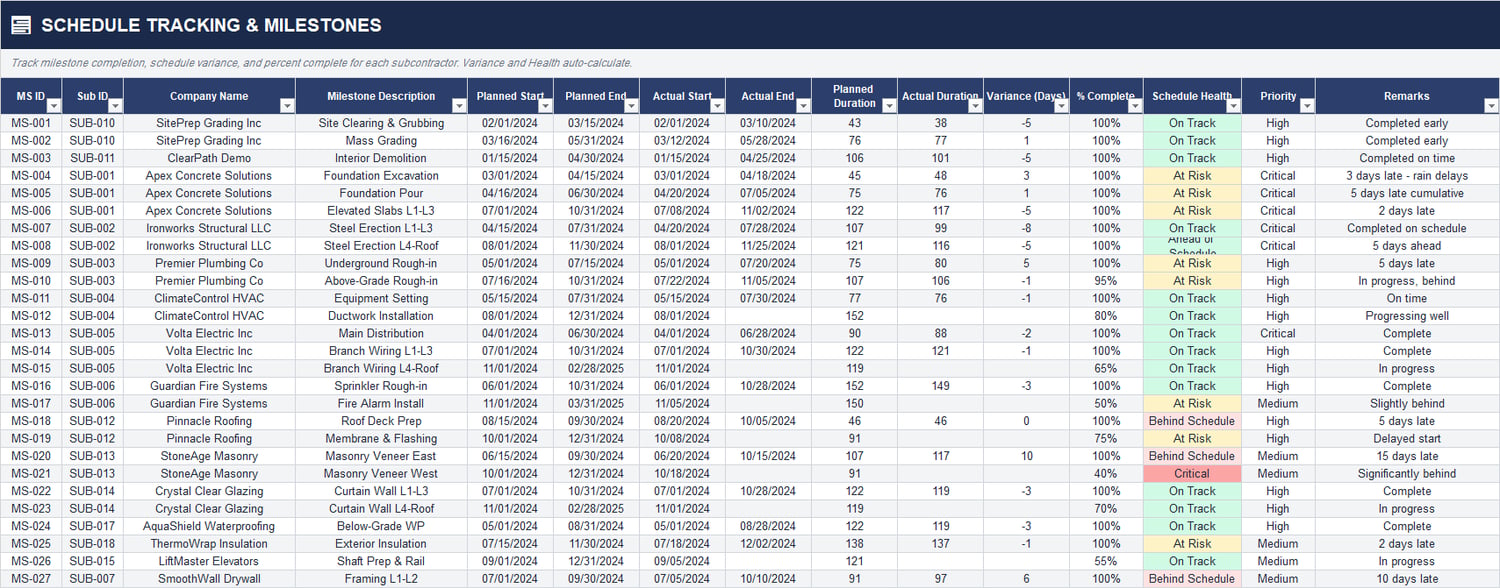
4) Schedule Tracking & Milestones
Monitor planned vs actual dates, duration variance, percent complete, and schedule health classification.
5) Safety Records & Incident Log
Record incident type, severity, OSHA recordable flags, days lost, corrective actions, and root causes.
6) Budget & Cost Tracking
Track original contract, approved change orders, revised contract value, invoiced amounts, paid amounts, retainage, variance, and cost health.
7) Change Order Log
Manage change order submissions, types, cost impact, schedule impact, approvals, priorities, and running total.
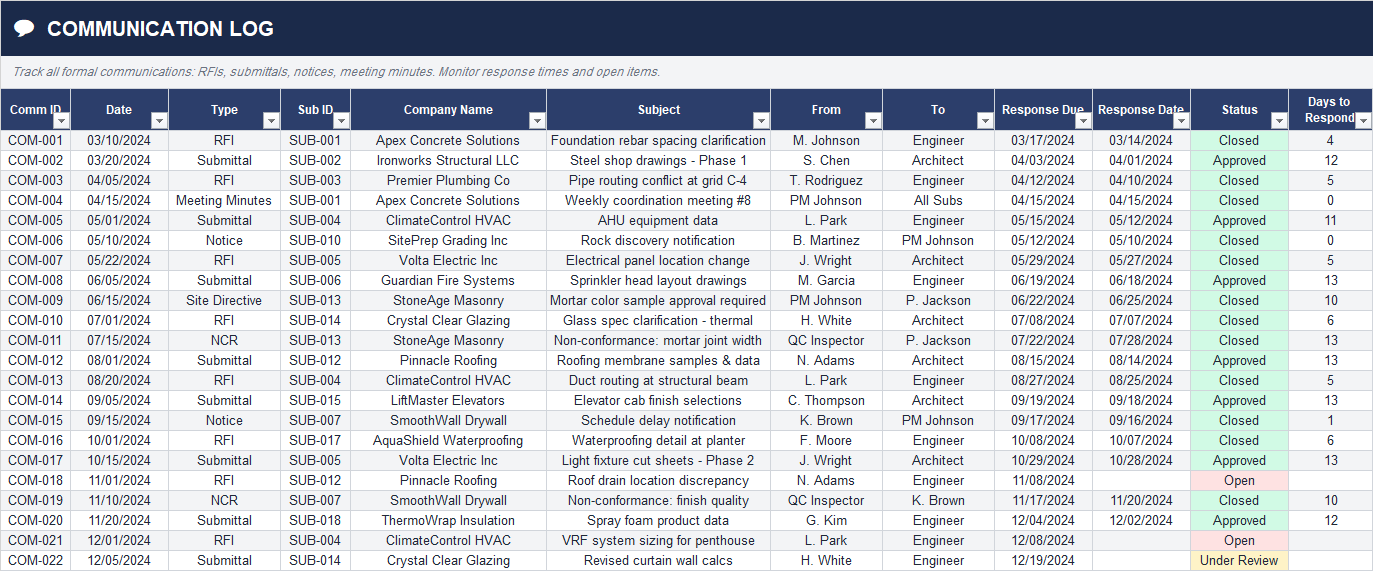
8) Communication Log
Track RFIs, submittals, notices, meetings, due dates, response dates, open/closed status, and response performance.
9) Punch List & Deficiency Tracking
Manage field deficiencies by location, priority, assignee, due date, completion date, status, and aging.
10) Risk Assessment Matrix
Capture risk category, probability, impact, risk score, level, owner, mitigation plan, and target date.
Why This Template Is Different
Unlike simple trackers, this template combines performance governance + operational control + financial visibility in one workbook.
✅ Multi-dimensional subcontractor evaluation (not just cost or schedule)
✅ Executive-ready dashboard with practical visual signals
✅ Built for real construction workflows (QC, punch, safety, RFIs, COs, risk)
✅ Supports monthly reviews, coordination meetings, and progress reports
✅ Helps reduce delays, quality failures, and untracked cost escalation
✅ Improves accountability with owner fields, statuses, due dates, and alerts
Who Should Use This Template
This template is ideal for:
✔️ Construction Project Managers
✔️ Site Engineers and Field Coordinators
✔️ Contract Administrators
✔️ Commercial and Cost Control Teams
✔️ Quality and Safety Managers
✔️ Owners’ Representatives and PM Consultants
✔️ General Contractors managing multiple trades/subcontractors
Suitable for building, infrastructure, fit-out, MEP, and multi-trade projects where subcontractor control is critical.
Key Business Benefits
✅ Faster decision-making with live performance visibility
✅ Better subcontractor accountability and follow-up discipline
✅ Clear early warning signals for schedule, safety, quality, and risk
✅ Improved communication performance tracking (RFI/submittal turnaround)
✅ Stronger budget control through integrated invoicing and variance tracking
✅ Better closeout readiness through punch list and open-item management
✅ More structured project governance for client/stakeholder reporting
How to Use (Quick Start)
➡️ Enter subcontractor master data in the registry sheet
➡️ Populate operational logs (quality, schedule, safety, communication, punch, risk, costs, change orders)
➡️ Keep status and dates updated consistently
➡️ Review the dashboard weekly for trend monitoring
➡️ Use alert cards and open-item counts to drive coordination meetings
➡️ Conduct monthly subcontractor performance reviews using weighted scores and trend visuals