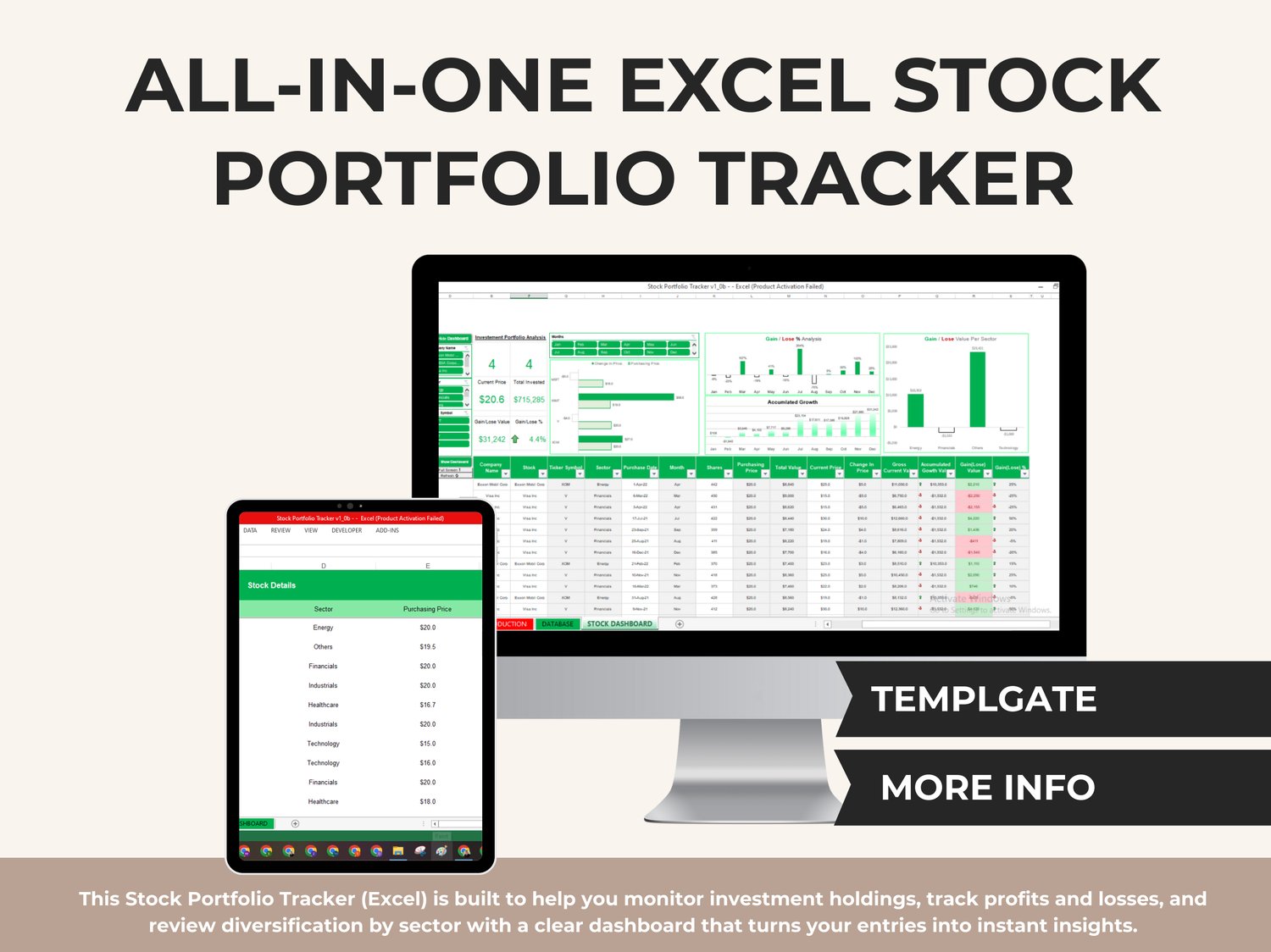
Take control of your portfolio in minutes — see what you own, how it’s performing, and how diversified you are, all in one clean Excel system.
This Stock Portfolio Tracker (Excel) is built to help you monitor investment holdings, track profits and losses, and review diversification by sector with a clear dashboard that turns your entries into instant insights.
What this tracker helps you do
✅ Track each stock position with purchase details and updates
✅ Calculate Total Invested, Current Value, Change in Price, and Profit/Loss automatically
✅ See your overall portfolio performance at a glance
✅ Analyze sector diversification so you don’t overexpose your investments to one industry
✅ Review performance across months and identify growth patterns visually
What’s included (Tabs Inside the File)
✅ INTRODUCTION
A quick guide to help you use the tracker correctly.
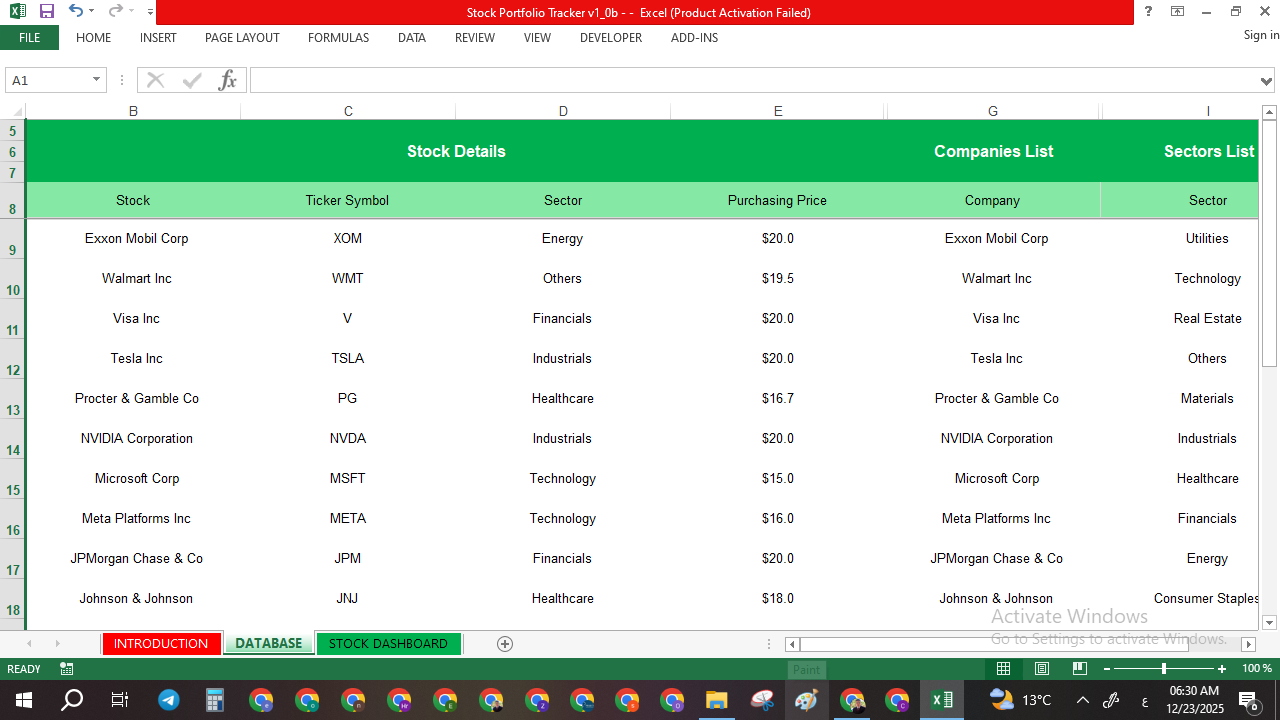
✅ DATABASE
A structured area to store your stock list and categories:
✅ Company name
✅ Ticker symbol
✅ Sector classification
✅ Purchasing price reference
✅ Ready lists for companies and sectors (to keep your entries consistent)
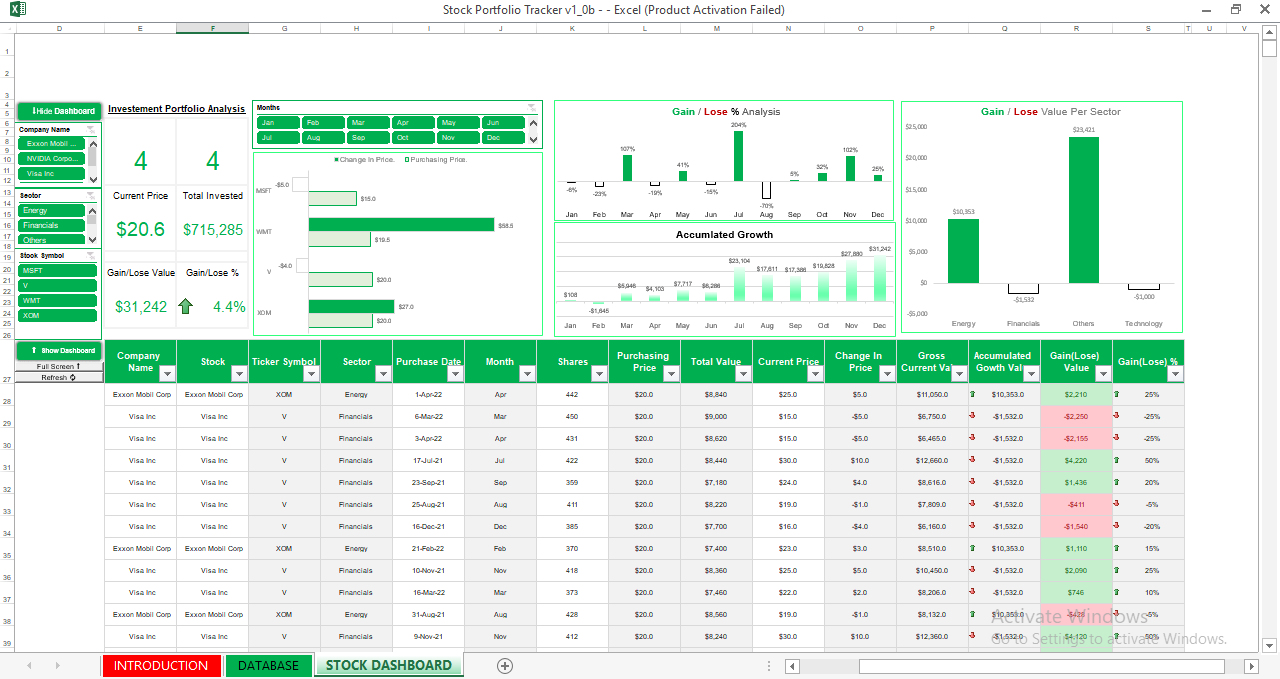
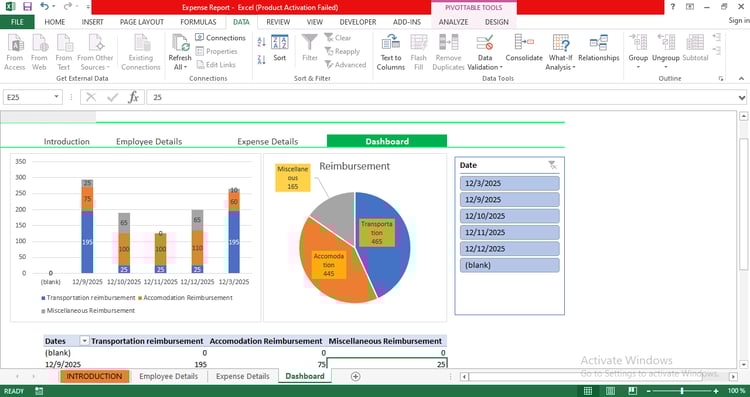
✅ STOCK DASHBOARD
Your visual control center with interactive filters and charts:
✅ Portfolio summary cards (Current Price, Total Invested, Gain/Loss value, Gain/Loss %)
✅ Monthly performance visuals
✅ Accumulated growth tracking
✅ Sector gain/loss breakdown (see which sectors are winning or losing)
✅ Table view that updates based on your selections and filters
Built-in calculations & insights
This file automatically calculates key portfolio metrics such as:
✅ Total invested amount
✅ Current value by position
✅ Price change impact
✅ Gain/Loss value per stock
✅ Gain/Loss percentage
✅ Accumulated growth over time
✅ Sector-level profit/loss contribution
You get a complete picture of performance without rebuilding spreadsheets every time.
Who this is for
✅ Individual investors who want a clean way to track holdings
✅ Beginners who need an organized system (without complex tools)
✅ Professionals tracking multiple stocks and sectors
✅ Anyone who wants clearer decisions based on simple portfolio analytics
How to use (simple workflow)
✅ Step 1: Add your companies/tickers/sectors in the DATABASE
✅ Step 2: Enter your trades/holdings (purchase date, shares, purchase price)
✅ Step 3: Update the current price (manually, or connect it to your preferred data source if you want)
✅ Step 4: Open the STOCK DASHBOARD to view performance instantly
Compatibility
✅ Microsoft Excel (recommended)
📌 This file is .XLSM (macro-enabled). If Excel asks about macros, enable them only if you want the full button/interaction behavior. Core tracking and calculations remain available in Excel.