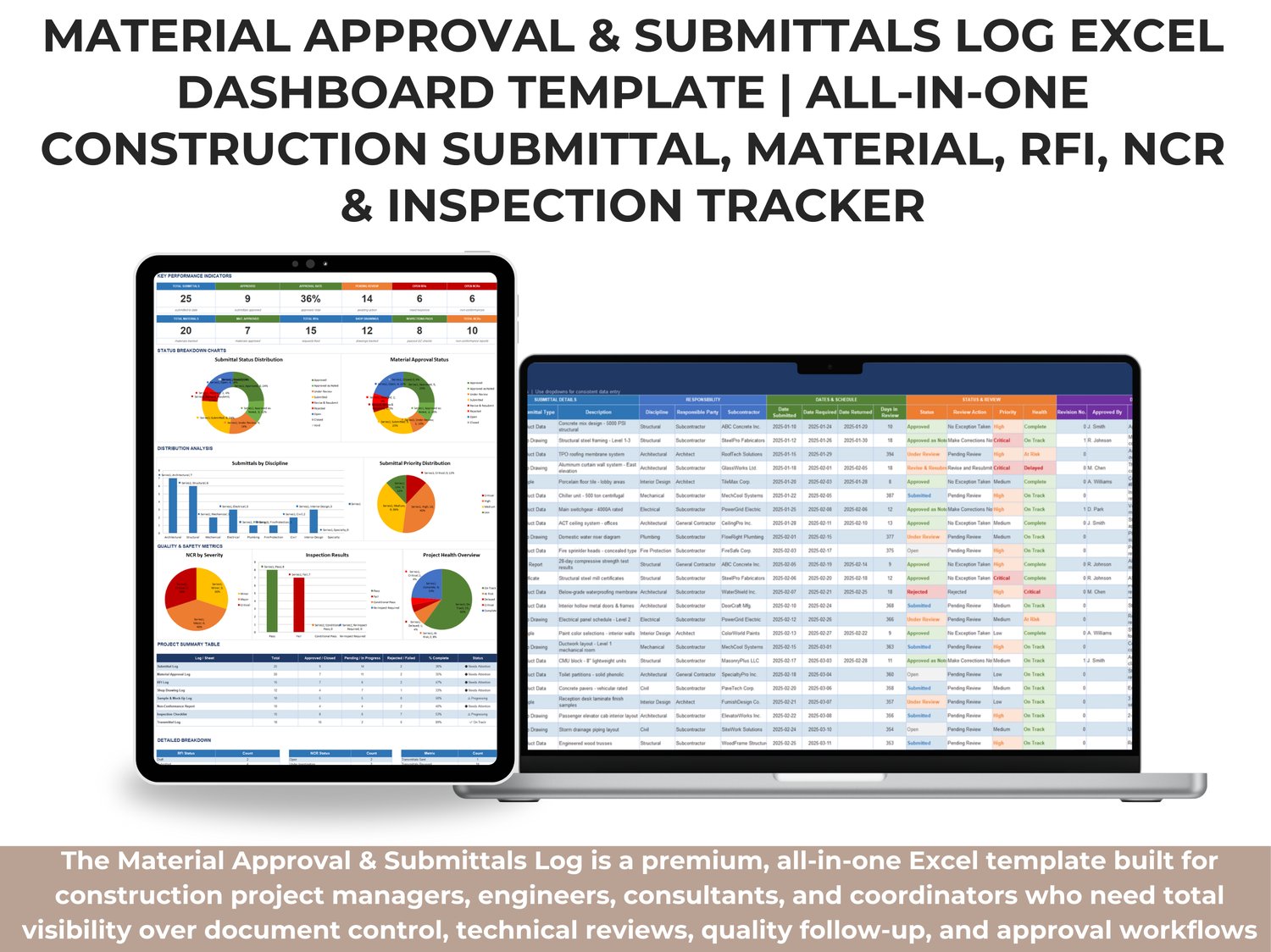
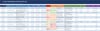
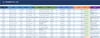
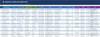
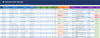
The Material Approval & Submittals Log is a premium, all-in-one Excel template built for construction project managers, engineers, consultants, and coordinators who need total visibility over document control, technical reviews, quality follow-up, and approval workflows.
This workbook centralizes the entire lifecycle of submittals and material approvals — from first submission to final closeout — while connecting key quality and coordination logs such as RFIs, shop drawings, inspections, NCRs, samples/mock-ups, and transmittals.
Instead of tracking each process in separate files, this system gives you one structured environment with standardized inputs, live calculations, and management-ready reporting.
Why This Template Is Valuable
Construction teams often lose time and control due to fragmented tracking sheets, inconsistent naming, delayed responses, and incomplete closeout records. This template solves that problem by providing a single source of truth for technical submissions and quality documentation.
With pre-formatted sheets, dropdown-driven data entry, conditional formatting, and linked summary views, your team can quickly identify:
- What is approved
- What is under review
- What is delayed or rejected
- What needs urgent follow-up
- Where project risks are accumulating
What This Template Helps You Achieve
✅ Centralize all submittal and material approval activities in one workbook
✅ Track status, due dates, revisions, priority, and responsible parties with consistency
✅ Monitor QA/QC performance through inspection and NCR integration
✅ Improve communication with structured transmittal and RFI logs
✅ Follow review cycles for shop drawings and technical documents
✅ Track sample and mock-up progress from submission to inspection outcome
✅ Build a reliable audit trail for consultants, owners, and internal controls
✅ Generate executive-level visibility through a live dashboard and summary table
What’s Included in the Workbook
This template includes integrated sheets that cover the complete submittal ecosystem in real project conditions:
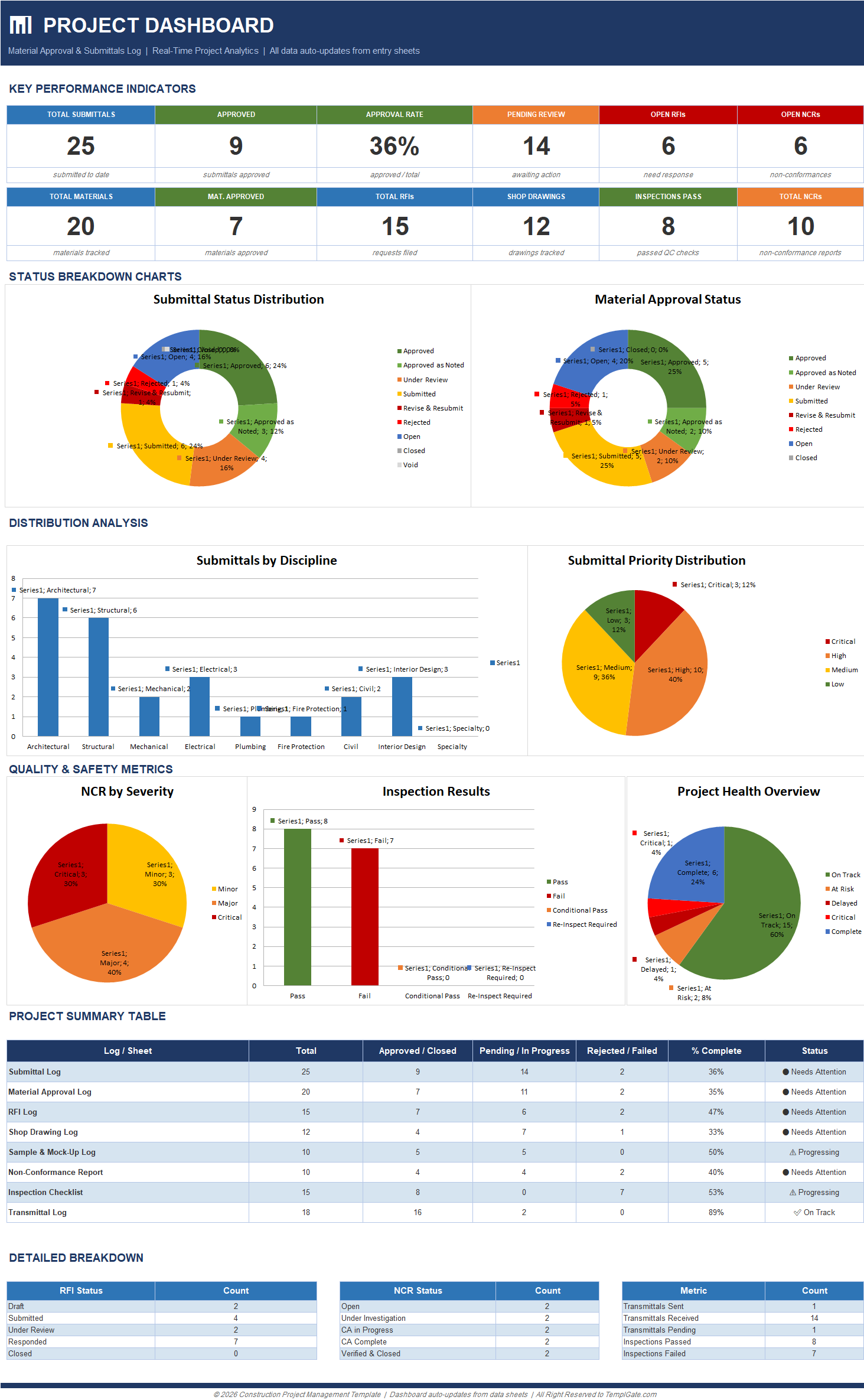
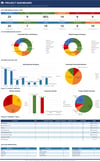
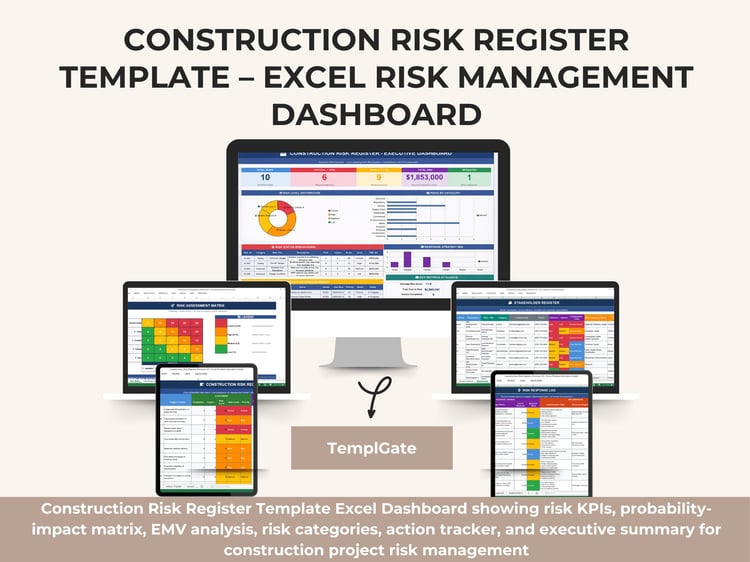
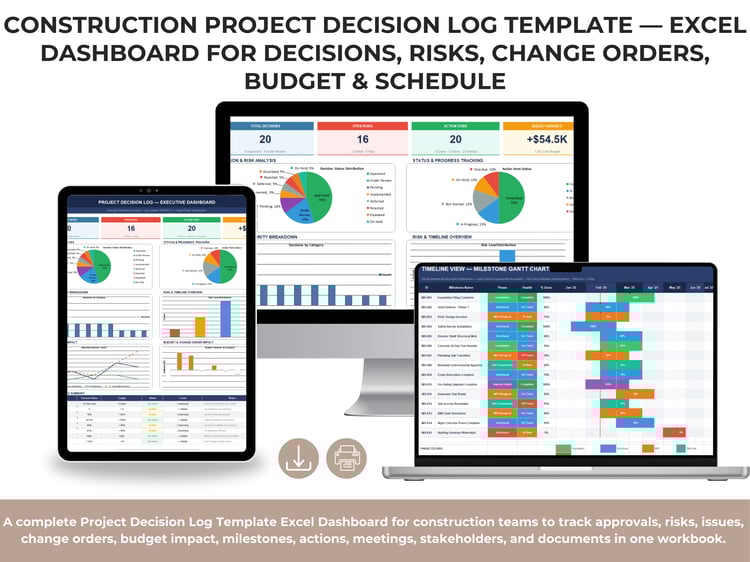
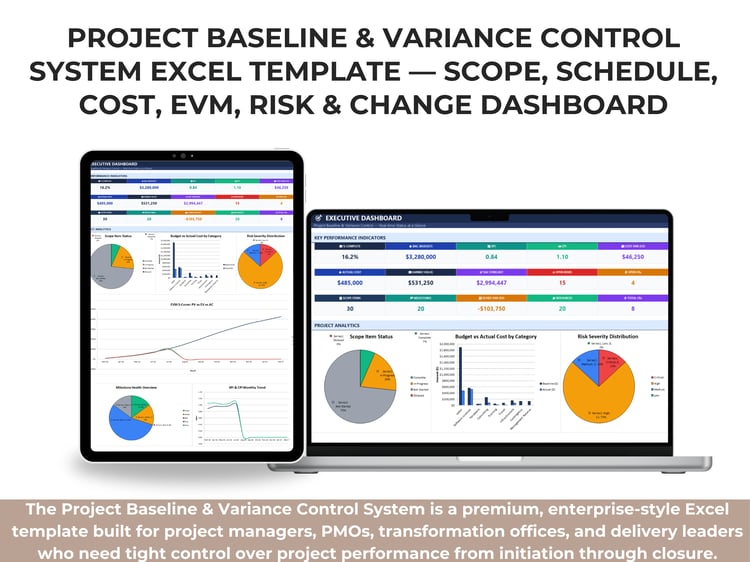
1) Project Dashboard
A real-time management dashboard that automatically aggregates data from all logs.
It includes:
- KPI cards (total submittals, approvals, pending reviews, open RFIs, open NCRs, inspections, etc.)
- Status distribution charts
- Discipline and priority analysis
- Quality and safety visualization
- Project health overview
- Summary matrix by sheet/log performance
This gives leadership and site teams an instant snapshot of project control quality.
2) Submittal Log
Tracks all project submittals with full review-cycle control:
- Submittal ID and type
- Spec section and discipline
- Responsible party and subcontractor
- Submitted/required/returned dates
- Review action, status, and health
- Priority, revision, remarks, and attachment reference
3) Material Approval Log
Tracks material-level approvals and delivery readiness:
- Material category and description
- Manufacturer/model/supplier
- Linked submittal reference
- Approval status and review action
- Delivery schedule (expected vs actual)
- Quantity and unit cost tracking
4) RFI Log
Captures requests for information from issue to response:
- Subject and description
- Spec section/discipline
- Initiator and assigned party
- Submission and response dates
- Days open
- Cost and schedule impact
- Response summary and attachments
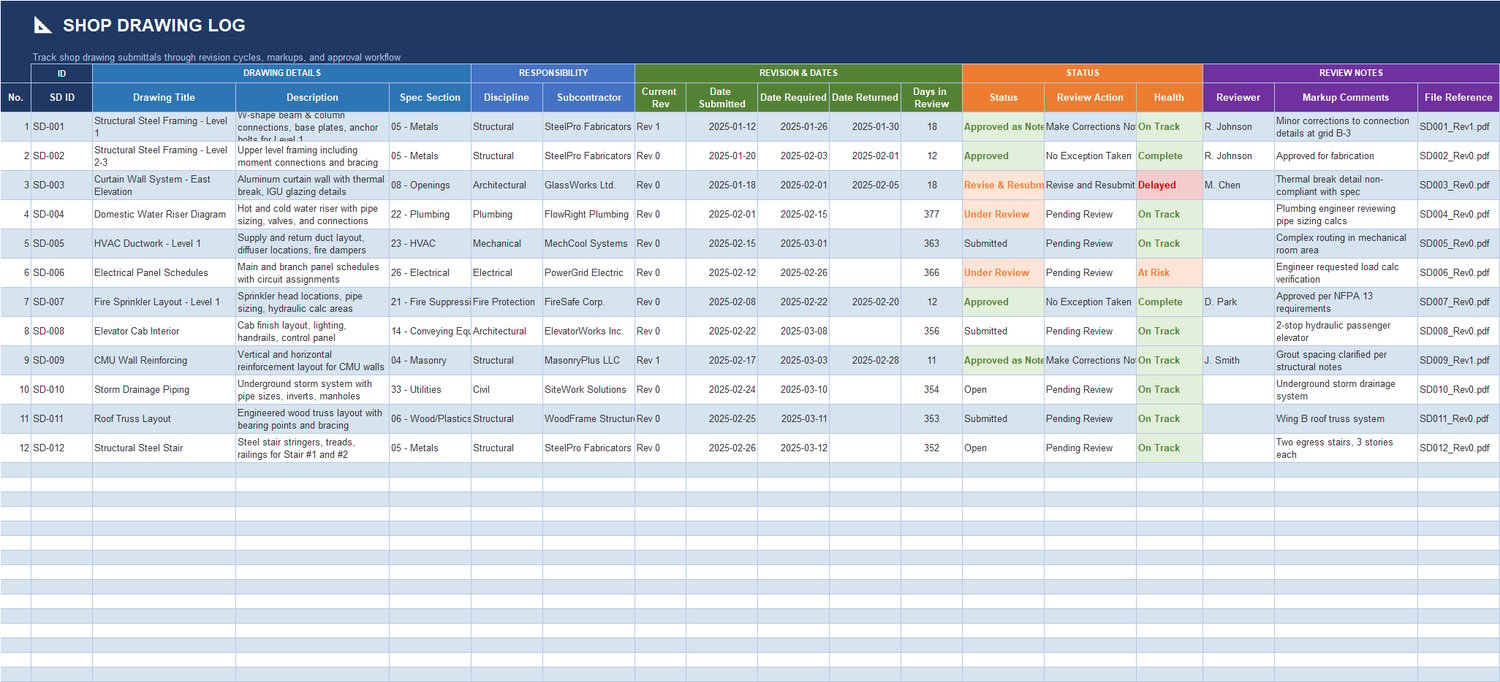
5) Shop Drawing Log
Controls drawing submissions and revision cycles:
- Drawing title, section, discipline
- Revision history and date tracking
- Review action and health
- Reviewer comments and file references
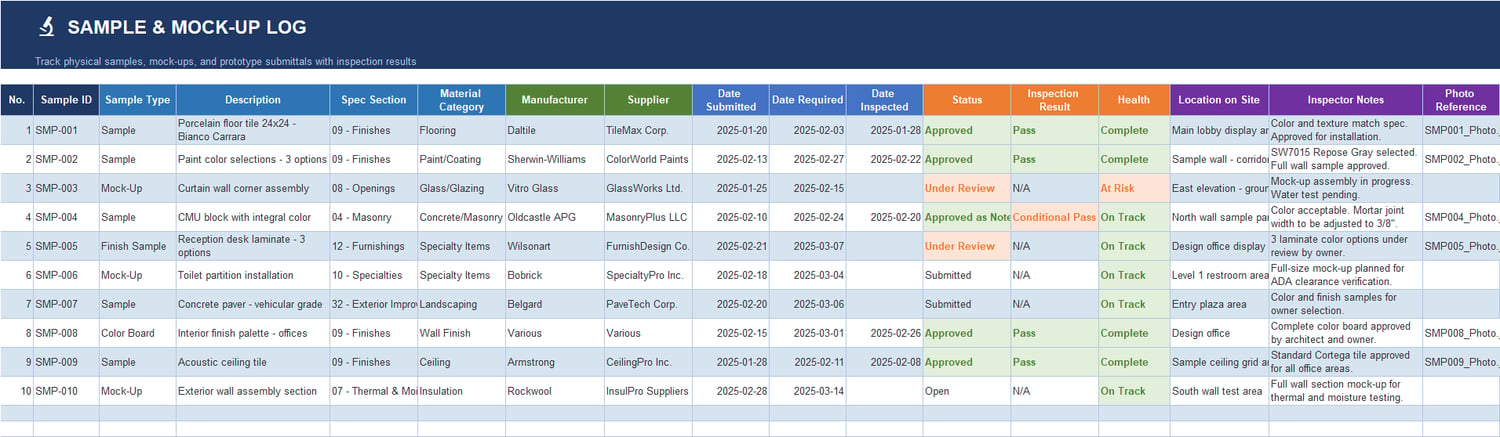
6) Sample & Mock-Up Log
Tracks physical samples and field mock-ups:
- Sample type and description
- Supplier/manufacturer details
- Submission and inspection dates
- Inspection result and health status
- Site location and inspector notes
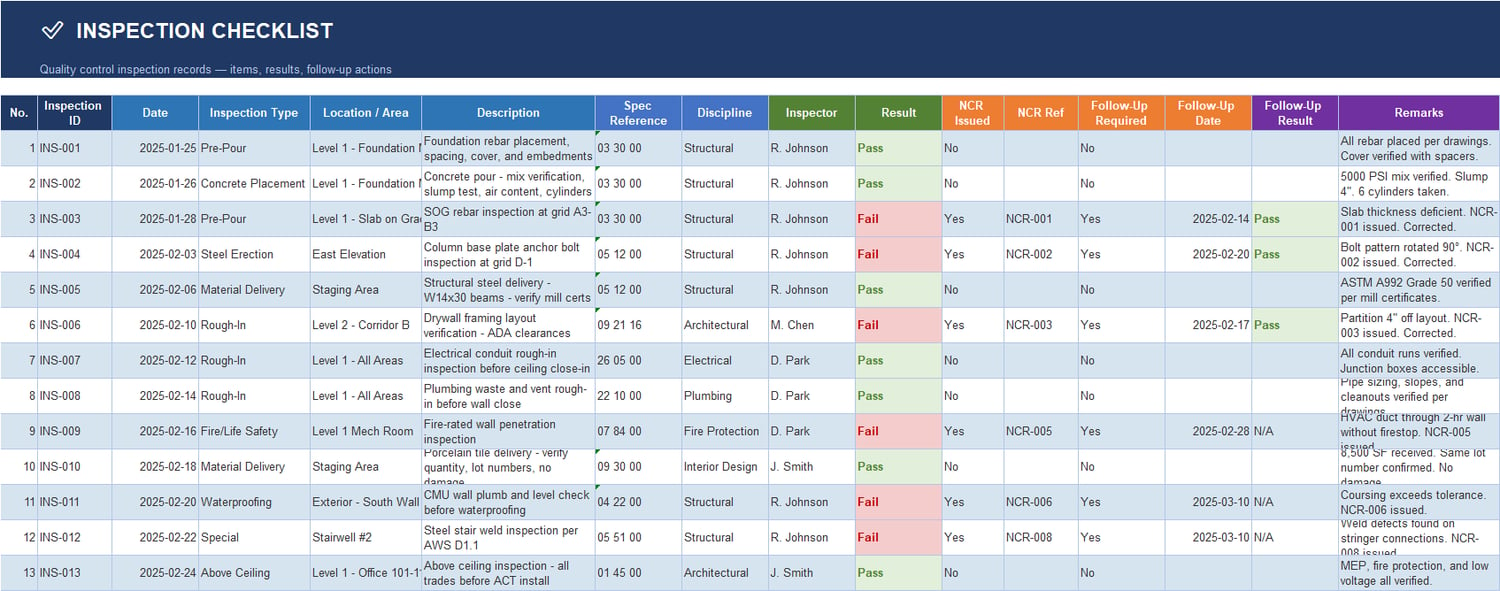
7) Inspection Checklist
Records QC inspections with outcomes and follow-up:
- Inspection type, location, discipline
- Inspector and result
- NCR issued/reference
- Follow-up required and close date
- Remarks and action tracking
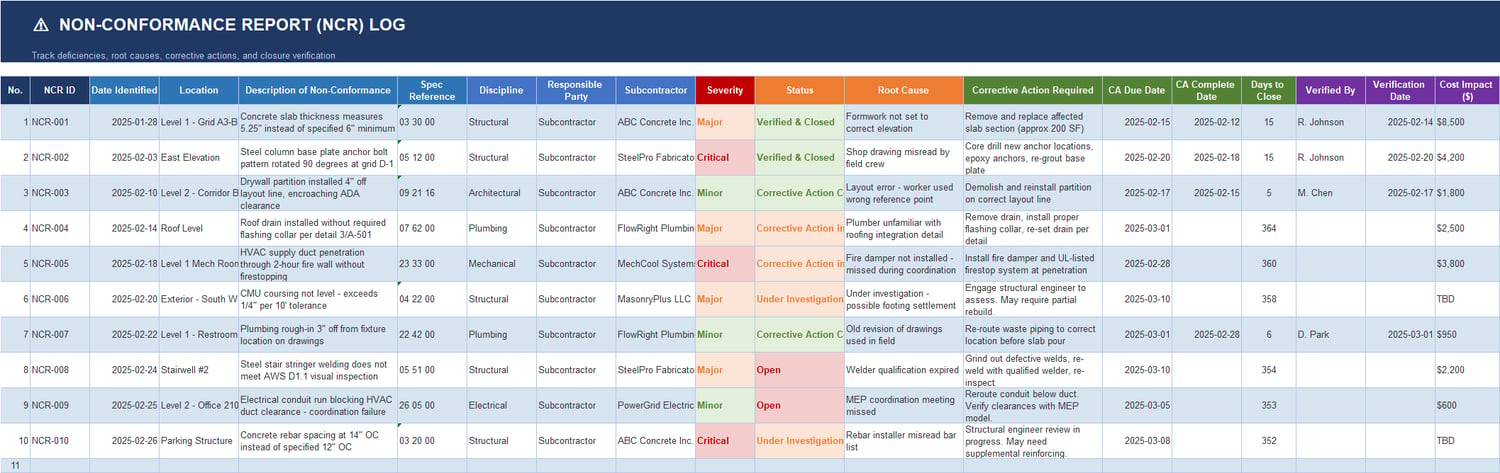
8) Non-Conformance Report (NCR) Log
Manages deficiencies and corrective actions:
- NCR ID and severity
- Root cause
- Corrective action required
- Due date and closure date
- Verification details
- Cost impact visibility
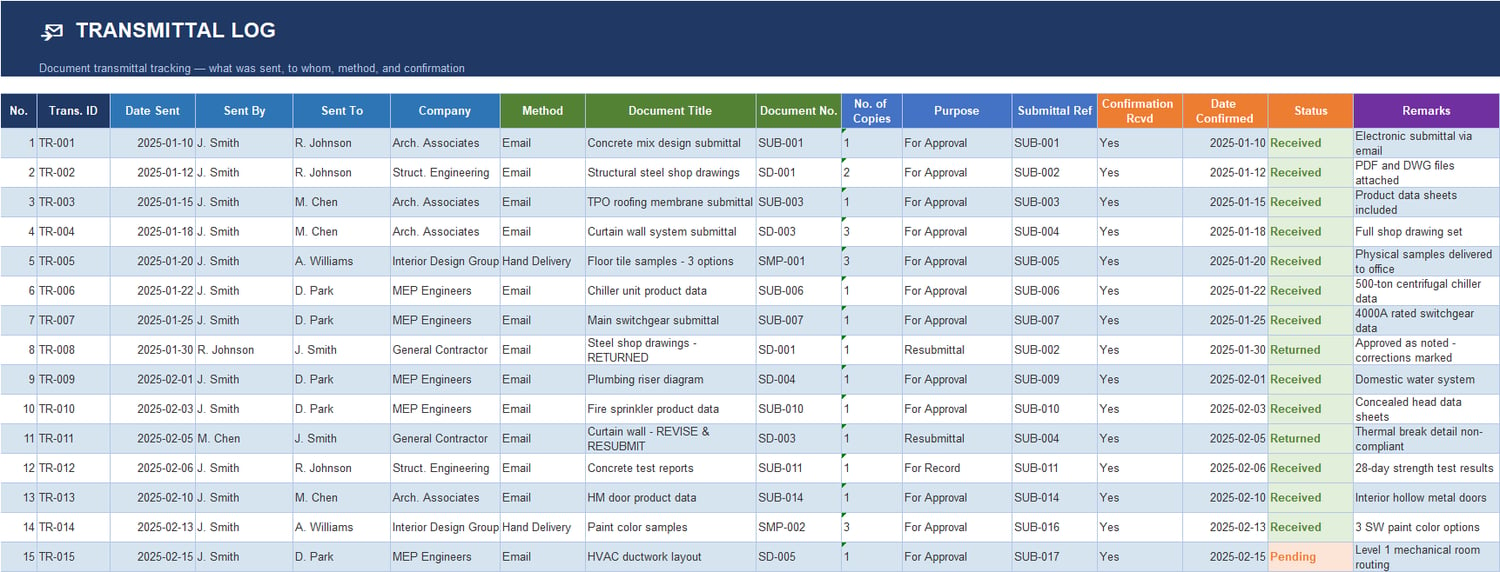
9) Transmittal Log
Formal tracking of document transmittals:
- Sent by/to/company
- Method and purpose
- Submittal reference
- Confirmation and return status
- Remarks and record history
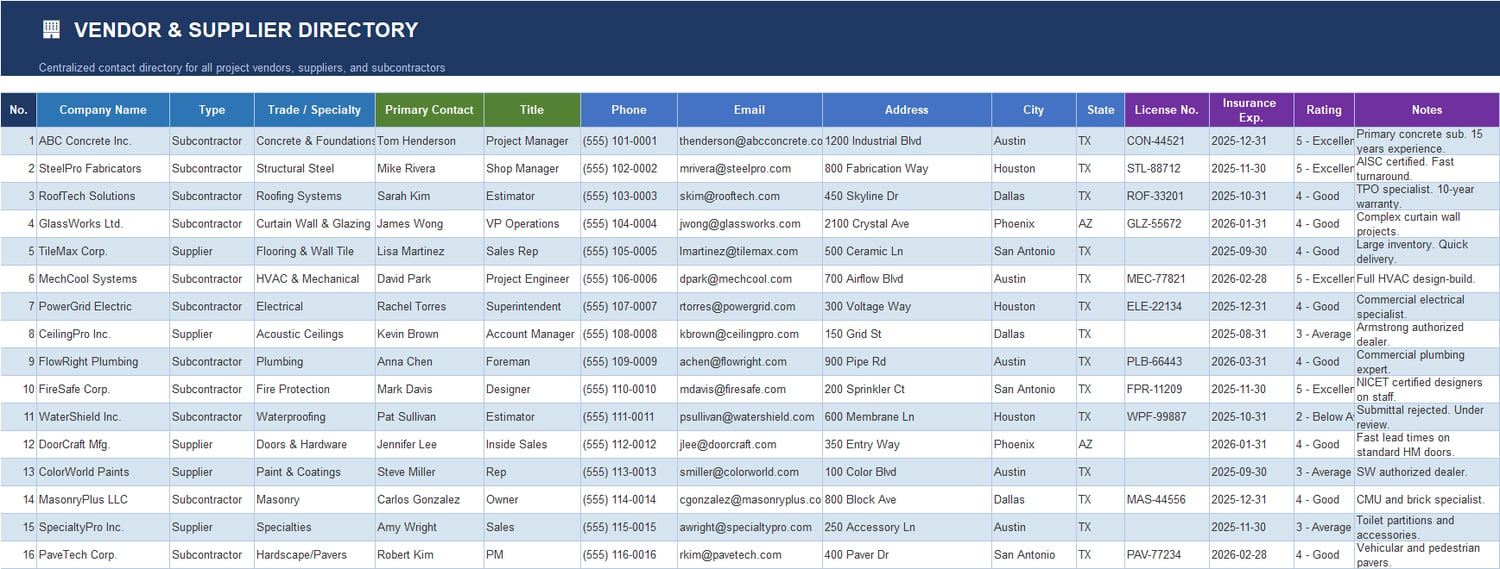
10) Vendor & Supplier Directory
A practical contact and compliance database:
- Company details and trade specialty
- Primary contacts and communication data
- License and insurance expiry
- Performance rating and notes
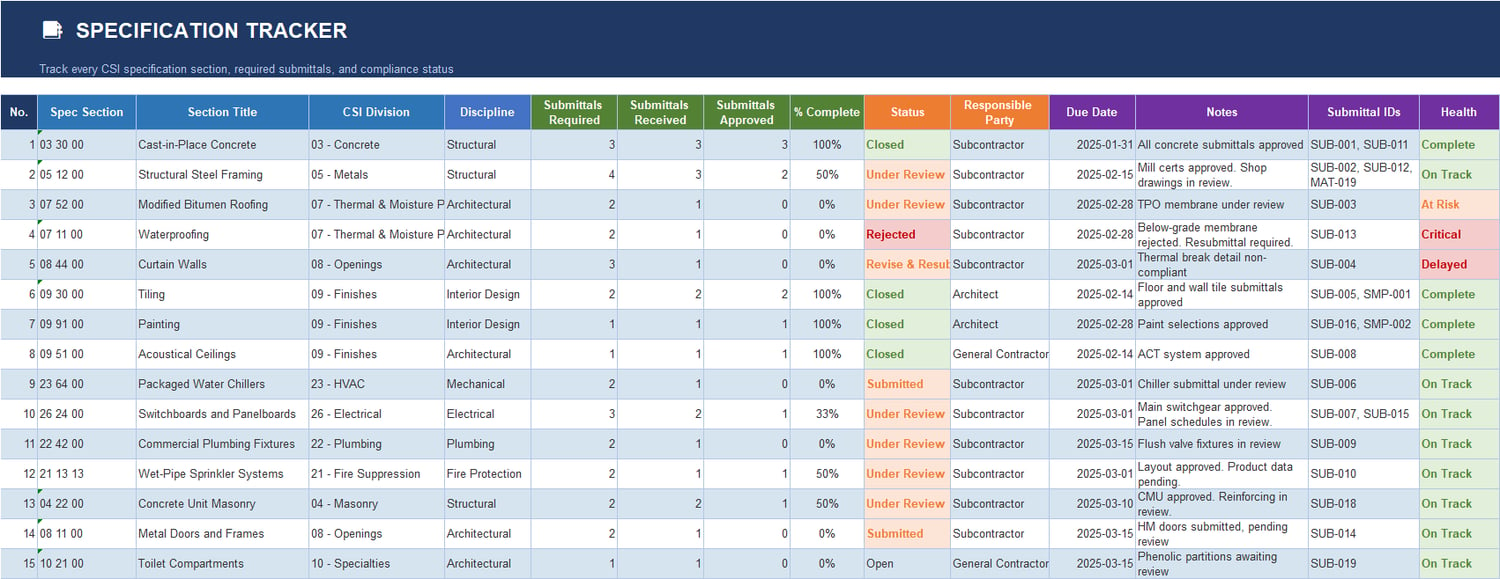
11) Specification Tracker
Tracks specification section compliance:
- CSI sections and discipline
- Required vs received vs approved submittals
- % completion
- Responsible party and due dates
- Status and health indicators
Built-In Features
The workbook is designed to be plug-and-play for professional teams:
- Pre-built table structures for fast implementation
- Dropdown menus for consistent status and category control
- Conditional formatting for visual risk detection
- Auto-calculated fields (days in review, completion rates, counts, etc.)
- Status and health logic to flag pending, delayed, rejected, and critical items
- Dashboard-linked reporting for management meetings and progress reviews
Best Use Cases
This template is ideal for:
- General contractors managing multi-trade submissions
- Subcontractors needing structured consultant/owner coordination
- PM consultants creating transparent document control systems
- Site engineers handling approvals, RFIs, and quality closure
- Teams preparing for audits, claims defense, and closeout documentation
It works especially well for commercial, mixed-use, and infrastructure projects where submittal volume is high and coordination discipline is critical.
Implementation Workflow (Recommended)
To maximize value, use this sequence:
✅ Populate Vendor Directory and Specification Tracker first
✅ Start entries in Submittal Log and Material Approval Log
✅ Track technical clarifications through RFI Log
✅ Manage drawing cycles in Shop Drawing Log
✅ Record field quality in Inspection Checklist and NCR Log
✅ Control official exchanges with Transmittal Log
✅ Review progress weekly from the Project Dashboard
This creates a clean, traceable process from submission through verification and closeout.
Final Value Statement
If your project needs stronger document control, faster technical follow-up, and clearer approval visibility, this template gives you a complete operational framework in one file.
It combines submittal management, quality assurance tracking, and executive reporting into a professional workbook that helps teams reduce delays, improve coordination, and maintain full control across the construction lifecycle.