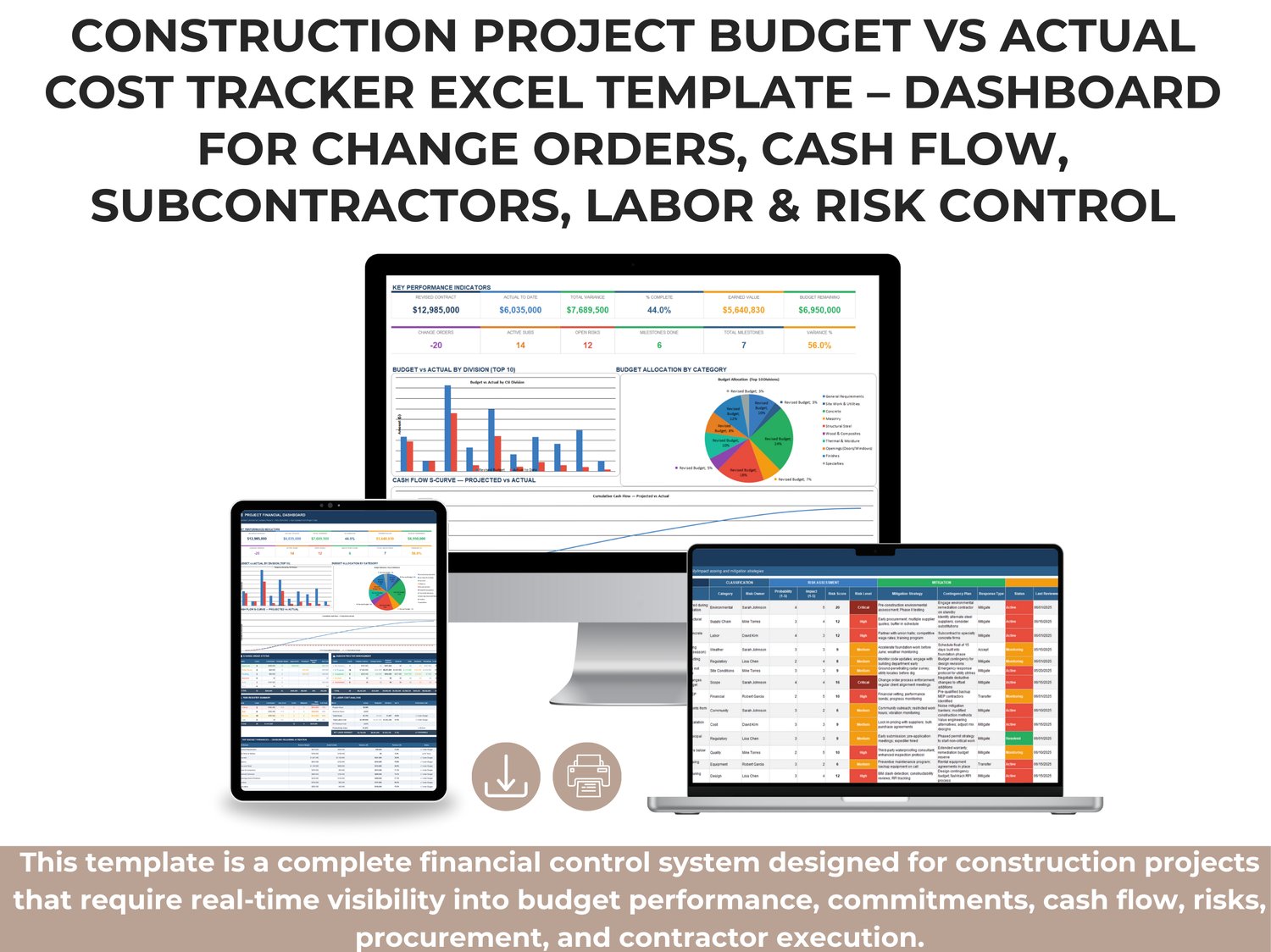
This template is a complete financial control system designed for construction projects that require real-time visibility into budget performance, commitments, cash flow, risks, procurement, and contractor execution.
It centralizes critical cost data into one structured workbook so project managers, cost controllers, and executives can make faster, data-driven decisions.
All sheets are designed to work together through consistent coding structure (CSI divisions, cost codes, and transaction-level inputs), allowing dashboards and summaries to update automatically as data is entered.
What This Template Helps You Do
✅ Track original, revised, and approved budgets by CSI division and detailed line item
✅ Compare Budget vs Actual vs Committed costs in one view
✅ Monitor monthly cash flow projection vs actual spending
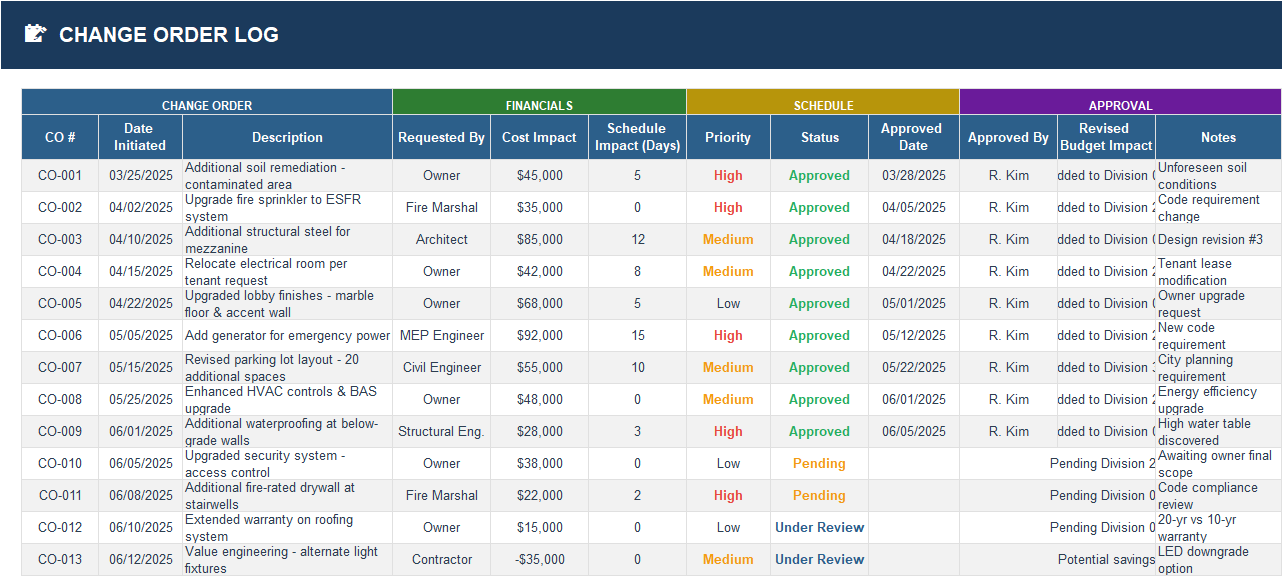
✅ Log and control change orders with cost and schedule impacts
✅ Manage subcontractor contracts, payments, retention, and balances
✅ Track material purchasing and delivery status
✅ Analyze labor hours, rates, productivity, and labor cost variance
✅ Maintain a live risk register with impact scoring and mitigation plans
✅ Follow milestones and schedule performance to connect time and money
✅ Generate executive-ready reporting through the main financial dashboard
Sheet-by-Sheet Overview
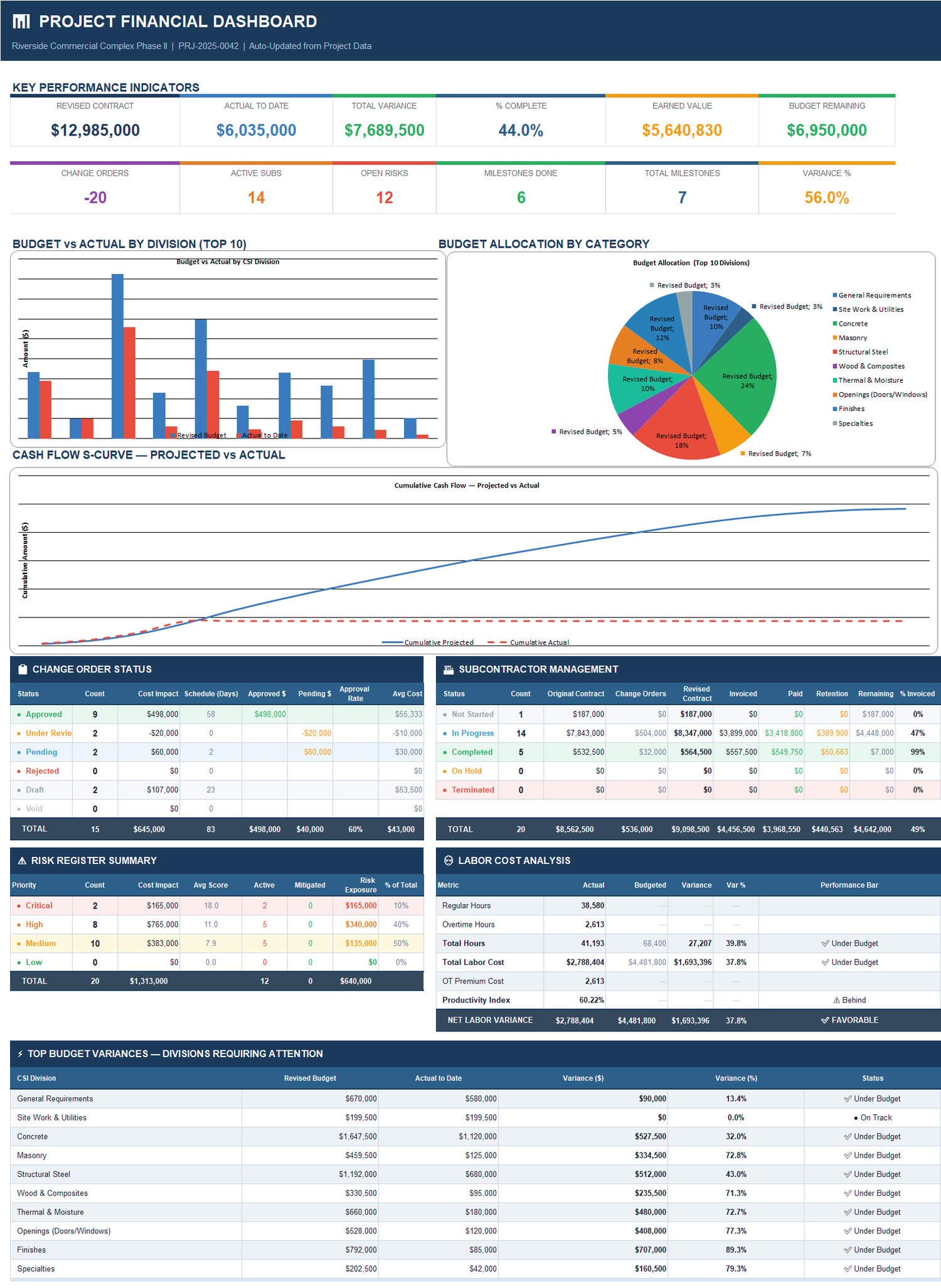
1) Project Financial Dashboard (Main Dashboard)
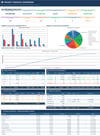
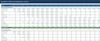
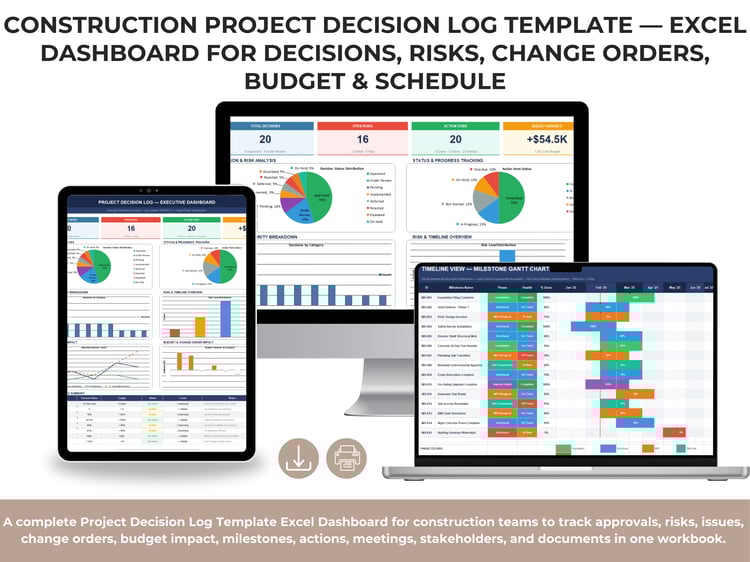
The command center of the workbook. It consolidates KPI cards, budget distribution visuals, budget vs actual charts, S-curve cash flow, and operational summaries (change orders, subcontractors, risks, labor, and top variance divisions).
This sheet is built for leadership reviews and weekly/monthly financial status reporting.
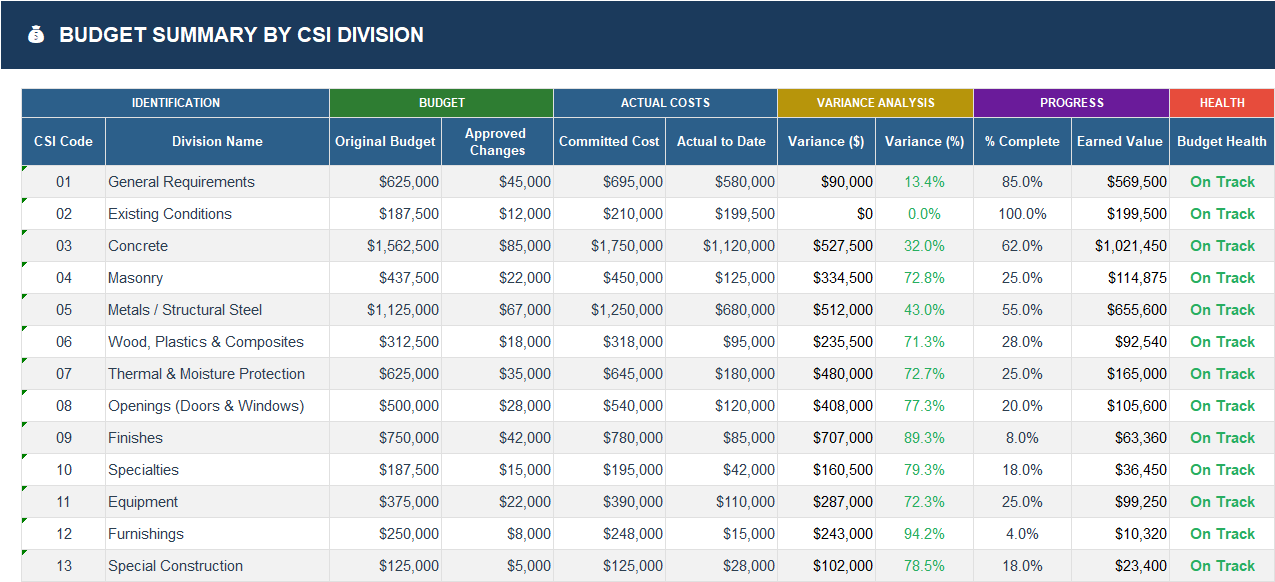
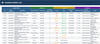
2) Budget Summary by CSI Division
High-level financial control by division with:
- Original Budget
- Approved Changes
- Committed Cost
- Actual to Date
- Variance ($ and %)
- Percent Complete
- Earned Value
- Budget Health status
Use this sheet to identify which divisions are under pressure and where financial attention is needed first.
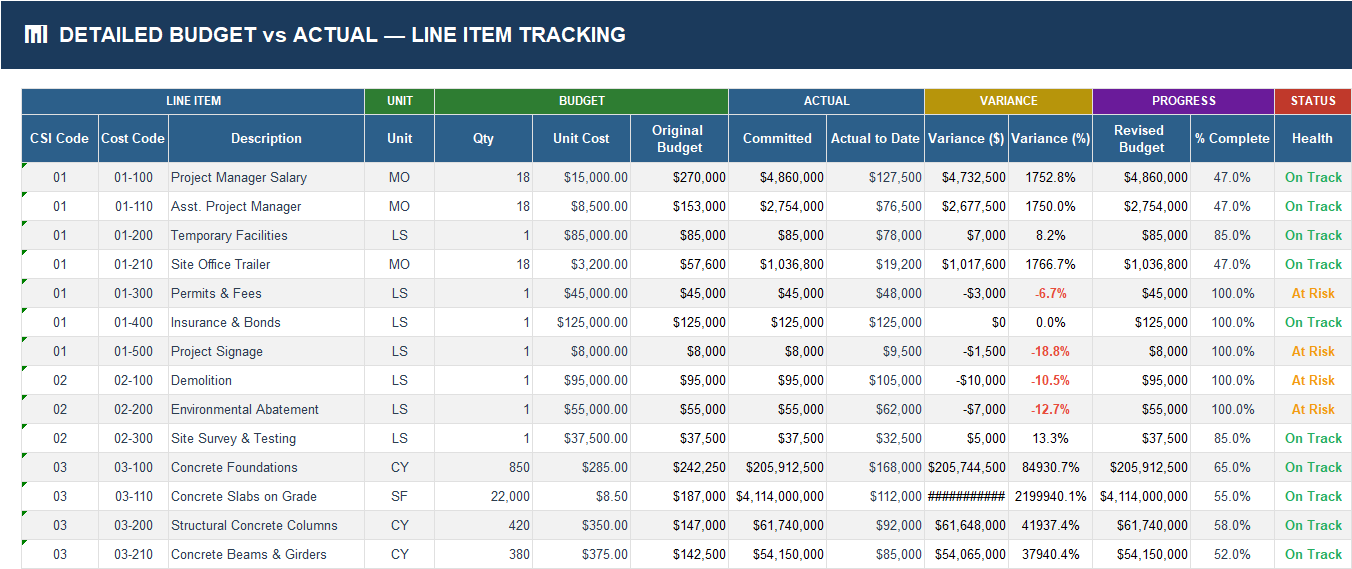
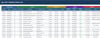
3) Detailed Budget vs Actual — Line Item Tracking
Granular control at cost-code level.
Tracks quantities, unit costs, committed and actual amounts, variance, revised budget, and progress percentages for each line item.
Ideal for cost engineers and controllers who need traceable details behind division-level summaries.
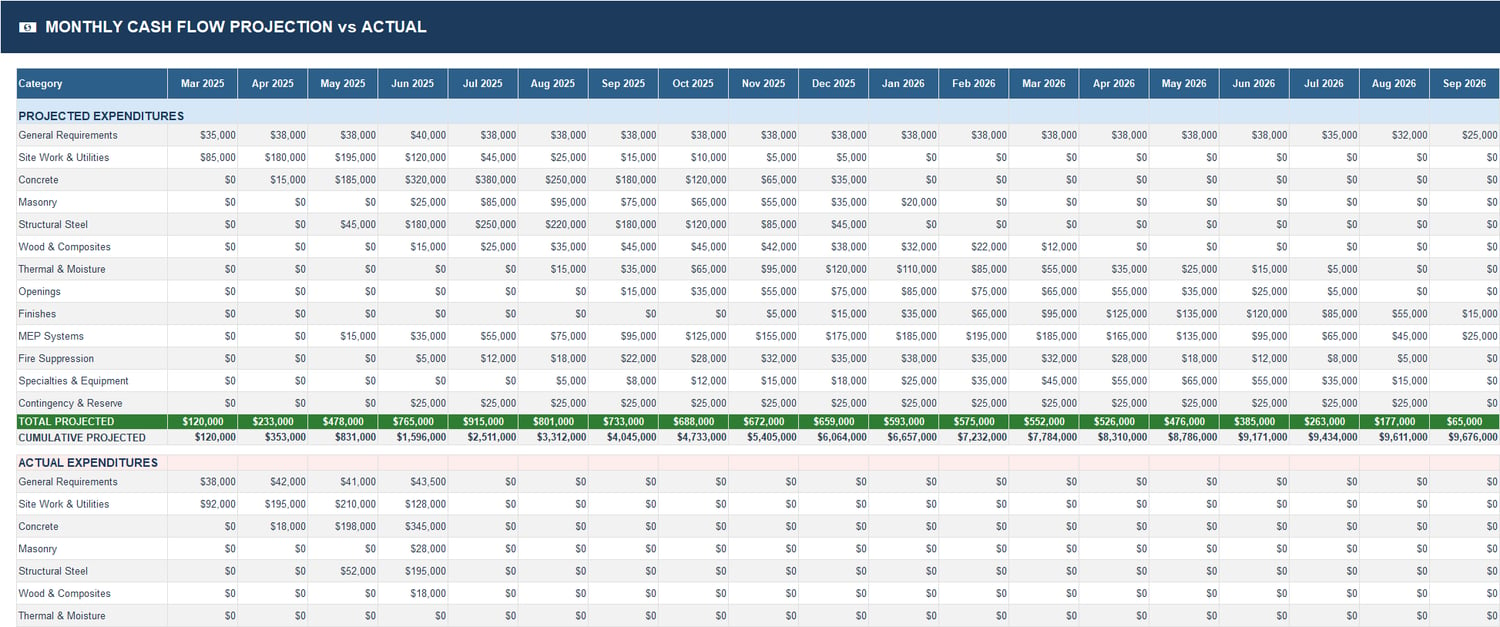
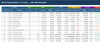
4) Monthly Cash Flow Projection vs Actual
Plans future spending and compares against actual expenditures by month across project categories.
Includes projected totals and cumulative projection logic to support burn-rate monitoring and liquidity planning.
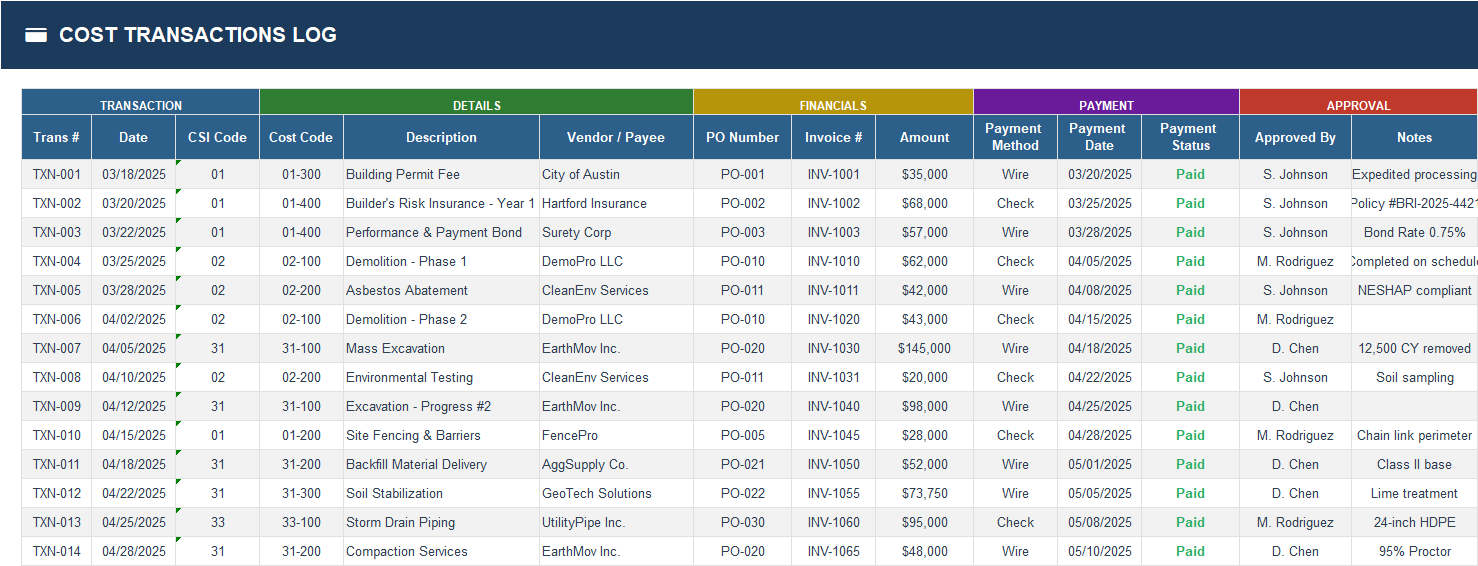
5) Cost Transactions Log
Central transaction ledger for all cost entries.
Capture date, CSI code, cost code, vendor/payee, PO, invoice, payment method, payment status, and approval details.
This log provides auditability and feeds cost visibility across the workbook.
6) Change Order Log
Structured register for all change orders with:
- Initiation date and description
- Requesting party
- Cost impact
- Schedule impact (days)
- Priority and status
- Approval metadata and notes
Helps teams control scope drift while maintaining a documented financial and schedule impact trail.
7) Subcontractor Cost Tracker (New Section)
A dedicated subcontractor control sheet for contract and payment governance.
Tracks each subcontractor from award through invoicing and closeout with the following core fields:
- Original Contract
- Change Orders
- Revised Contract
- Invoiced to Date
- Paid to Date
- Retention %
- Retention Held
- Remaining Balance
- % Invoiced
- Status (Not Started / In Progress / Completed)
This section is especially useful for controlling exposure across multiple active subcontract packages.
It allows you to quickly detect:
- packages nearing overbilling,
- unpaid liabilities,
- retention obligations still held,
- and subcontractors with low billing progress versus schedule.
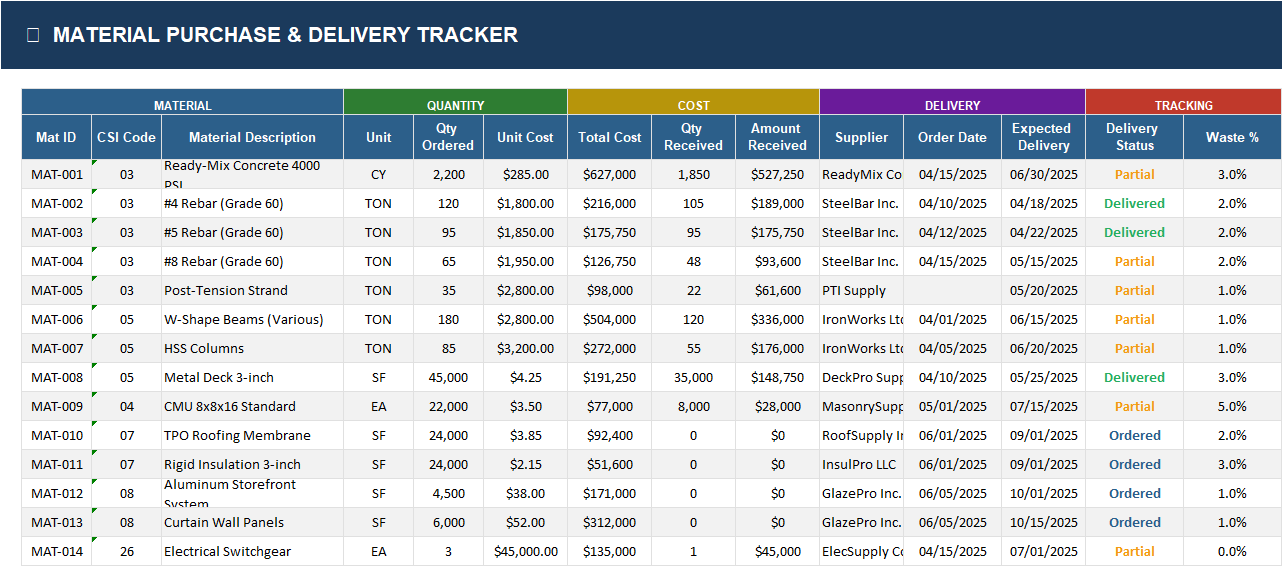
8) Material Purchase & Delivery Tracker
Monitors material procurement pipeline from order to receipt:
- ordered quantities and unit cost,
- total committed cost,
- quantities/amounts received,
- supplier,
- expected vs actual delivery status,
- waste tracking.
Supports procurement control and helps reduce schedule risk caused by delayed or partial deliveries.
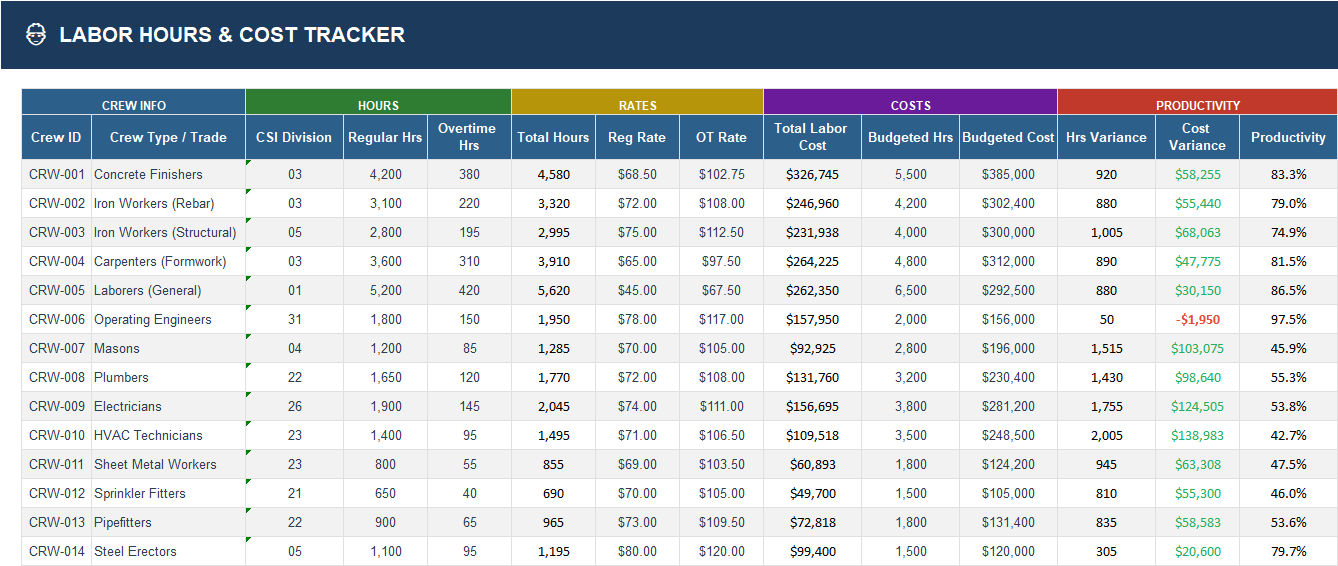
9) Labor Hours & Cost Tracker
Labor performance and cost sheet by crew/trade:
- regular and overtime hours,
- loaded labor rates,
- total labor cost,
- budgeted hours/cost,
- hour and cost variance,
- productivity %
Useful for workforce planning and early detection of labor overruns.
10) Milestone Tracker
Tracks key milestones, owners, start/finish plans, actual completion, dependencies, and schedule variance days.
Connects schedule progress with cost control so teams can evaluate if budget burn aligns with milestone achievement.
11) Risk Register
Financially linked risk management with:
- probability/impact scoring,
- risk level classification,
- mitigation strategy,
- contingency actions,
- cost impact,
- status and review cadence.
Provides forward-looking visibility into potential cost and schedule threats before they materialize.
Why This Template Stands Out
✅ End-to-end coverage: budget planning + execution control + forecasting
✅ Operational + executive alignment: detail sheets for teams, summary views for management
✅ Decision-ready outputs: variance flags, KPI summaries, and health indicators
✅ Audit-friendly structure: every dollar can be traced through logs and trackers
✅ Scalable design: suitable for medium and large construction projects
Quick Start Guide
Use this sequence to start immediately:
➡️ Step 1: Set baseline budgets
Fill division budgets and detailed line items (CSI + cost codes).
➡️ Step 2: Enter transactions weekly
Log committed and actual costs in the Cost Transactions sheet.
➡️ Step 3: Update change orders
Record approved/pending COs and their cost/schedule impacts.
➡️ Step 4: Track subcontractors
Update invoices, payments, retention, and status in Subcontractor Cost Tracker.
➡️ Step 5: Manage materials and labor
Capture deliveries, crew hours, productivity, and variances.
➡️ Step 6: Review cash flow monthly
Compare projection vs actual and adjust forecasts.
➡️ Step 7: Maintain risk and milestone status
Keep mitigation and schedule progress current.
➡️ Step 8: Read dashboard for decisions
Use the main dashboard to prioritize actions and report performance.
Best-Fit Users
- Construction Project Managers
- Cost Controllers / Quantity Surveyors
- PMO and Program Controls Teams
- General Contractors and Owners’ Representatives
- Finance & Commercial Managers for capital projects