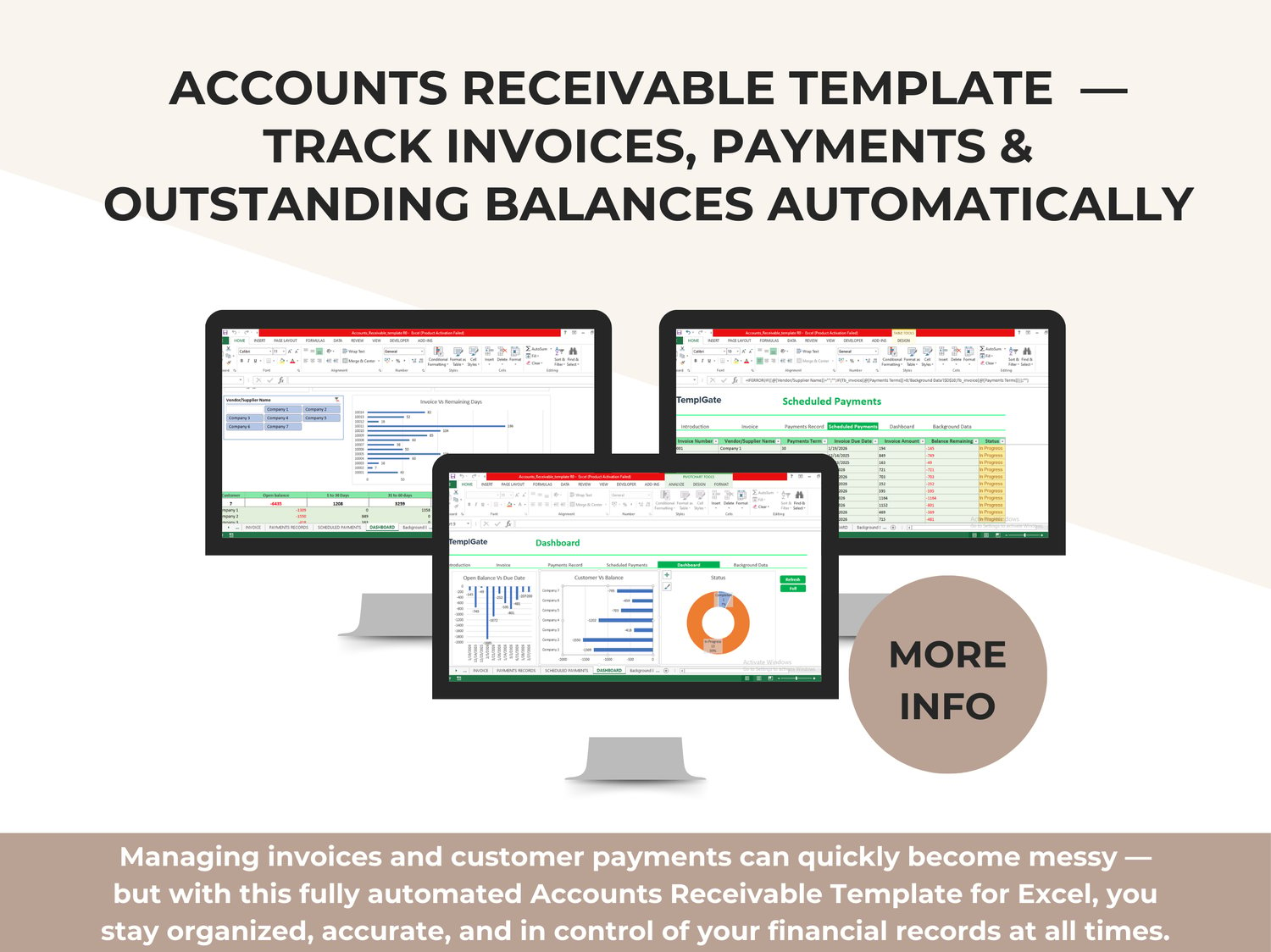
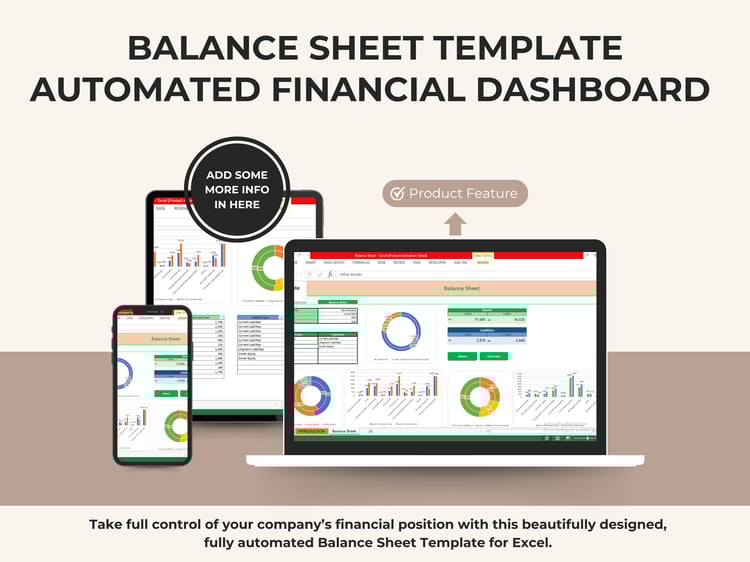
Managing invoices and customer payments can quickly become messy — but with this fully automated Accounts Receivable Template for Excel, you stay organized, accurate, and in control of your financial records at all times.
This professionally designed workbook simplifies the entire accounts receivable cycle:
✔ Recording invoices
✔ Tracking payments
✔ Monitoring overdue balances
✔ Visualizing customer-wise performance
✔ Scheduling future payments
✔ Generating instant dashboards
If you want a clean, structured, and automated system for managing customer payments, this template gives you everything you need.
What This Template Helps You Do
This all-in-one accounts receivable system allows you to:
✔ Record invoices with automatic due dates
✔ Track partial or full payments over time
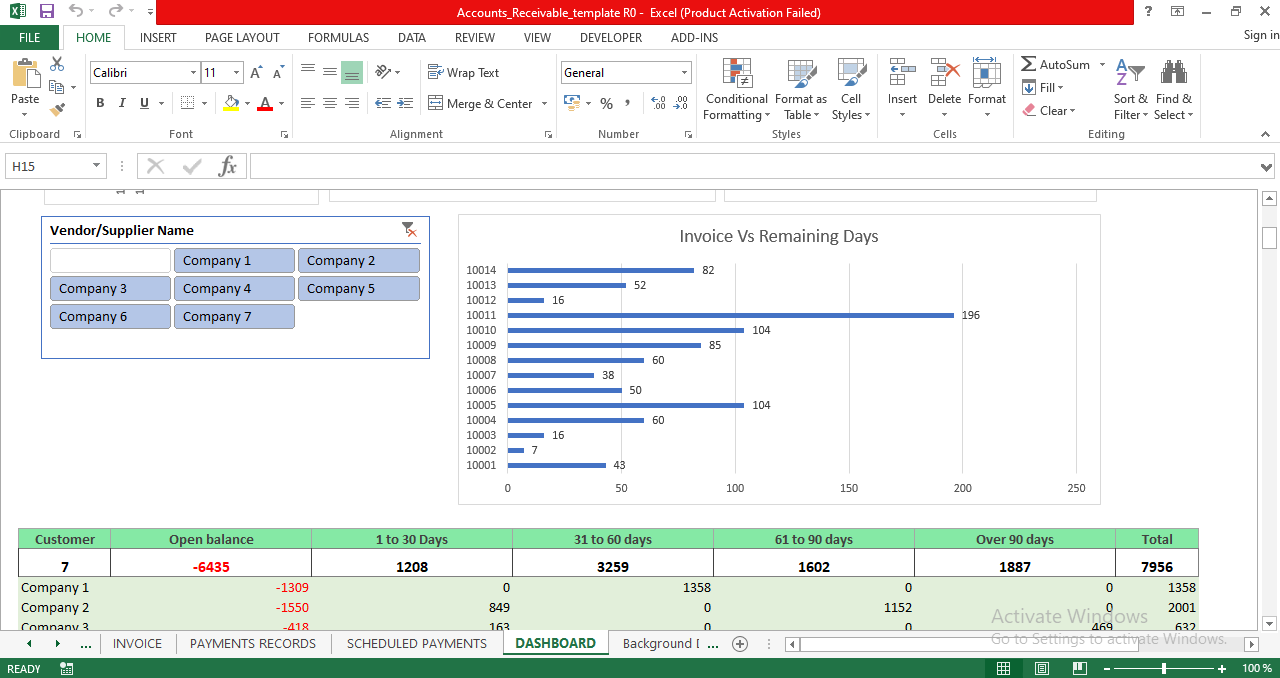
✔ View real-time customer balance summaries
✔ Monitor overdue invoices and remaining days
✔ Generate clean dashboards with charts and insights
✔ Identify customers with the highest outstanding amounts
✔ Schedule payments and automatically calculate balances
✔ Keep all data perfectly organized in one Excel file
Everything updates instantly using built-in formulas — no manual calculations required.
Inside the Template — Professionally Built Modules
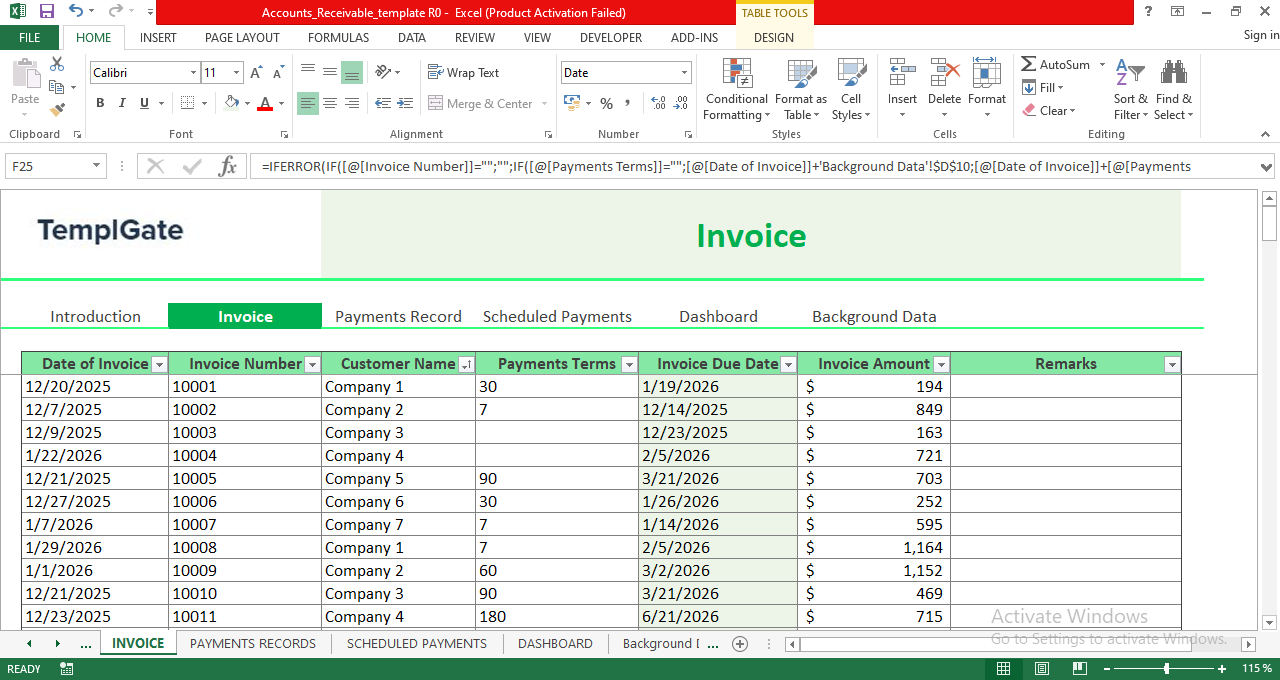
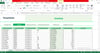
✔ Invoice Sheet (Data Entry)
– Enter invoice dates, customer names, payment terms, due dates, and amounts
– Automatic due-date calculation
– White cells are editable; green cells contain formulas
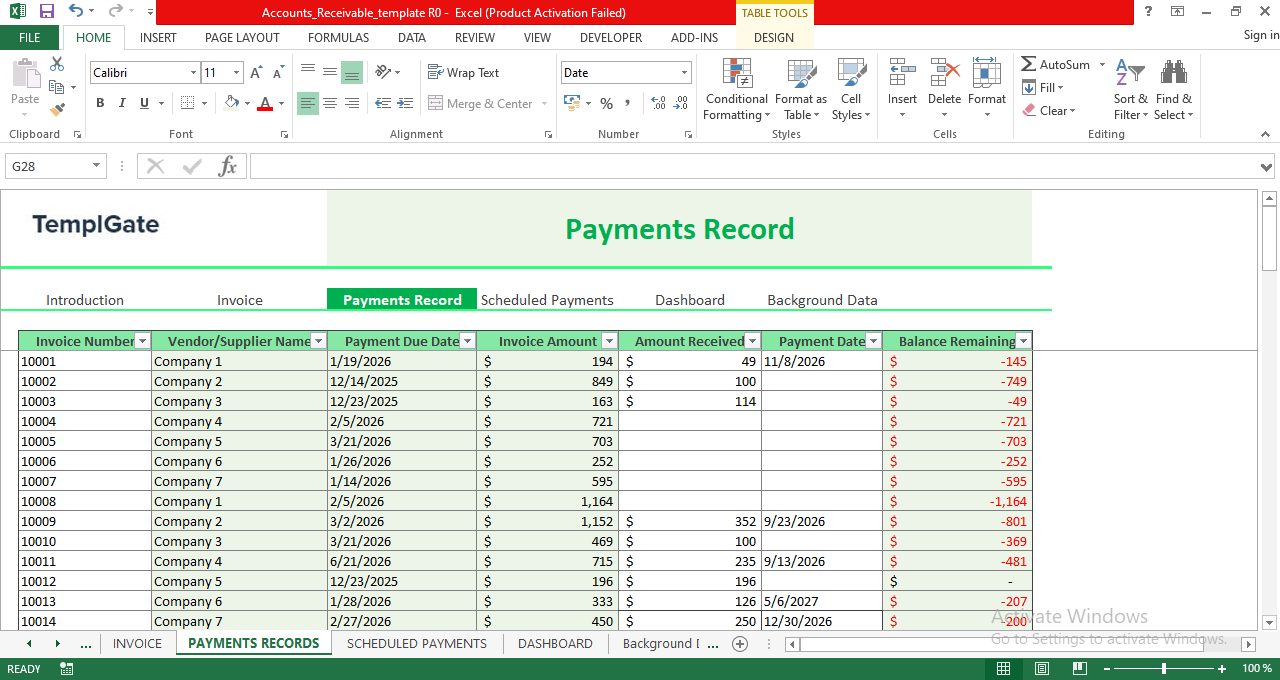
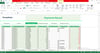
✔ Payments Record Sheet
– Log received payments with date and amount
– Automatically computes remaining balance
– Dropdown list ensures accurate invoice selection
– Prevents errors when updating partial payments
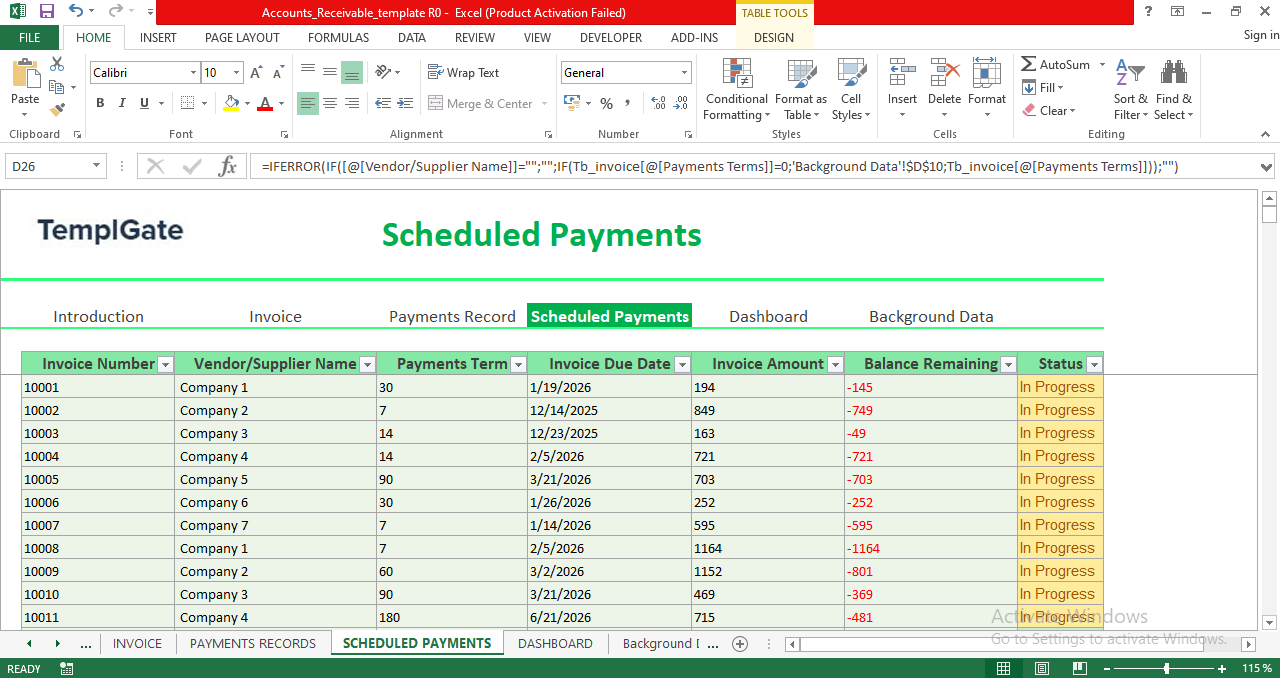
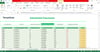
✔ Scheduled Payments Sheet
– View all upcoming or pending payments
– Payment status updates automatically
– Helps you monitor expected cash inflow
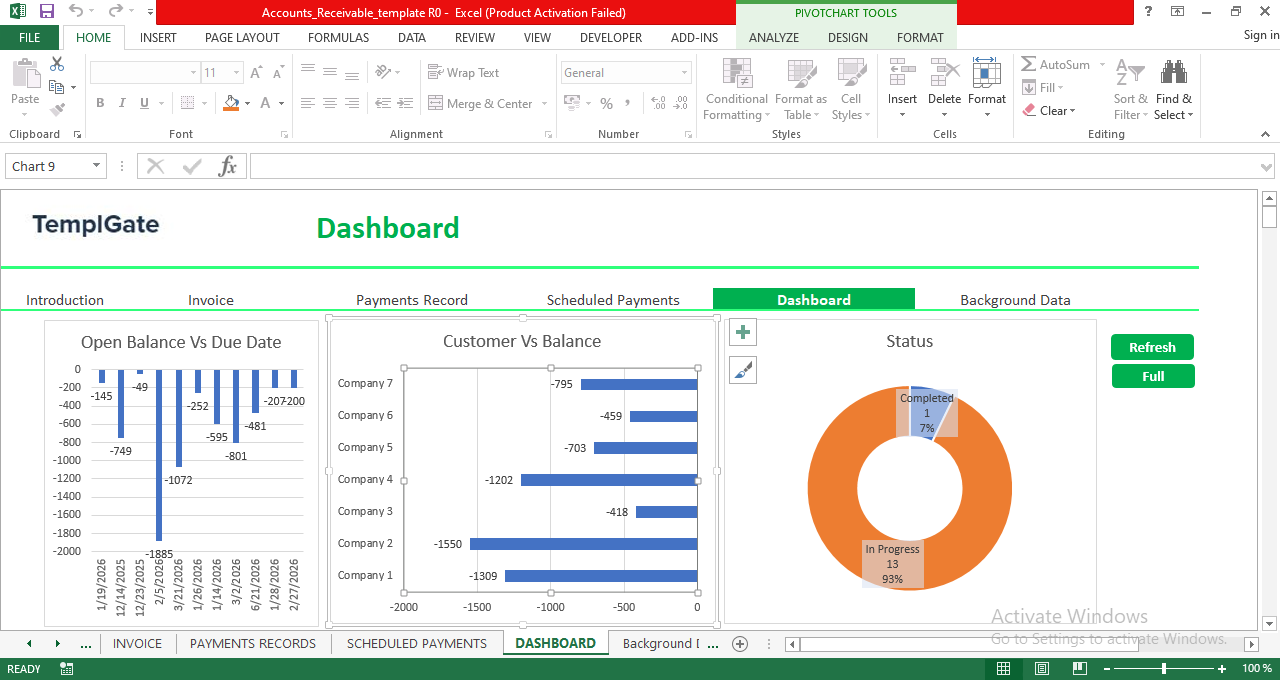
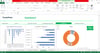
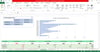
✔ Interactive Dashboard
Includes dynamic charts such as:
– Open Balance vs Due Date
– Customer vs Balance
– Status Overview (Completed vs In-Progress)
– Invoice vs Remaining Days
– Customer performance filters
Instantly see which customers are overdue, how much is outstanding, and which payments need attention.
✔ Background Data (Automations & Logic)
– Preconfigured formulas
– Supports dropdowns and calculations
– Should not be modified unless you know Excel automation
Why This Template Is a Must-Have
Managing accounts receivable with scattered sheets or manual tracking leads to errors and missed payments.
This template solves that by providing:
✔ A complete receivables system in one file
✔ Accurate automated formulas
✔ Zero coding or advanced Excel knowledge required
✔ Clean structure with protected formula zones
✔ Ready-to-use dashboards for reporting
Perfect for small businesses, freelancers, accountants, finance teams, and anyone who wants a reliable A/R management solution.
Important Notes
– Random sample data is included for illustration — delete or replace it easily
– Only enter data in white cells
– Light green cells contain formulas and should not be overwritten
The template is fully optimized for smooth and error-free usage.
Final Note
This Accounts Receivable Excel Template gives you complete visibility into your invoices, payments, and outstanding balances — all automated, all in one place.
It’s the simplest way to stay organized and get paid faster.
👉 Get your copy today and take control of your receivables with confidence.